DEVO-7 Page 119 of 170
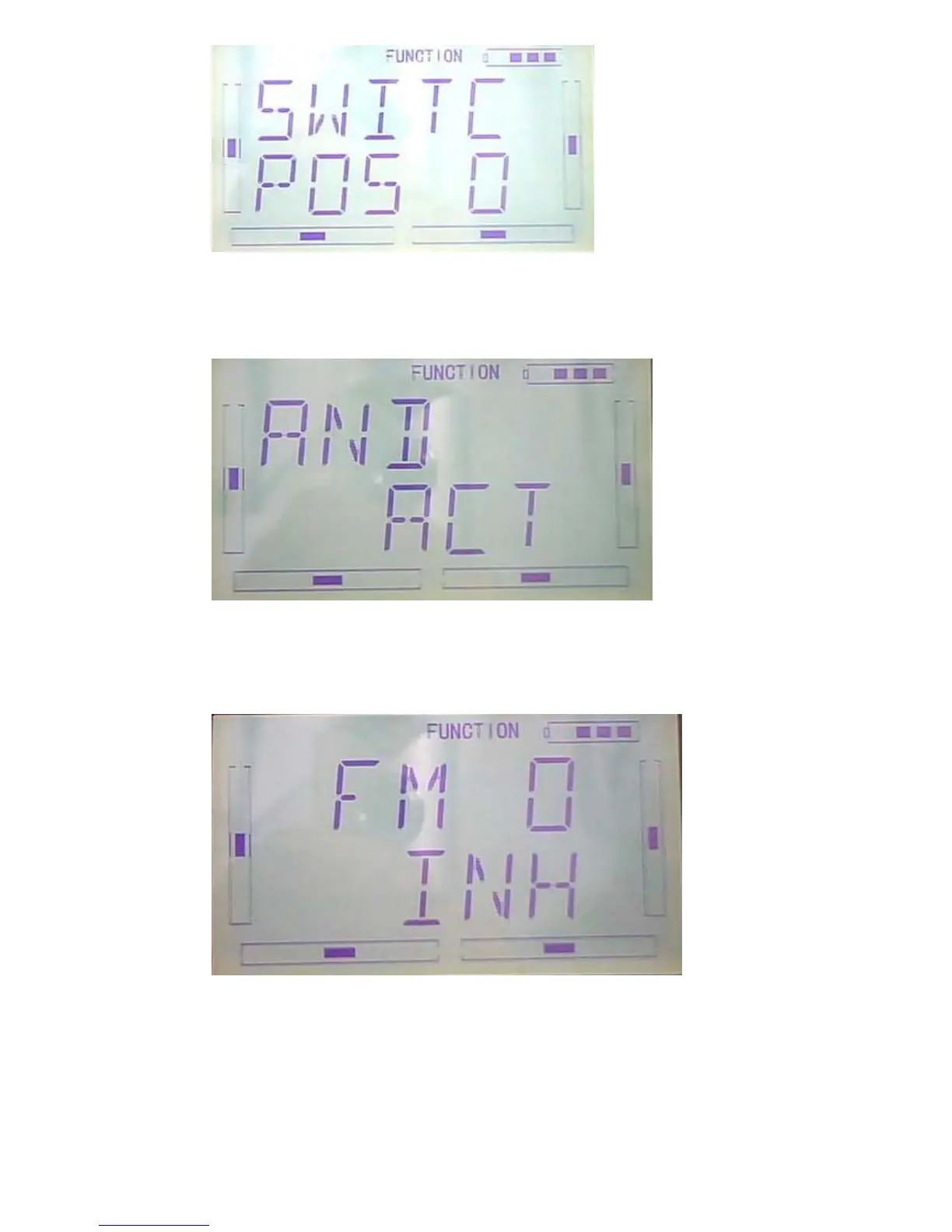
Press ENT to enter into LOGIC interface, there are inhabit and activate option, press
R to choose inhabit and L to choose activate. It’s ok to choose activate when two or
more switches are in working,
Press DN to enter into Switch selection interface, there are FM0, FM1, FM2,
FPNRM, FPMID, FPLND, D/R, HOLD and GEAR.
Press UP and DN to choose swtich; Press R to choose activate and L to inhibit.
Press EXT after finish



 To Next Page