DEVO-7 Page 113 of 170
4) Exponential adjustment
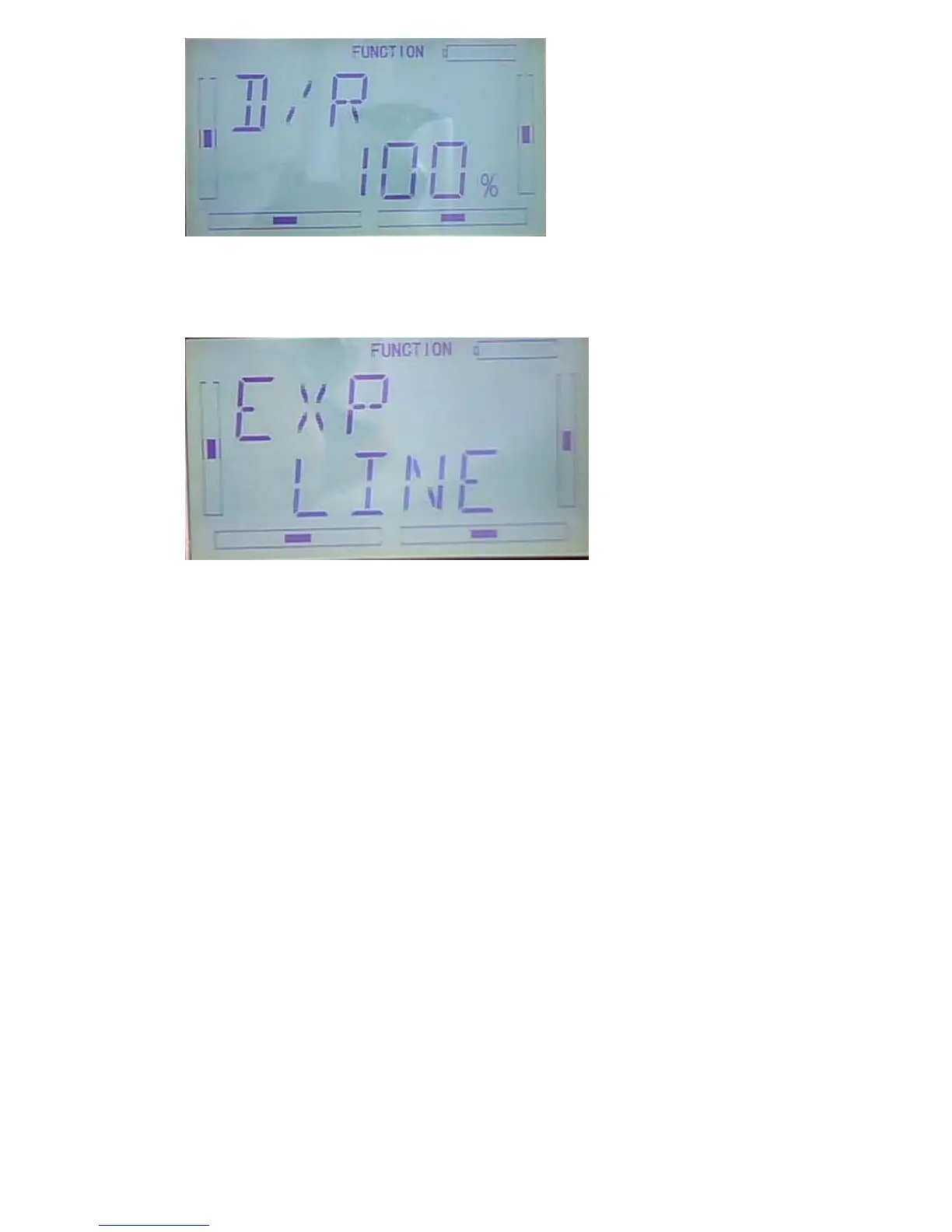
After DUAL RATE adjustment finished, press DN to enter EXP interface. There are
two way of setting: line and adjustable value
5) Automatic setting
The switch between Dual Rate and Exponential can be performed via pushing or
pulling the Flight Mode lever. The setting for Flight mode0,Flight mode 1 and Flight
mode2 are available. This function will become available only when FLIGHT MODE
SWITCH under DEVICE SELECTION in MODEL MENU is activated(refer to 2.8
device selec)
Under Flight Mode, it is possible to switch the dual rate and exponential, which are set
in above “3) Dual Rate adjustment” and “4) Exponential adjustment”, respectively.



 To Next Page