DEVO-7 Page 147 of 170
3.2)Flight mode setting: Auto landing switch can be set in a certain flight mode. This
setting should be previously set in Wing Type at Model Menu. Refer to “2.10Wing
Type”.
3.2.1 Flight mode Zero setting:
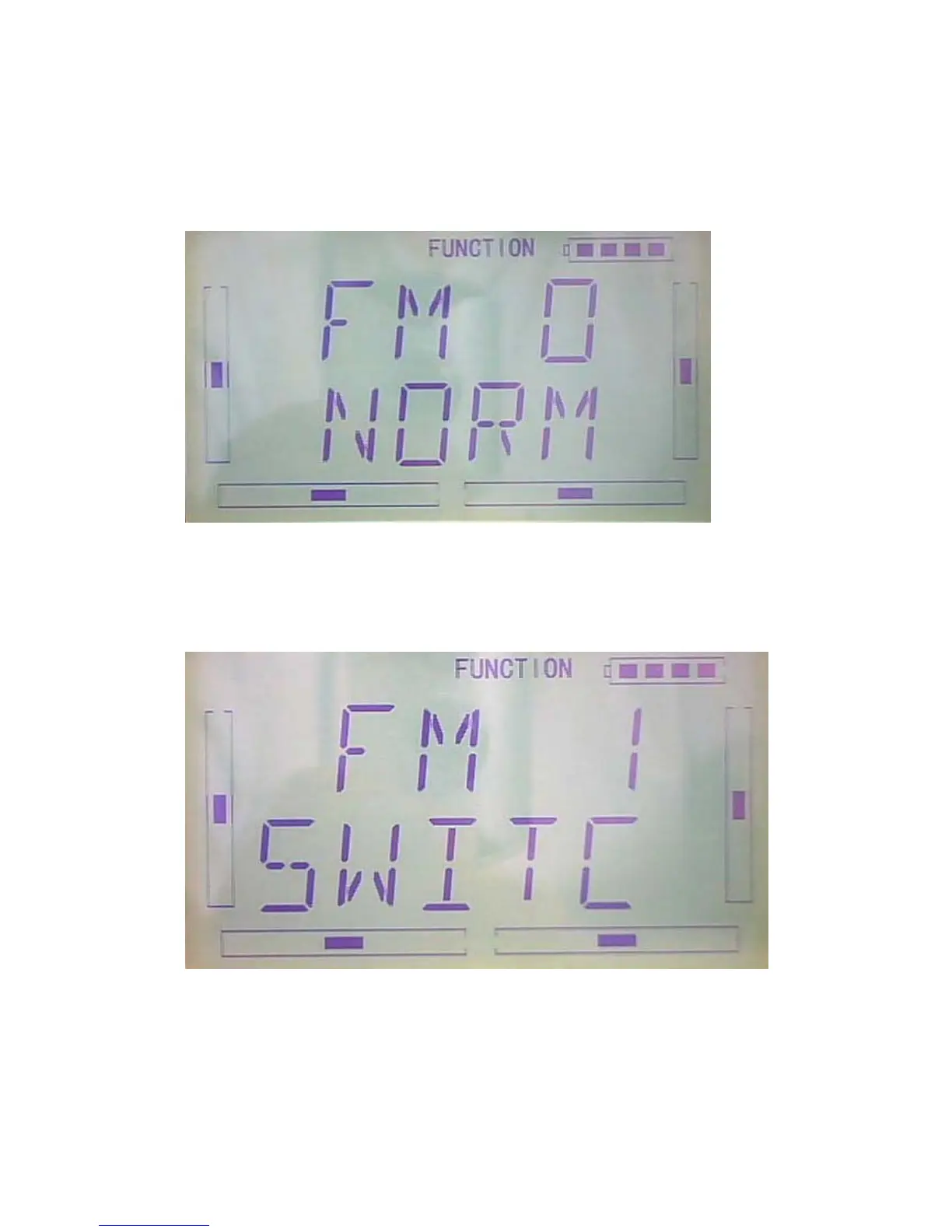
After finished the setting of throttle stick position,press DN to flight mode zero setting
interface,press R or L can select Normal, Midpoint, and Land.“Normal” setting is
manually control.
3.2.3 Flight mode 1 setting: After finished the setting of flight mode zero
setting,press DN to flight mode--setting interface,press R or L can select Normal,
Midpoint, and Land.“Normal” setting is manually control.
3.2.3 Flight mode 2 setting: After finished the Flight mode 1 setting,press DN to flight
mode 2 setting interface,press R or L can select Normal, Midpoint, and Land.“Normal”
setting is manually control.



 To Next Page