DEVO-7 Page 117 of 170
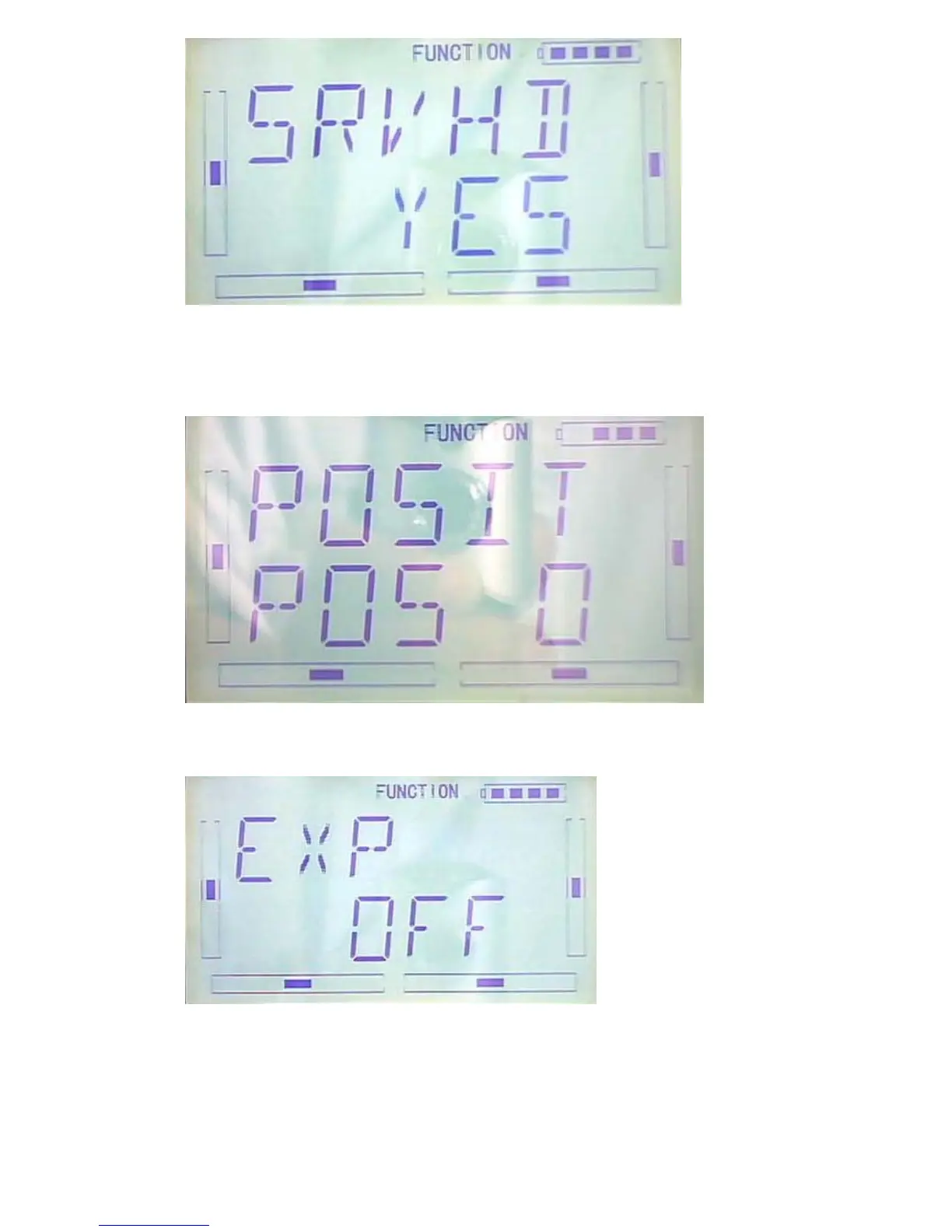
1)Position Setting
Please enter into below interface: press R or L to choose among POS0, POS1 and
POS2
2). Exponiential curve setting: aftger positiong setting is finished, press DN to enter
into inquiring interface, EXP ON or OFF, press R to chose ON, L to choose OFF
3)Point setting: after EXP item setting finished, presss DN, 7POINTS will be shown
and press R or L to choose the point which you want to set. There are 7 points:



 To Next Page