DEVO-7 Page 125 of 170
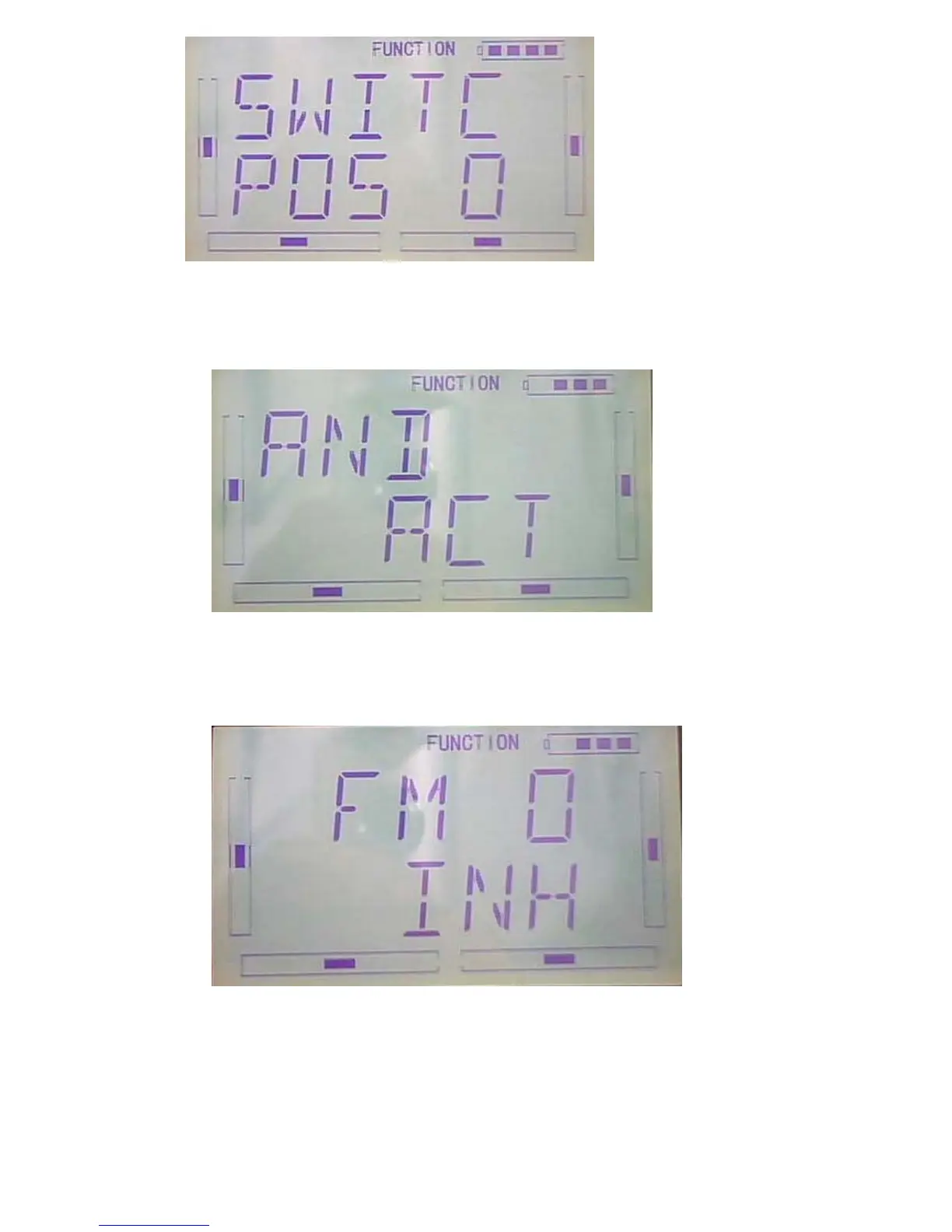
Press ENT to enter “AND” interface, there are ACT and INHIBIT, press R or L to select
inhibit and activitate ,if you select two switches or above ,ACT can be selected.
After setting the above steps,Press DN to appear switch options, there are FM 0、
FM 1、FM 2、FPNRM、FPMID、FPLND、D/R、HOLD、GEAR。
Press UP or DN to select using switch, press R or L to select switch Act or Inhibit.
After settings, press EXT to exit



 To Next Page