DEVO-7 Page 138 of 170
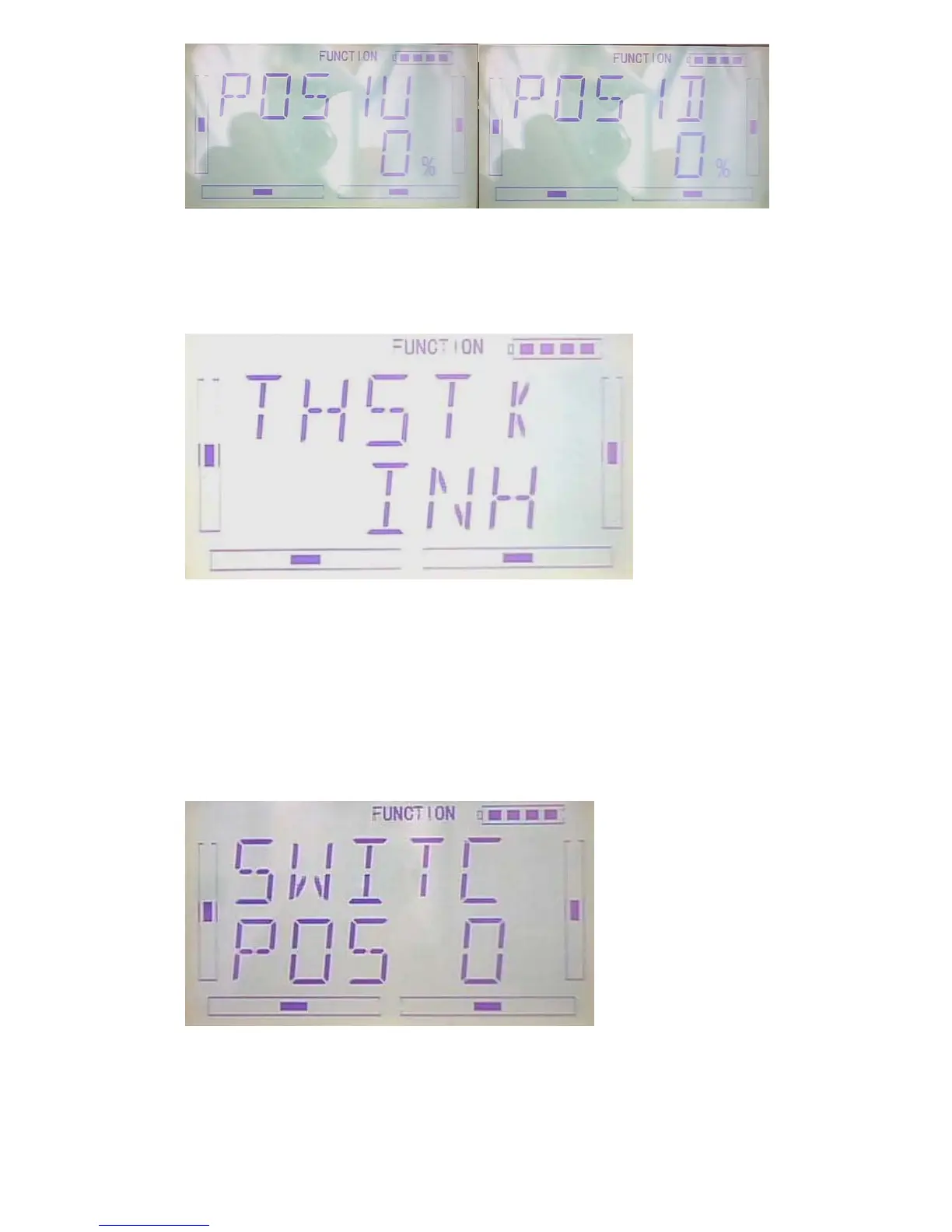
3)throttle stick setting:
After finished the above setting, press DN button to throttle stick setting.
The switch between Pos 0 and Pos 1 can be realized by setting the position of throttle
stick. Press R or L button to set the position amount of throttle stick or inhibit. The
default setting is Inhibit. The adjustable range is 0.0-100.0%.
4)Switch setting
After setting the throttle stick, press DN button to “switch” setting interface. Current
status will be shown.
Press ENT button to “And” interface. There are “inhibit” and “active”. Press R or L to
select the desired one. If two or more switches, “active” should be selected.



 To Next Page