DEVO-7 Page 151 of 170
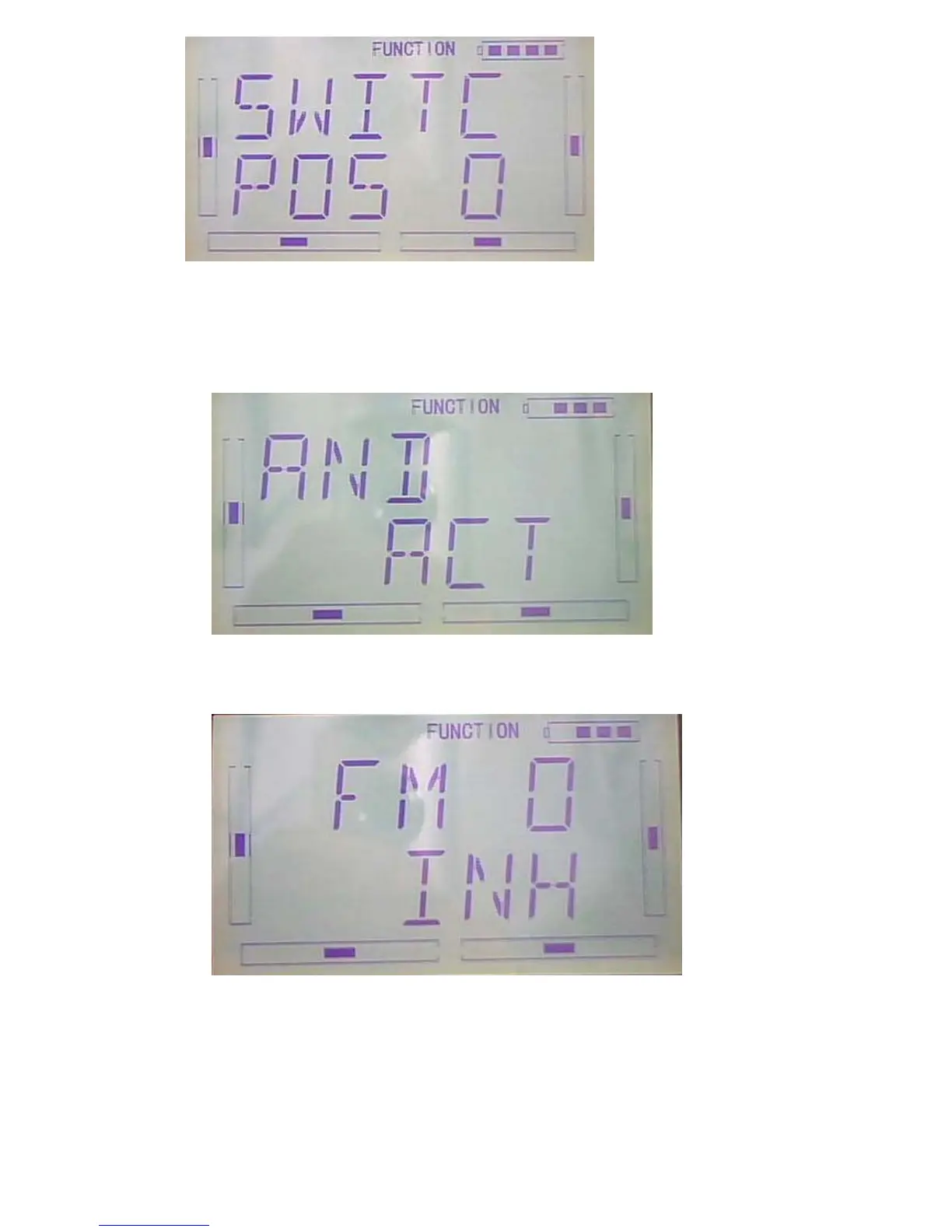
Press ENT to get “and” interface can be choose from Inhibit and Active.Press R or L
choose Inhibit and Active.If choose above two switch(include two switch) can choose
Active.
After finished the above steps, Press DN key will see switch option as follows: FM
0、FM 1、FM 2、FPNRM、FPMID、FPLND、D/R、HOLD、GEAR。
Press UP or DN to choose the available switch,Press R or L can choose Inhibit and
Active,Press EXT after finished.



 To Next Page