DEVO-7 Page 46 of 170
5) Automatic setting
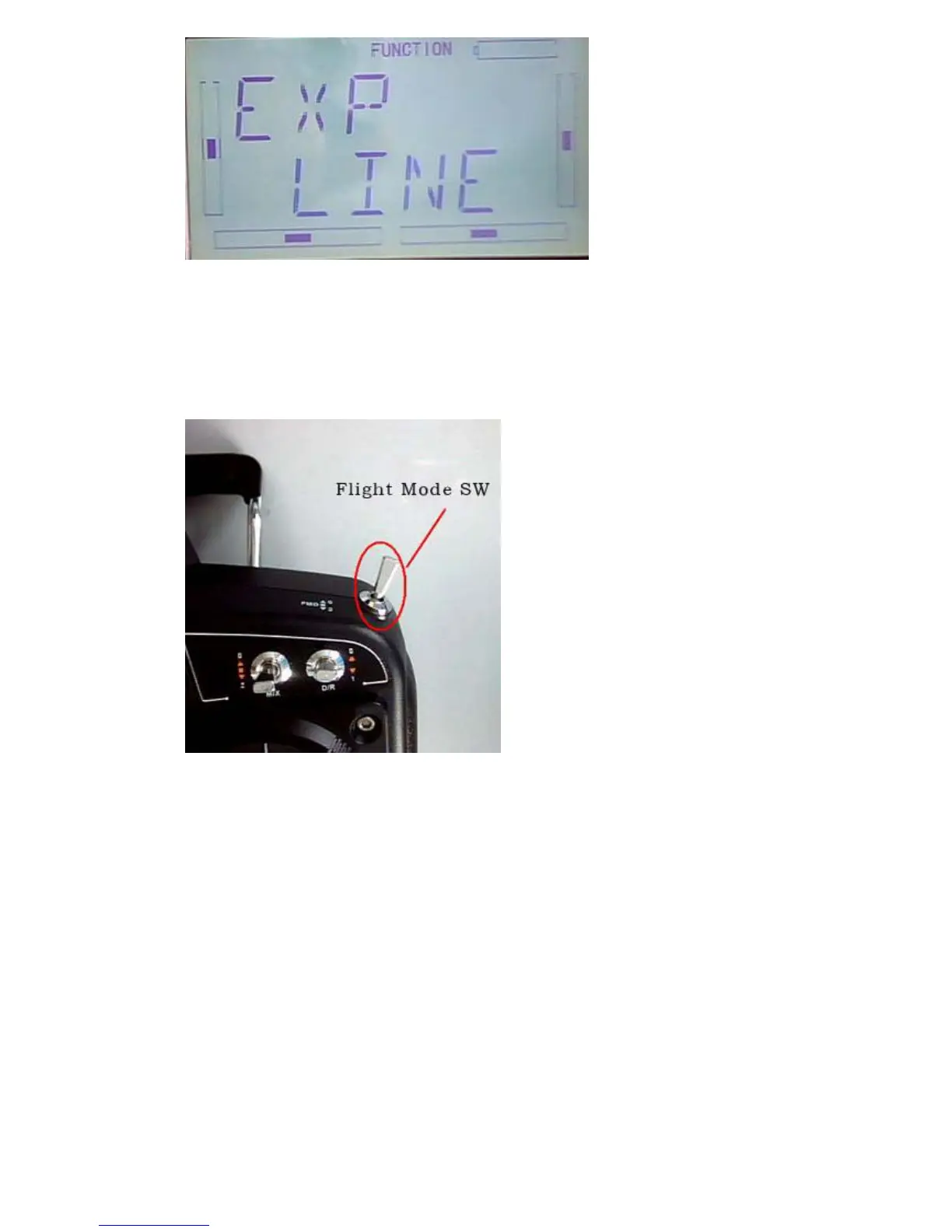
Under working with Flight Mode, it is possible to switch between the dual rate and
exponential, which are set in above 3) Dual Rate adjustment and 4) Exponential
adjustment, respectively.
The settings for Normal Flight, Stunt Flight 1, Stunt Flight 2, Throttle Hold are available.
The Throttle hold state should be “activated” (Refer to aftermentioned”3.5” Throttle
Hold ) in “Throttle Hold”, under “Function Menu”.
After setup the Exponential adjustment, press DN to enter NORM setting interface,
Press R or L to flash “SWITC” (switch), there are opions for POS0,POS1,POS3,POS3.
Press R or L to bink the desired option.



 To Next Page