DEVO-7 Page 56 of 170
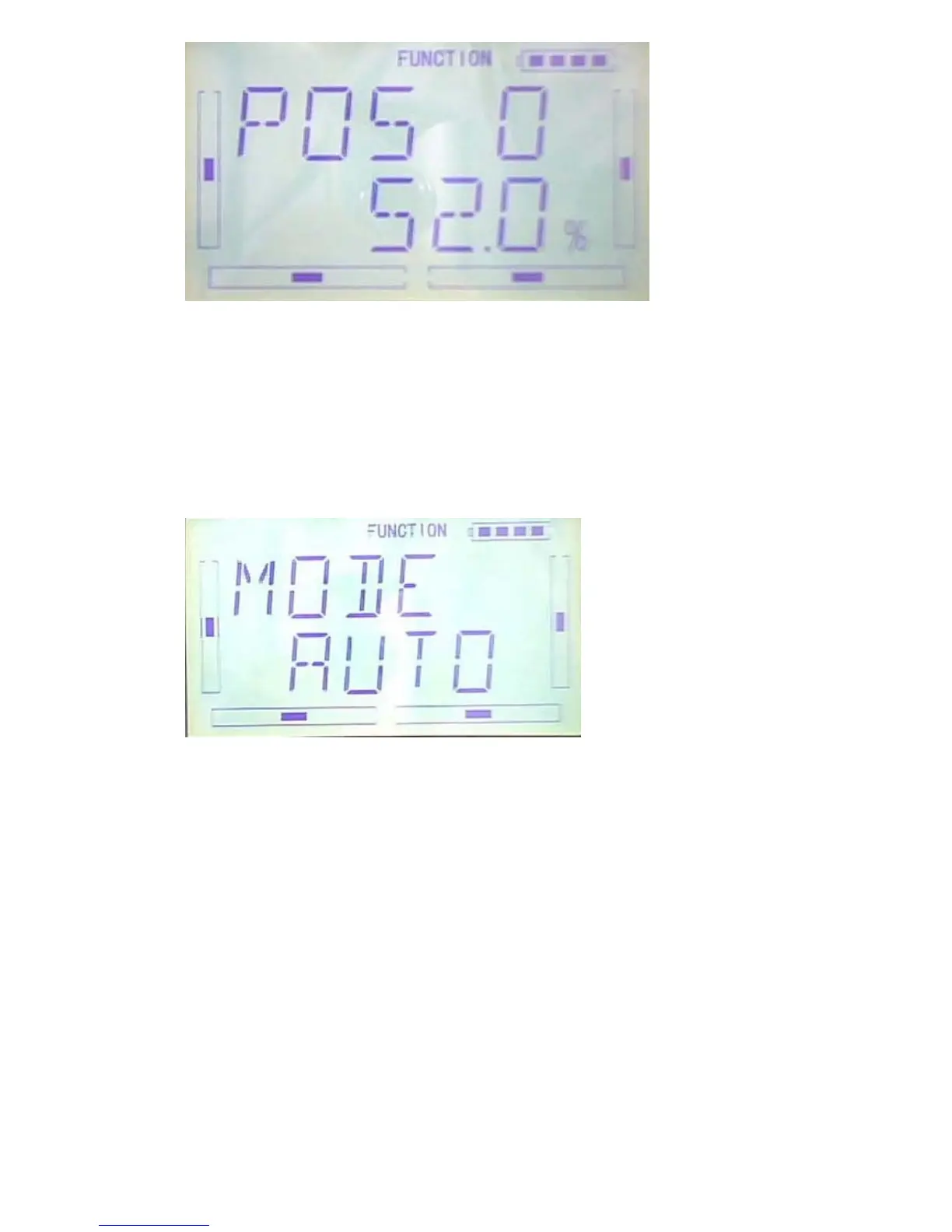
After POS 0 setup, please press DN to continue set the POS1 or POS2, which the
steps are the same as POS 0. Press EXT to finish.
2) Automatic setting
After gyro auto setup, The position range is mutative according to the flight MODE
Press R or L to choose AUTO under MODE option interface.
Press DN to enter the auto setting NORM mode, press R or L to set the amount. The
gyro you use owns two modes of AVCS and NOR, AVCS will be activated when the
amount is above 50.0%. The bigger the amount is, the bigger the gyro sensor gain
becomes. If the value less than 50, it is NOR mode. The smaller the amount is, the
bigger the gyro sensor gain becomes.



 To Next Page