DEVO-7 Page 58 of 170
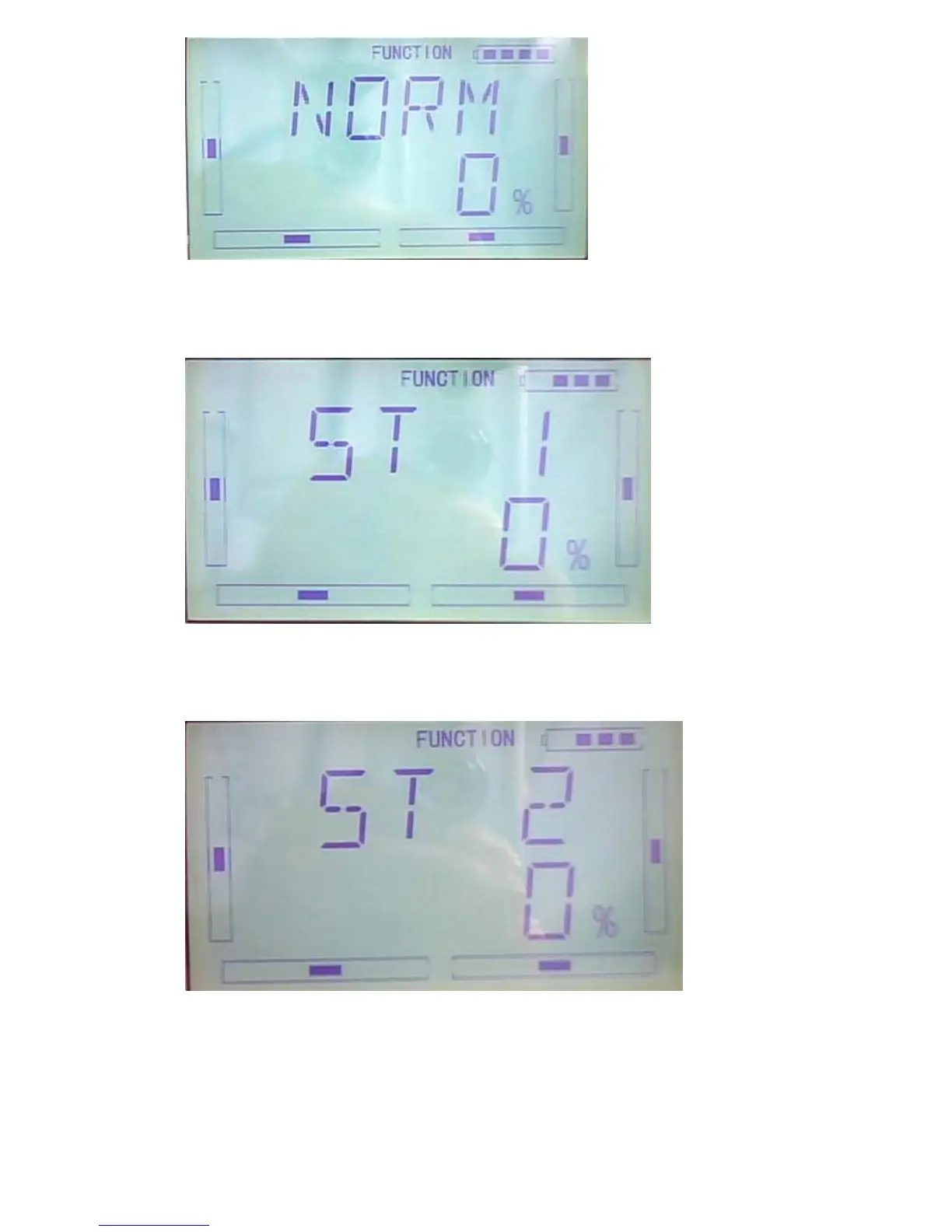
ST1 setting: After setup the NORM option, press DN to enter ST1 setting interface.
Press R or L to set the value. Press R to decrease, the minimum is -125%; Press L to
increase, the maximum is +125%.
ST2 setting: After setup the ST1 option, press DN to enter ST2 setting interface. Press
R or L to set the value. Press R to decrease, the minimum is -125%; Press L to
increase, the maximum is +125%.
THHLD setting: Throttle Hold should be activated. After setup the ST2 option, press
DN to enter THHLD setting interface. Press R or L to set the value. Press R to
decrease, the minimum is -125%; Press L to increase, the maximum is +125%.



 To Next Page