DEVO-7 Page 66 of 170
Press ENT button to get program mix 1 setting interface. There are adjustments
including main channel, slave channel, gain, offset and switch, etc.
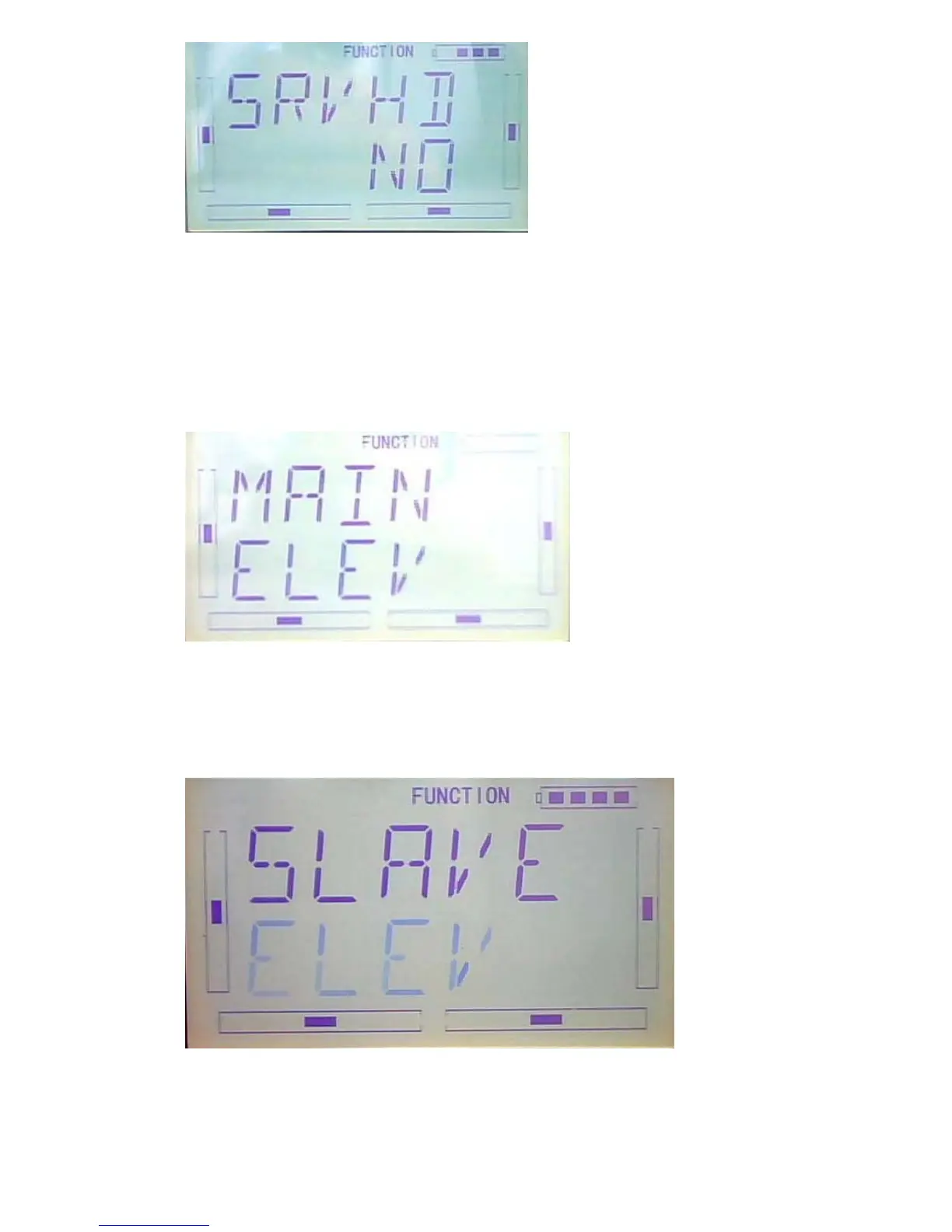
1) Setting of main channel: See below interface, press R or L to choose the required
main channel among ELEV, AILE, THRO, RUDD, GEAR, PITCH, AUX2, OELEV,
OAILE, OPITC, ORUDD, PELEV, PAILE, PTHRO, PRUDD and FMOD。
2) Setting of slave channel: after the setting of main channel finished, press DN button.
When getting to below interface, choose the required slave channel among ELEV,
AILE, THRO, RUDD, GEAR, PITCH and GYRO.
3) Setting of Gain: Take Elevator as main channel as an example. Press DN button



 To Next Page