DEVO-7 Page 68 of 170
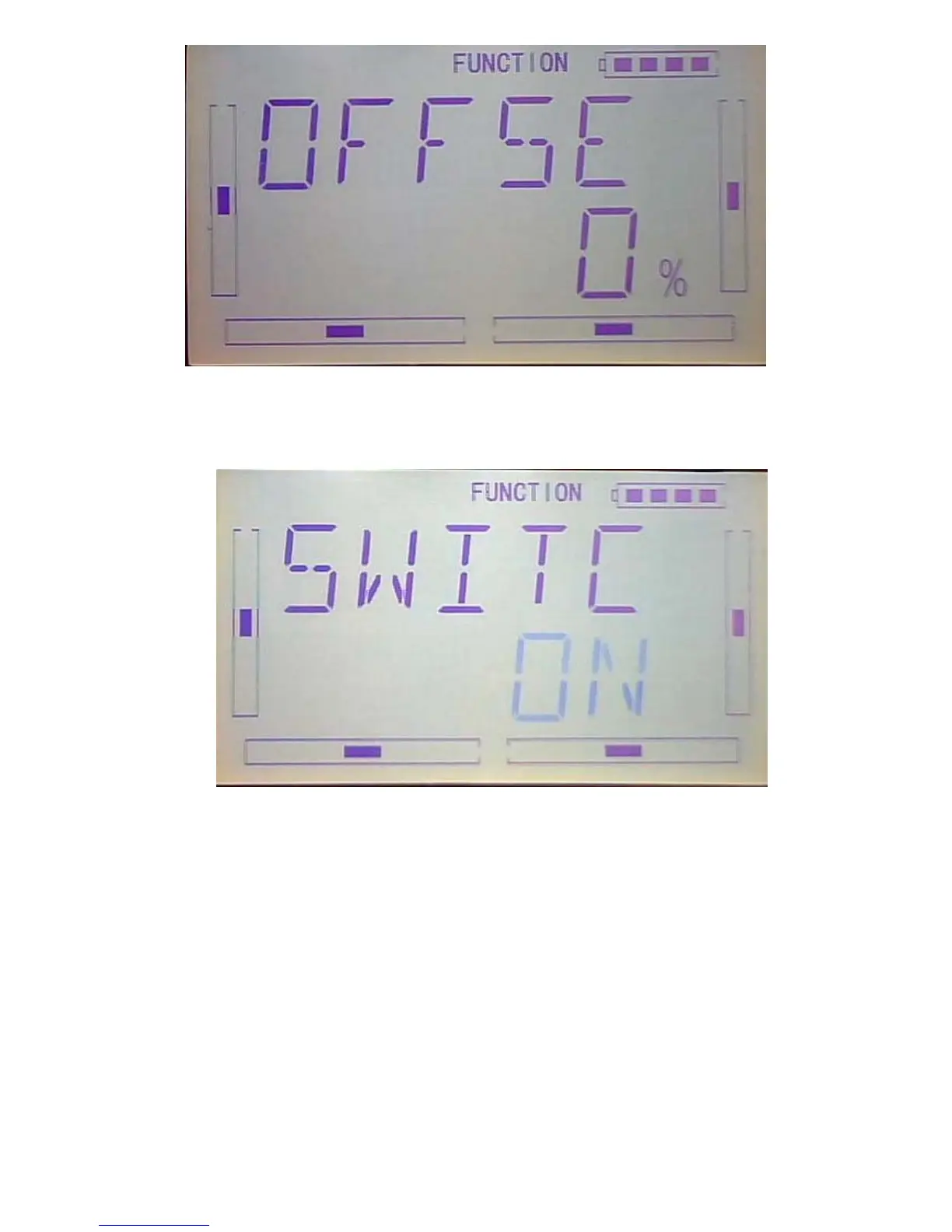
3) Switch: After setting Gain, press DN button to get to switch setting interface and
shown current status. Press ENT button to the switch setting including all on, normal
mode switch, ST 1 switch, ST 2 switch, D/R switch, HOLD switch and GEAR switch.
ALLON ( always on): if normal mode switch, ST 1 switch, ST 2 switch, D/R switch,
HOLD switch and GEAR switch are all active, then this switch is inhibited. The default
setting is ALL ON.



 To Next Page