DEVO-7 Page 83 of 170
Press”ENT” to flash main menu. Press”UP” or”DN” to be showed flash”FUNCTION”
then press”ENT” to enter function menu; Press UP or DN,make interface showed
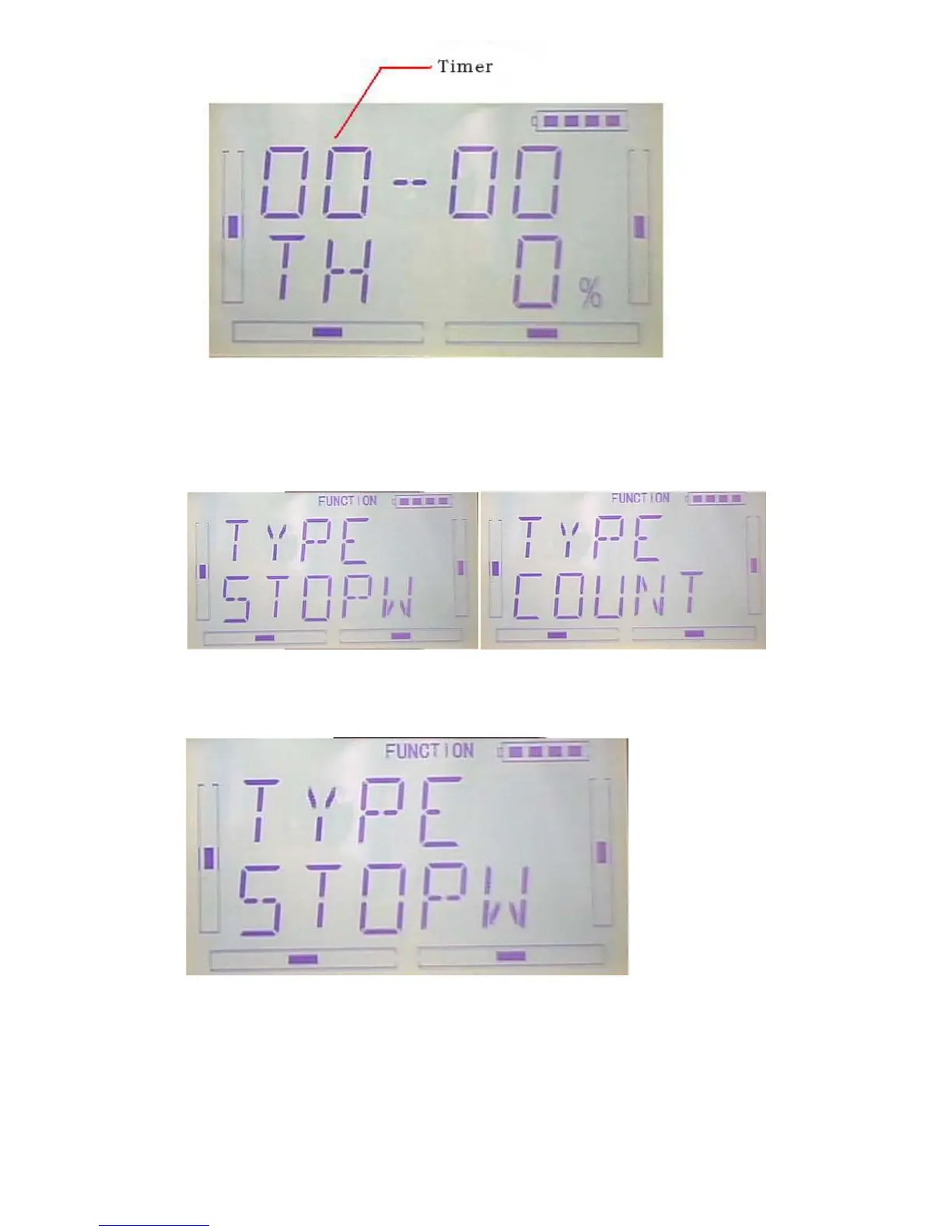
flash”TIMER” menu, press”ENT” to enter type selection. There are stopwatch and
countdown. Press R or L to select.
Stopwatch setting, the following interface for stopwatch,press EXT to exit
The max range of stopwatch is from 0 to 59 min 59 sec
A:Countdown setting: press R or L on press the above interface to select counterdown
setting as following;



 To Next Page