7 • App Connections | Dexcom G7 User Guide 77
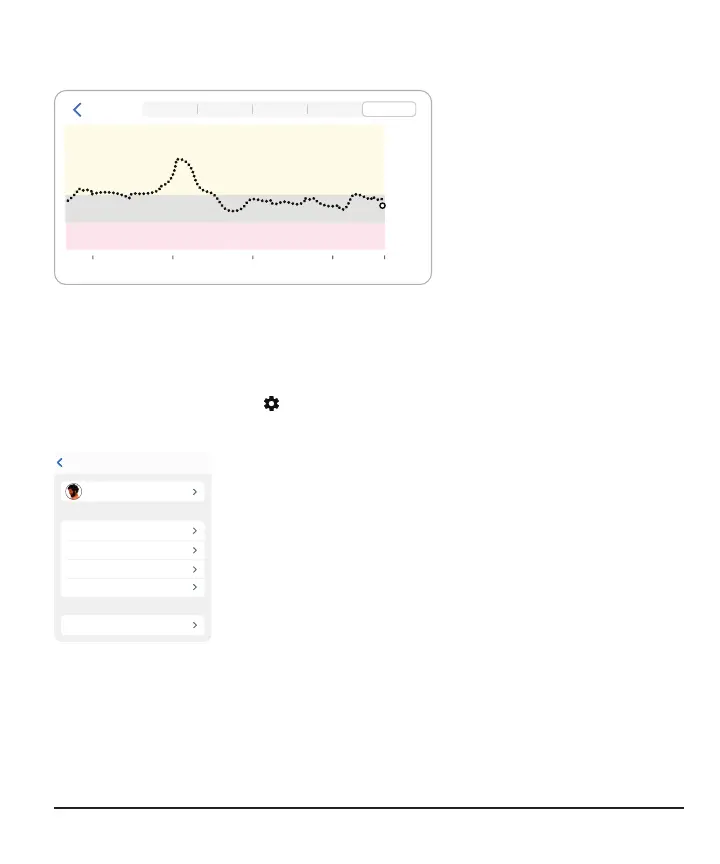
A Follower can see up to the last 24hours of the Sharer's sensor readings when they
turn the smart device to landscape. Touch and hold the trend graph to get details.
- 40
12
- 100
- 200
- 300
- 400
Jake
18 0 6 Now
1 3 6 12 24
Notifications
Notifications settings
Followers can customize their notification settings within the limits of what the Sharer
chose to share. Tap Settings in the upper right corner of the screen to review and
change settings.
SettingsBack
Urgent Low Notification 55 mg/dL
High Notification Off
No Data Notification Off
Low Notification Off
Graph Height 400 mg/dL



 To Next Page