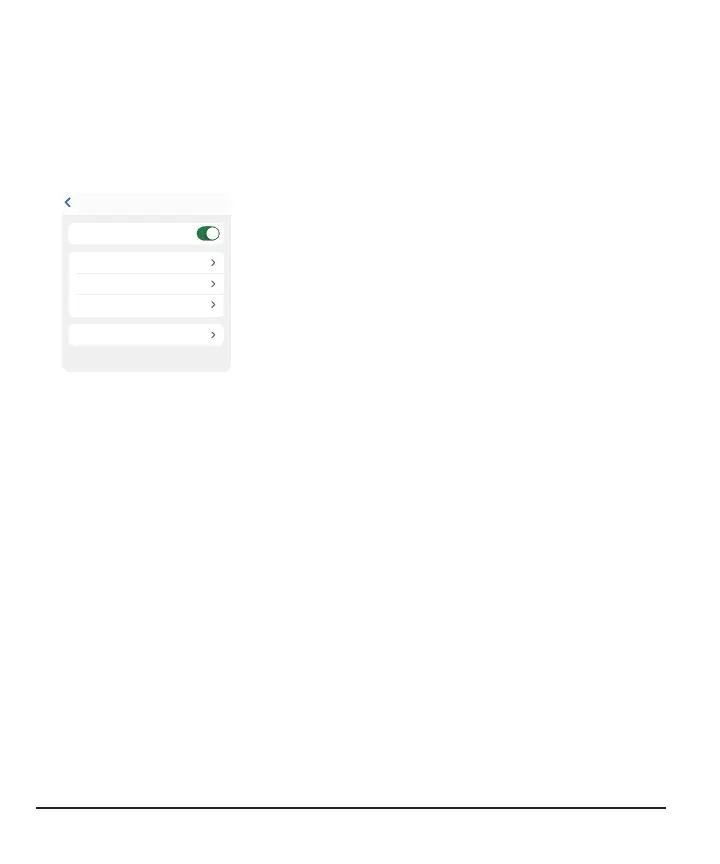
For example, Followers can use these features for each notification:
Low Notification SaveBack
Notify Me Below 70 mg/dL
Repeat 2 hrs
For More Than 30 min
Sound Low
Low will alert you when Jake’s glucose falls
Notification switch: Turns notification on and off.
Notify Me Below: Notifies the Follower when the
Sharer's sensor reading is at or beyond this level.
For More Than: The Follower doesn't get the
notification until issue lasts this long. The Sharer
chooses for how long. For example, the Follower won't
get this Low alert until the Sharer has been low for
30minutes.
Repeat:The Follower gets the original notification and,
after acknowledging it, also gets repeat notifications if
the Sharer's sensor reading stays out of range for a
while. The Follower chooses for how long.
For example, if the Follower gets and acknowledges a
Low notification and Sharer stays low for 2 hours, the
Follower will get a repeat Low notification.
Sound: The Follower chooses a sound for the Sharer's
notifications.
Phone settings and notifications
Follow notifications match phone settings. Depending on the phone sound setting, the
follow notification will vibrate or sound.
Responding to notifications
When a Follower gets a notification, they must acknowledge it on their display device
by opening the app. Until they acknowledge the notification, it repeats every
5minutes.
Followers can open the app from the Lock screen notification.
78



 To Next Page