3 • Set up your Dexcom ONE+ | Dexcom ONE+ User Guide
13
3 • Set up your Dexcom ONE+
To set up your Dexcom ONE+, use the instructions in this section, or go to dexcom.com for more information.
Before setting up your Dexcom ONE+, read the Safety information and product instructions in this guide.
Dexcom ONE+basics
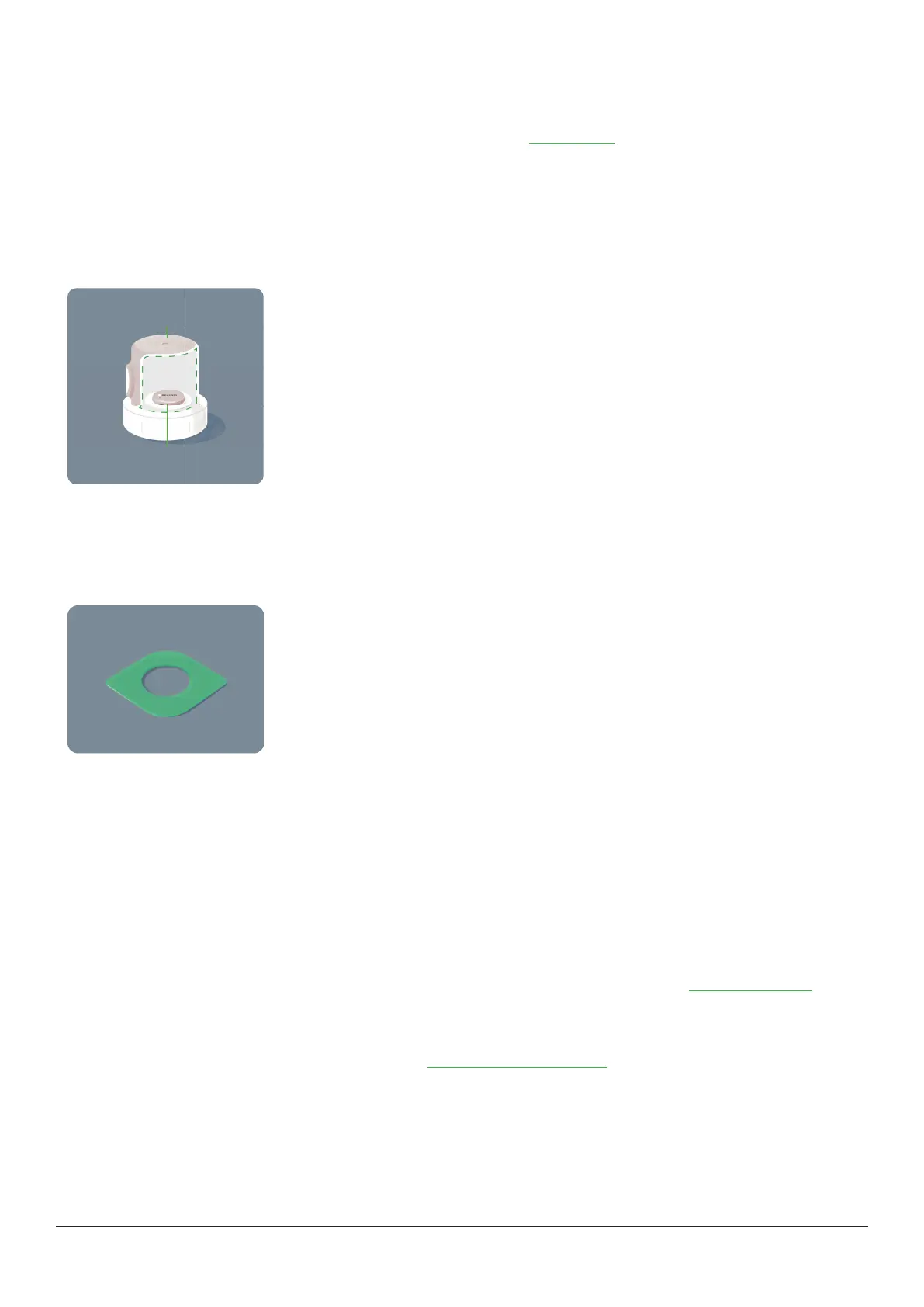
What's in the sensor box?
Sensor and applicator
Applicator
Sensor (inside)
l
During setup, we’ll show you how to use the applicator to insert the built-in sensor under your skin.
l
The sensor sends a glucose reading to your display device(s) every 5 minutes.
l
The sensor lasts up to 10 days with a 12-hour grace period.
Overpatch
After you insert the sensor, you can use the overpatch to help keep the sensor on your skin.
Use up to 3 display devices
Get your glucose information on up to 3 devices:
l
Smartphone
l
Apple Watch
l
Dexcom ONE+ optional receiver
To get started, set up the app, the optional receiver, or both. If you’re using both, it doesn’t matter which you set up first.
If you want to use your Apple Watch, set up the Dexcom ONE+ app first, then use the instructions in Smartwatch (Apple) to set
up your watch.
The app or optional receiver may not be available in all regions.
For supported smartphones and operating systems, go to dexcom.com/compatibility.



 To Next Page