6 • Alerts | Dexcom ONE+ User Guide
39
Use alerts to achieve goals
Work with your healthcare provider to customize your alerts to help you achieve your goals. For example, are you worried
about insulin stacking – taking doses too close together?
To use your Dexcom ONE+ as a tool to avoid insulin stacking, your healthcare provider may advise you to turn on the Snooze
feature in your High alert setting. That way, you can choose how long you want to wait before getting another High alert after
you confirm the first one. The alert will repeat at the interval you choose until your Dexcom ONE+ readings are back in your
target range. This reminds you to check your readings later to make sure your glucose values have come down.
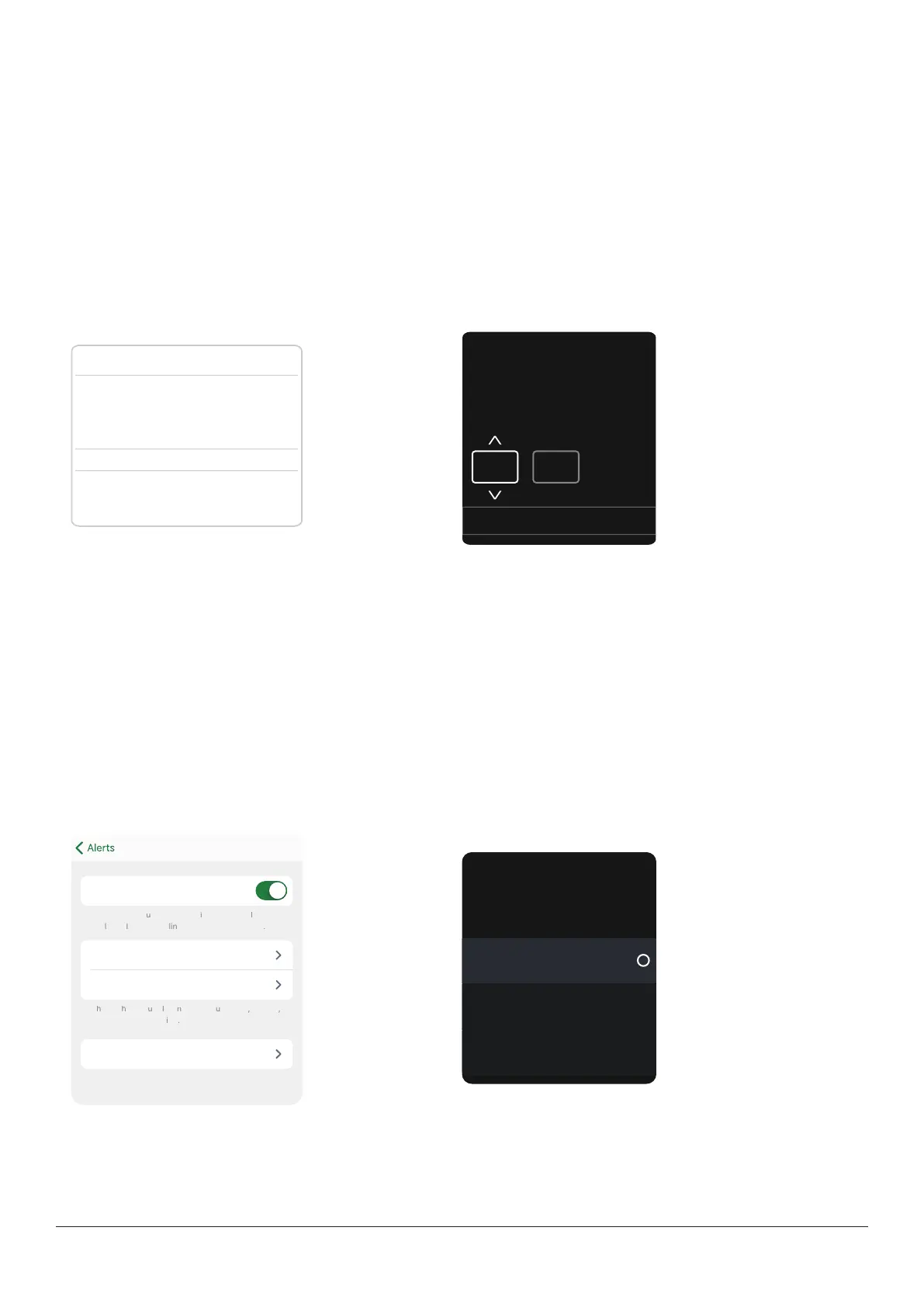
The screens below show Snooze alerts set at 2 hours. If your Dexcom ONE+ readings remain high for 2 hours after your first
High alert, you will get another alert. This lets you know you might want to take more insulin. If 2 hours pass and you are in
your target range, your High alert will not repeat.
App Receiver
Cancel Save
Snooze
After you acknowledge your first alert, it repeats if
your sensor reading stays high for this long.
Select a repeat time between 15 minutes and
4 hours.
2 hours 00 min
05
10
15
Snooze
2
:
00
MM
Back Next
After you acknowledge your
first alert, it repeats if your
sensor reading stays high for
this long.
If your sensor readings tend to be high after meals, your healthcare provider may advise you to delay your first High alert to
give your insulin a chance to work. You can set the Delay 1st alert and select the length of the delay in the High alert setting.
When using the app and the receiver at the same time, change alert settings and acknowledge alerts on each device. Settings
don't synchronize automatically.
Changing all alerts
Keep your alerts on. They're an important part of making treatment decisions. Before changing your alerts, discuss the best
alert settings for you with your healthcare provider.
When using the app and the receiver at the same time, change alert settings and acknowledge alerts on each device. Settings
don't synchronize automatically.
App
Level 3.9 mmol/L
Sound/vibrate Sound
Turn on to get a repeat alert if your sensor reading
. You choose for how long.
Receiver
Low
Alerts you when your sensor
reading falls below the set
level.
On
Alert
3.9 mmol/L
Level
Off
Snooze



 To Next Page