8 • Receiver calibration | Dexcom ONE+ User Guide
45
8 • Receiver calibration
You may want to calibrate your Dexcom ONE+ using a BGmeter value.
If you calibrate, enter your BG meter value into the receiver only or the app only, not both. The other device will update after
about 5 minutes.
To get an accurate BG meter value, follow these steps:
1. Wash your hands with soap and water.
2. Dry your hands.
3. Take a fingerstick.
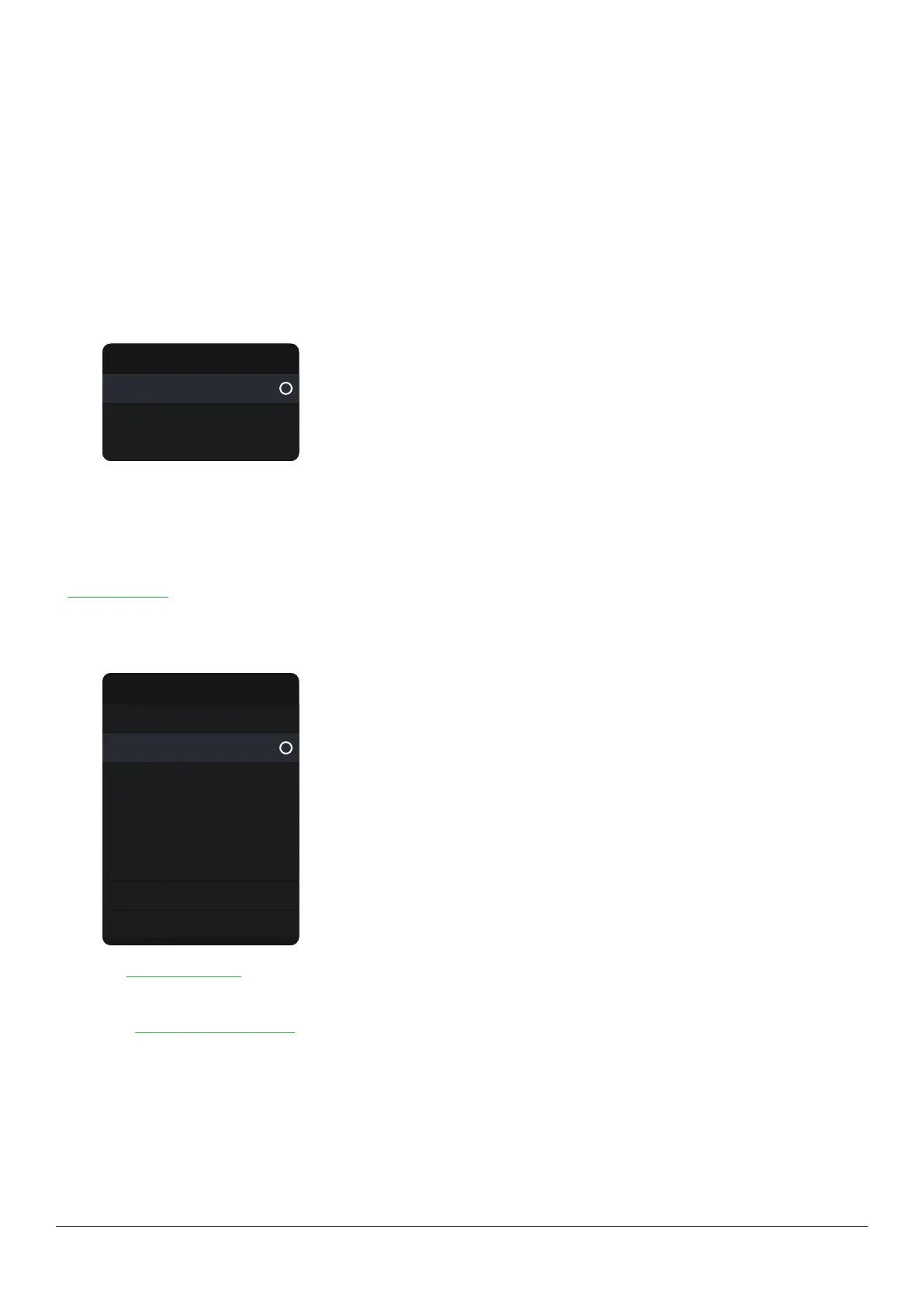
To calibrate your Dexcom ONE+ in your receiver, go to Menu >Calibrate sensor.
Sensor calibration
Calibrate
Last calibration
More info
BG meter values and sensor readings
Your sensor readings come from different fluids than your BG meter values, so they won't usually match. Neither number is as
accurate as the lab test your healthcare provider does.
For information on accuracy and calibrating your Dexcom ONE+, go to the Accuracy and calibration section of the
Troubleshooting chapter.
Update your receiver
If your receiver menu looks like this:
Menu
Reports
Settings
Information
Help
Power off
Replace sensor
Stop sensor session
Events
Go to the Events and history chapter for calibration instructions.
If Events isn't an option on your Dexcom ONE+ receiver menu, an update may be available.
1. Go to dexcom.com/clarityapp.
2. Upload your glucose information.
If an update is available, Clarity will walk you through the update when the upload is complete.
Events may not be available for optional receivers in all regions.



 To Next Page