3 • Set up your Dexcom ONE+ | Dexcom ONE+ User Guide
14
Set up the app
You can set up the Dexcom ONE+ app on only one smartphone. You need a secure internet connection to set up your system.
1. Go to the Apple App Store or Google Play Store to download the Dexcom ONE+ app.
2. Open the app. Log in, or create an account.
3. Follow app instructions to set up the app and insert your sensor.
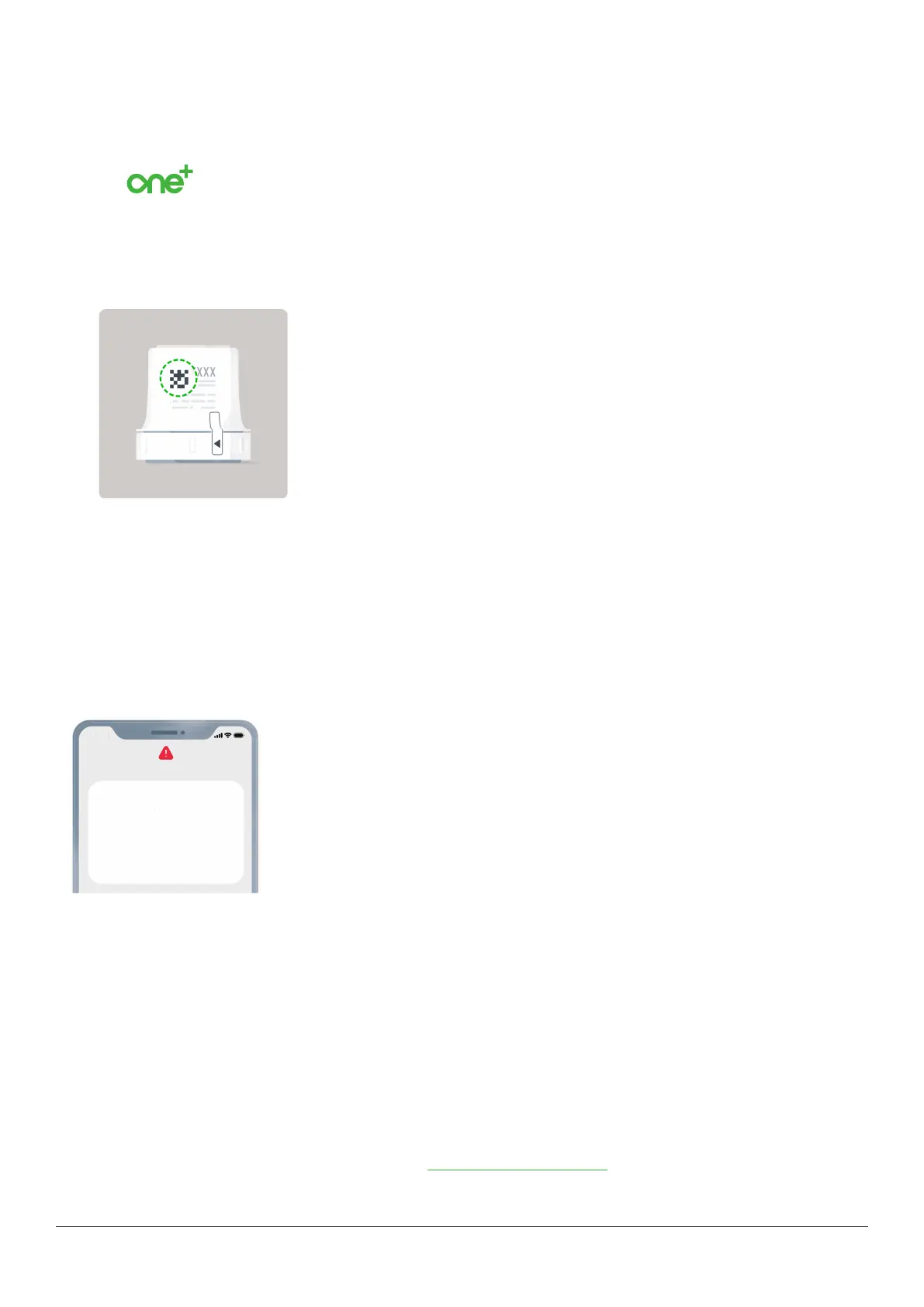
4. You'll need the pairing code. Find it on the applicator:
If you set up the optional receiver first, get the pairing code from your receiver. Go to Menu > Information > Sensor >
Sensor info.
If you use both the app and the receiver, you'll need to acknowledge alerts on both display devices.
5. After inserting and pairing your sensor, follow local guidelines for throwing out the applicator and recycling the Dexcom
packaging.
Sensor warmup
Your sensor has to warm up before you get sensor readings. The sensor warmup timer tells you when your sensor readings
and alerts will begin.
27
minutes remaining
Sensor warmup
Your sensor is now warming up.
No readings or alerts until warmup is done.
Help
No Alerts
9:41
Your sensor is now warming u
No readings or alerts until warmup is done.
Internet requirements
You need secure Wi-Fi or cellular internet access for:
l
Setup: Internet is required to download the app and create an account or log in to your account.
l
Sharing data: To smoothly share data with Dexcom Follow or Dexcom Clarity, you need a steady internet connection.
l
Some app help features: A few app help features use the internet, including FAQs and app technical support.
Internet connections lost without warning, failure to establish internet connections, or the degradation of service prevent these
features from working.
While you don’t need Wi-Fi or cellular internet access to pair your sensor, get readings and alerts, or use other features not
listed above, you do need Bluetooth.
For supported smartphones and operating systems, go to dexcom.com/compatibility.



 To Next Page