6 • Alerts | Dexcom ONE+ User Guide
37
Turn on alerts or change settings
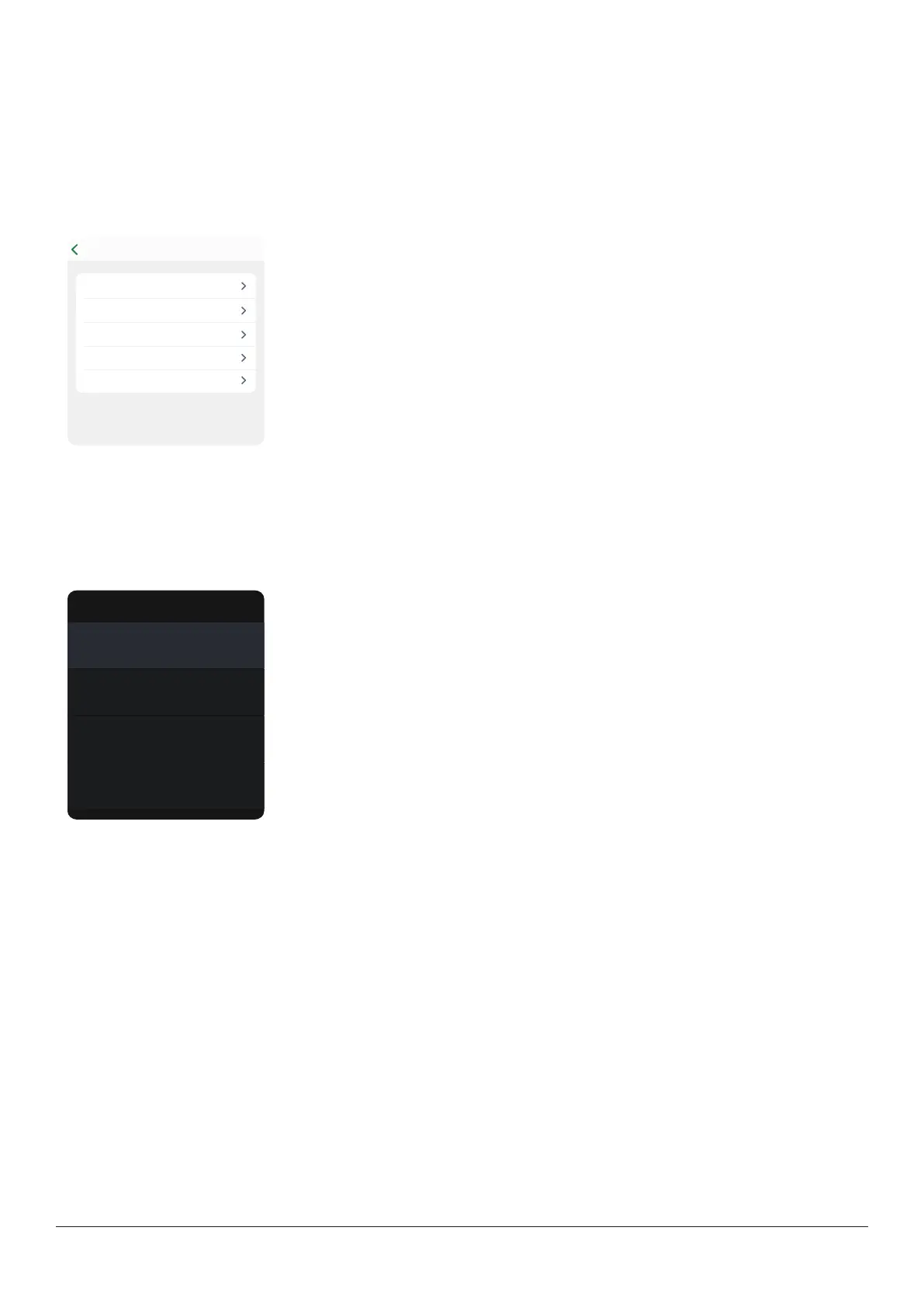
Turn on alerts or change settings using the Profile tab.
App
1. Go to Profile > Alerts.
2. Tap the alert you want to set.
3. Follow the screen prompts.
AlertsProfile
Low Off
Signal Loss Off
Brief Sensor Issue Off
High Off
Technical alerts On
Dexcom ONE+ will not override your phone settings.
You will NOT hear or feel alerts if your phone is
Receiver
1. Go to Menu > Settings > Alerts.
2. Select the alert you want to set.
3. Follow the screen prompts.
Alerts
Off
Low
Off
High
Off
Signal Loss
Off
Brief Sensor Issue
Alert settings
The Low and High glucose alerts each have a default level and range. Their settings must be at least 1.1 mmol/L apart.
l
Low alert
Default: 3.9 mmol/L
Range: 3.3–8.3 mmol/L
l
High alert
Default: 14.0 mmol/L
Range: 5.5–22.2 mmol/L



 To Next Page