7 • App connections | Dexcom ONE+ User Guide
44
Follow status and settings
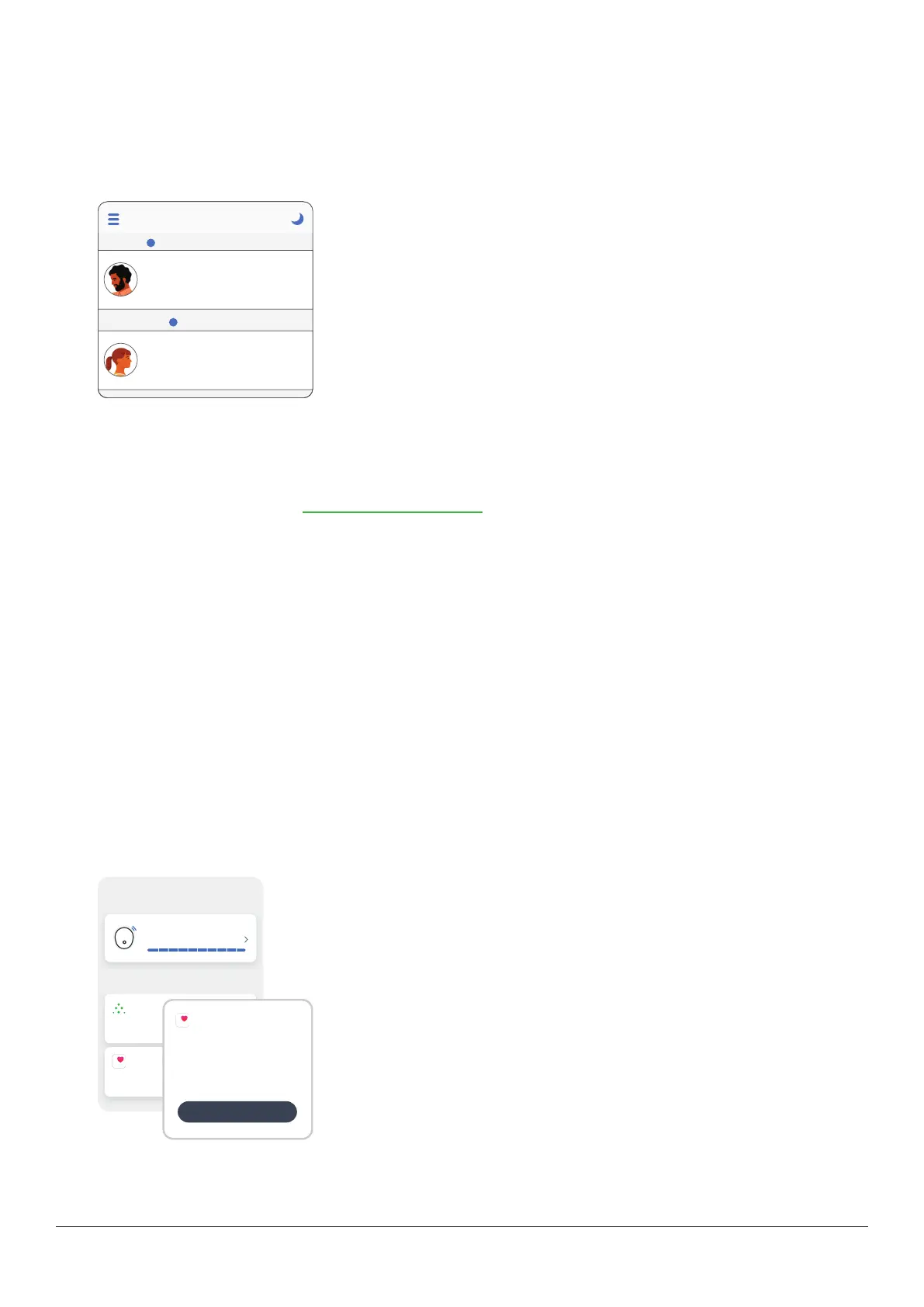
Status
Followers are notified if Sharers change or stop their access.
In the Follow app on the Follower's smart device, tap the blue help icon next to the Sharer's name for more information about
the Sharer's status.
Follow
Jake
Active
Disconnected
---
Jane
mmol/L
mmol/L
---
?
?
For example:
l
Active with ---: The Follower should ask the Sharer to check their
DexcomONE+ app.
l
Disconnected: Sharer turned off Share.
l
Not Sharing: Sharer stopped sharing with the Follower.
l
Removed by Sharer: Sharer deletes the Follower.
There are times when the Follow app information may be out of sync with the Sharer's Dexcom ONE+ information. Because of
the delay, Sharers should always treat using the primary Dexcom ONE+ app, not the Follow app.
Smartphones for Follow app
For a list of compatible devices, go to dexcom.com/compatibility.
Apple Watches for Follow app
Followers can get their Sharers' glucose information and notifications on their Apple Watch if they choose. There’s even a
complication for the watch face.
To install the Follow app on the Apple Watch, use the Watch app on the iPhone. See watch instructions for details about
installing apps.
Use Follow on the phone to change settings.
Follow app tips
When using the Follow app:
l
Both apps (Dexcom ONE+ and Follow) must be open or running in the background.
l
The smart devices must work, be connected to the internet, and have charged batteries.
l
If phone service carrier doesn't support simultaneous voice and data, the Follow app won't get data during phone calls.
When the phone call is over, the Follow app will fill in any missing glucose information.
Health apps
Connections
Allow friends and family to view your sensor
readings.
Share
Consolidates health data from iPhone,
Apple Watch, and third-party apps.
AppleHealth
Sensor
10 days left
Available connections
Apple Health
Use Apple Health to:
Share Data
Give Apple Health permission to access
your Dexcom data.
Activate
Apple Health consolidates health data from your smartphone, smartwatch, and
third party apps, including Dexcom ONE+. Activate Apple Health and your
Dexcom ONE+ will send data to the health app with a 3-hour delay.



 To Next Page