12 • Troubleshooting | Dexcom ONE+ User Guide
61
Issue
System Check alert — Error found (Receiver).
System check
Error found
Code: xxxxx
You won’t get sensor readings
or alerts.
Contact Tech Support or your
local Dexcom distributor.
Solution
Contact Dexcom Technical Support at dexcom.com or contact your local Dexcom distributor. Give them the error code.
Gap in trend graph
Issue
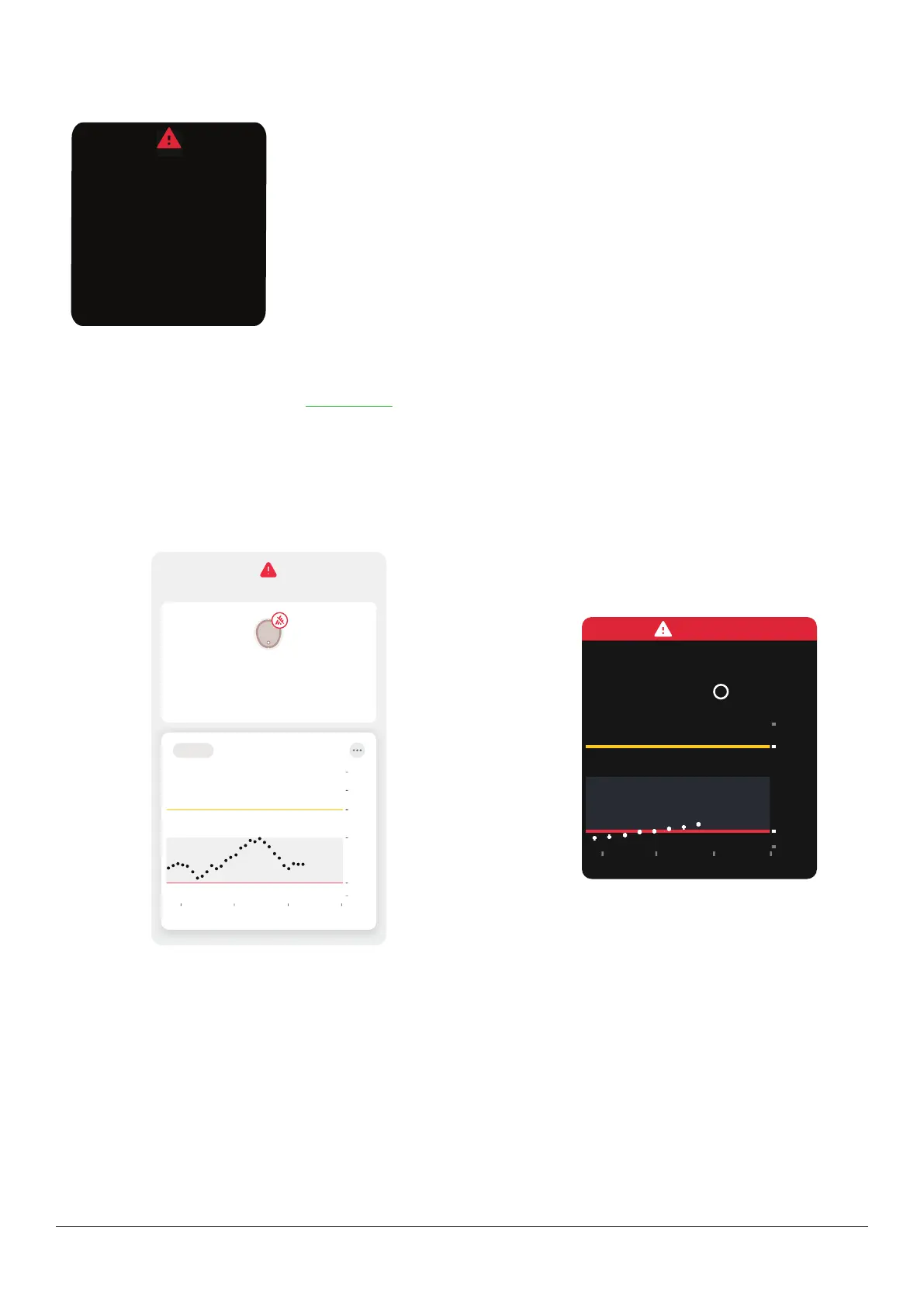
When you aren't getting sensor readings, your trend graph may show a gap in the trend dots.
In the following example, you can see the gap where your current dot should be:
App
Now2112
2
3.9
14
22
3 Hours 6 12 24
No Alerts
Signal Loss
Always keep phone within 6 meters of
sensor. Wait up to 30 minutes.
Help
18
10
Receiver
Solution
When your sensor readings resume, up to 24hours of missed sensor readings can fill in on the trend graph.



 To Next Page