12 • Troubleshooting | Dexcom ONE+ User Guide
58
Common alerts
Issue
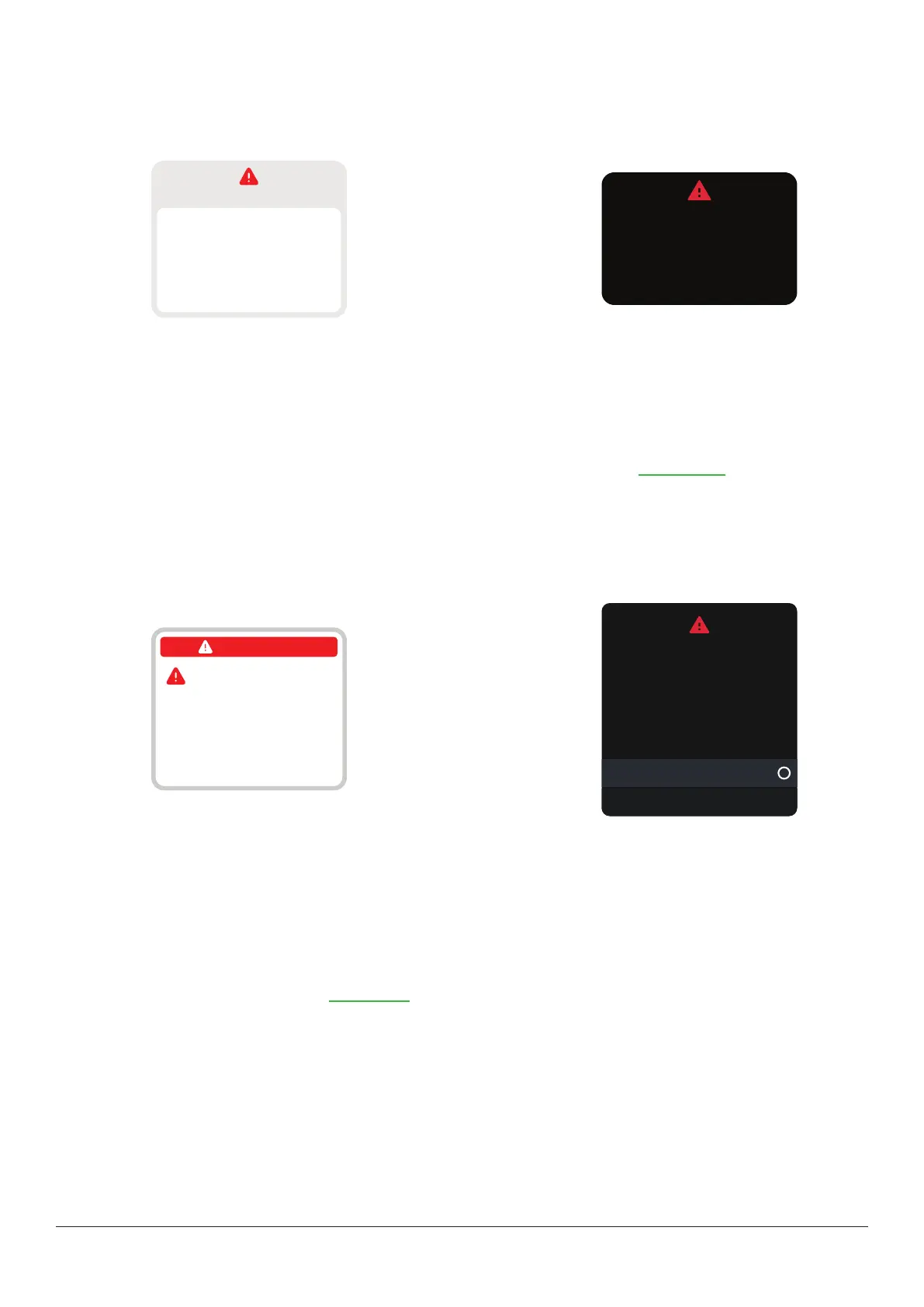
Brief Sensor Issue alert: Sensor is temporarily unable to measure glucose.
App
No alerts
Brief Sensor Issue
Don’t remove sensor.
Temporary issue.
Wait up to 3 hours.
Help
Receiver
Don’t remove sensor.
Temporary issue.
Wait up to 3 hours.
Brief Sensor Issue
Solution
Your sensor has a temporary issue. This issue often happens during the first day of a sensor session, but it can happen
anytime. It usually fixes itself within 3 hours.
Don't remove sensor. Use BG meter for treatment decisions.
Check your sensor. Tap Help in app for more information on troubleshooting.
If Brief Sensor Issue continues for more than 3 hours, contact Dexcom Technical Support at dexcom.com or contact your local
Dexcom distributor.
Brief Sensor Issue may lead to Sensor Failed alert.
Issue
Sensor Failed alert
App
No alerts
Remove sensor now
To remove sensor, peel
off patch from the edge.
Sensor failed
Receiver
Remove sensor now.
No readings or alerts until
you start a new sensor.
Sensor failed
Start new sensor
Dismiss
Solution
This issue may happen anytime during a sensor session. If you get this alert, go to its Help screen for more information.
You won't get sensor readings or alerts until you start a new sensor.
1. Remove sensor now.
Tip: Peel off patch from edge.
2. Insert and pair new sensor.
3. Review Choose sensor site by age in Insert sensor.



 To Next Page