5 • Treatment decisions | Dexcom ONE+ User Guide
30
When to watch and wait
Don't stack insulin by taking doses too close together. Talk to your healthcare provider about the
right amount of time between doses, so you don't accidentally force your glucose down too low.
This is different from taking insulin doses to cover what you just ate.
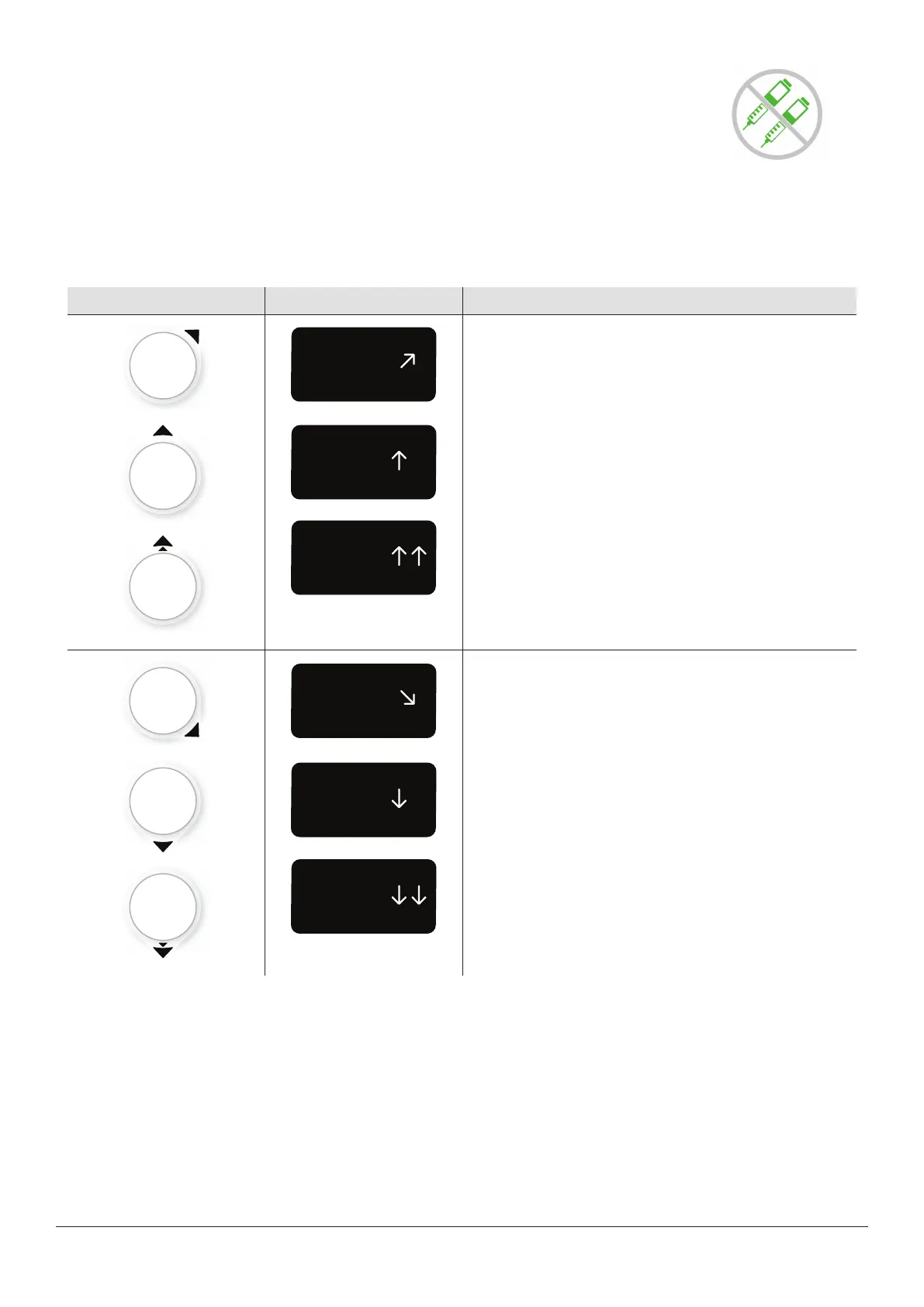
Using the trend arrows
Dexcom ONE+ and dosing
Talk to your healthcare provider about using the trend arrows to determine how much insulin to take.
App Receiver What it means
Trending up: Consider taking a little more insulin than usual
when your glucose is rising.
Trending down: Consider taking a little less insulin than
usual when your glucose is falling.
Treat with professional advice
Confirm with your healthcare provider about:
l
Using Dexcom ONE+ to manage your glucose
l
Setting alert levels
l
Comparing BG meter values and sensor readings
l
Fingerstick best practices



 To Next Page