6 • Alerts | Dexcom ONE+ User Guide
35
System alerts
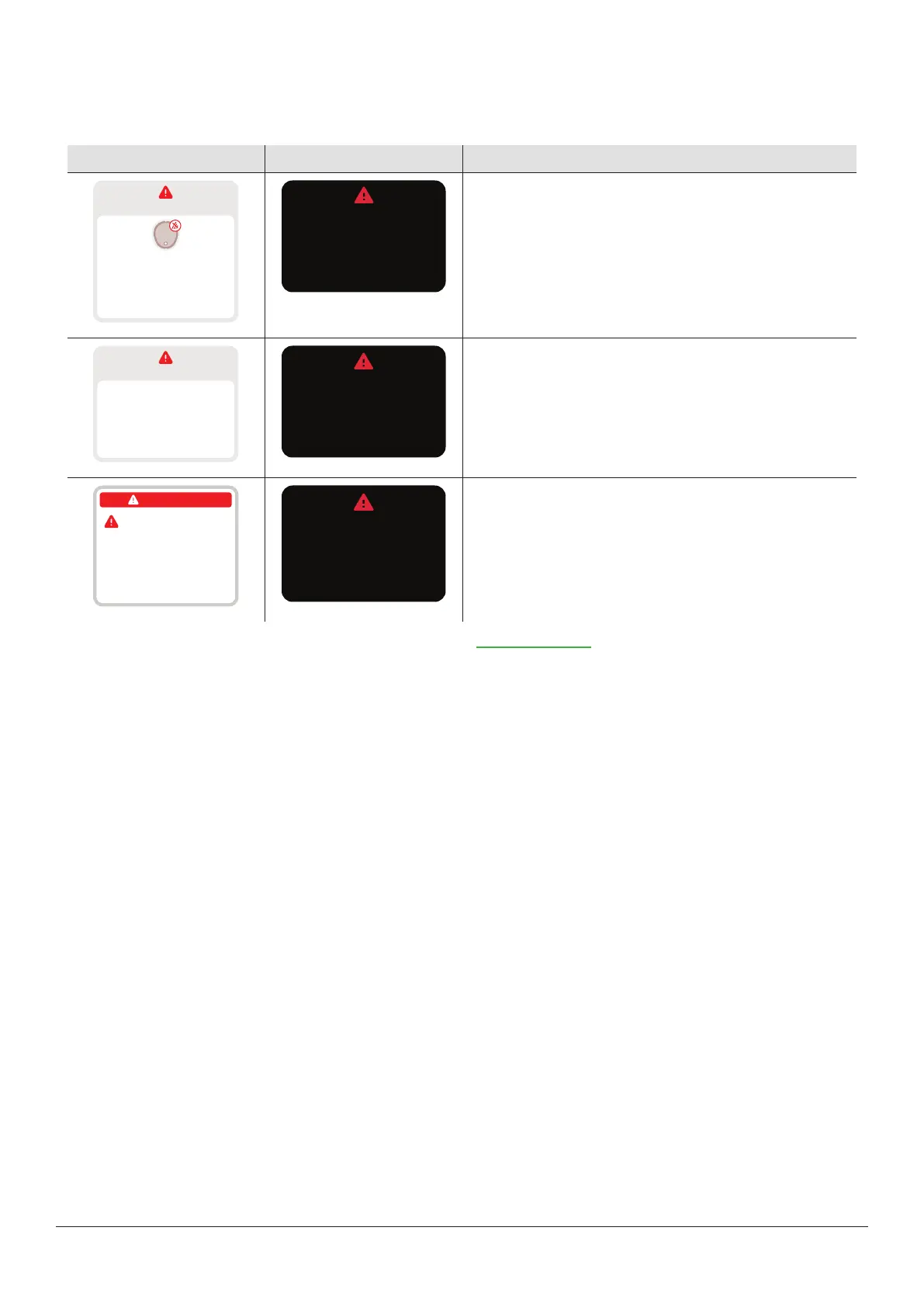
System alerts let you know if the system isn't working as planned. When possible, the alert lets you know how to fix it. Three of
these alerts are shown next.
App Receiver What it means
No alerts
Signal Loss
Always keep phone within
6 meters of sensor.
Wait up to 30 minutes.
Help
Always keep receiver
within 6 meters of sensor.
Wait up to 30 minutes.
Signal Loss
Signal Loss alert
Alerts you when the display device temporarily stops getting
sensor readings because there's an issue with the
connection.
No alerts
Brief Sensor Issue
Don’t remove sensor.
Temporary issue.
Wait up to 3 hours.
Help
Don’t remove sensor.
Temporary issue.
Wait up to 3 hours.
Brief Sensor Issue
Brief Sensor Issue alert
Alerts you when the sensor can't read your glucose right
now.
No alerts
Remove sensor now
To remove sensor, peel
off patch from the edge.
Sensor failed
Sensor failed
Remove sensor now.
No readings or alerts until
you start a new sensor.
Technical alerts
Alerts you when you're not getting sensor readings. They
include Sensor Failed, Replace Sensor Now, and similar
alerts.
For a list of System and Technical alerts, go to the Glossary in the Safety information chapter.



 To Next Page