9 • Events and history | Dexcom ONE+ User Guide
48
Logging BG meter values or calibrating
Your healthcare provider may ask you to keep track of your BG meter values, or you may want to calibrate your Dexcom ONE+.
If you calibrate, enter it into the app or the receiver, not both. The other device will update after about 5 minutes.
To get an accurate BG meter value, follow these steps:
1. Wash your hands with soap and water.
2. Dry your hands.
3. Take a fingerstick.
App
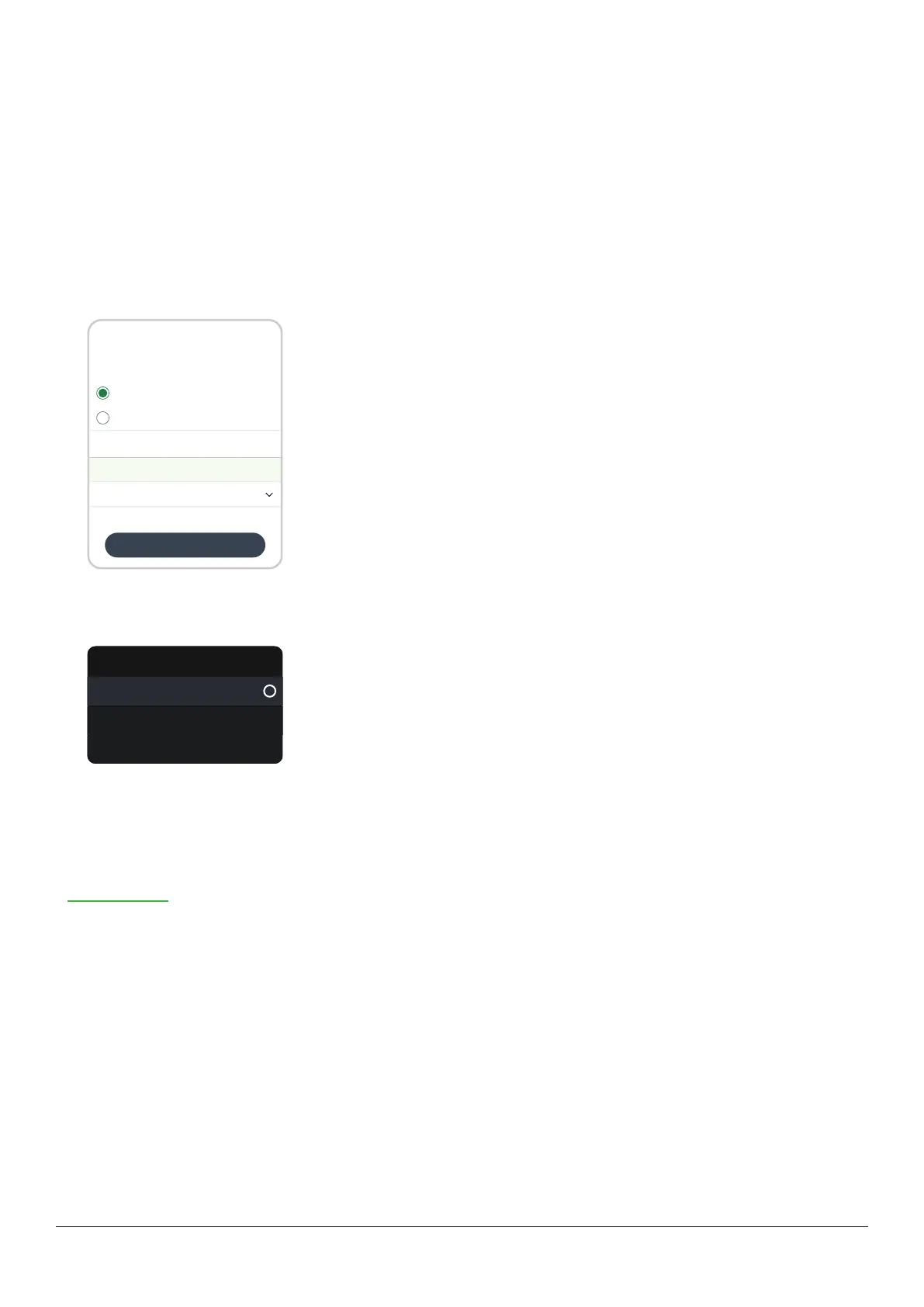
To log a BG meter value or calibrate your Dexcom ONE+:
Entry type
Save
Log blood glucose
Use as calibration
Blood glucose
BG meter value 11.7 mmol/L
Blood glucose
Date and time
Enter fingerstick within 5 minutes of taking it.
Use current date and time. You can’t edit saved calibrations.
Today, 9:41
Cancel
Tap the plus sign (+) in the Glucose or History tabs.
Select Log blood glucose, or to use the BG meter value as a calibration, select Use
as calibration. Follow onscreen instructions.
Receiver
To log a BG meter value or calibrate your Dexcom ONE+:
Blood glucose
Log blood glucose
More info
Use as calibration
In the receiver, go to Menu > Event > Blood glucose.
Select Log blood glucose, or to use the BG meter value as a calibration, select Use
as calibration. Follow onscreen instructions.
BG meter values and sensor readings
Your sensor readings come from different fluids than your BG meter values, so they won't usually match. Neither number is as
accurate as the lab test your healthcare provider does.
For information on accuracy and calibrating your Dexcom ONE+, go to the Accuracy and calibration section of the
Troubleshooting chapter.



 To Next Page