9 • Events and history | Dexcom ONE+ User Guide
47
To edit or delete an event you logged:
Edit event
Delete event
Events
2:45, 13.2 mmol/L
Blood glucose mmol/L
13.5
Go to the History tab.
Select the event you want to edit or delete and follow the instructions on the screen.
Receiver
In the receiver, you can track insulin doses, food, and BG meter values. You can edit and delete events.
You can also calibrate here. You can't edit, delete, or enter past calibrations.
To log events:
Events
Blood glucose
Meals
Event log
Insulin
Go to Menu > Events.
Select the event you want to add and follow the instructions on the screen.
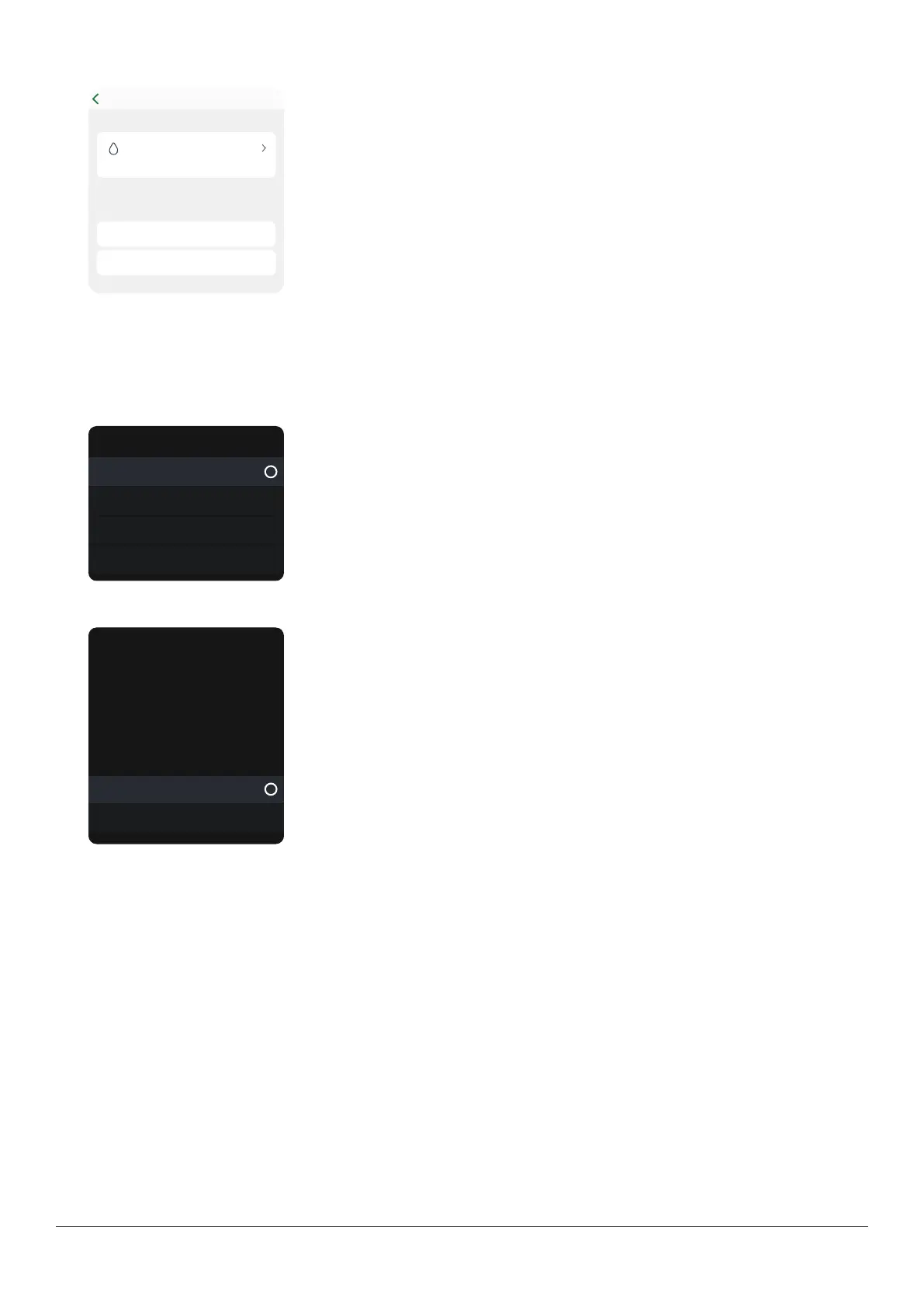
To edit or delete an event you logged:
Edit/Delete event?
Insulin type:
Fast-acting
Insulin amount:
8.0u
Time entered:
08/10/2021 2:42
Edit event
Delete event
Go to Menu > Events > Event log.
Scroll to the event you want to edit or delete, select Next, and follow the instructions
on the screen.



 To Next Page