6 • Alerts | Dexcom ONE+ User Guide
38
Customizing alert sounds
App
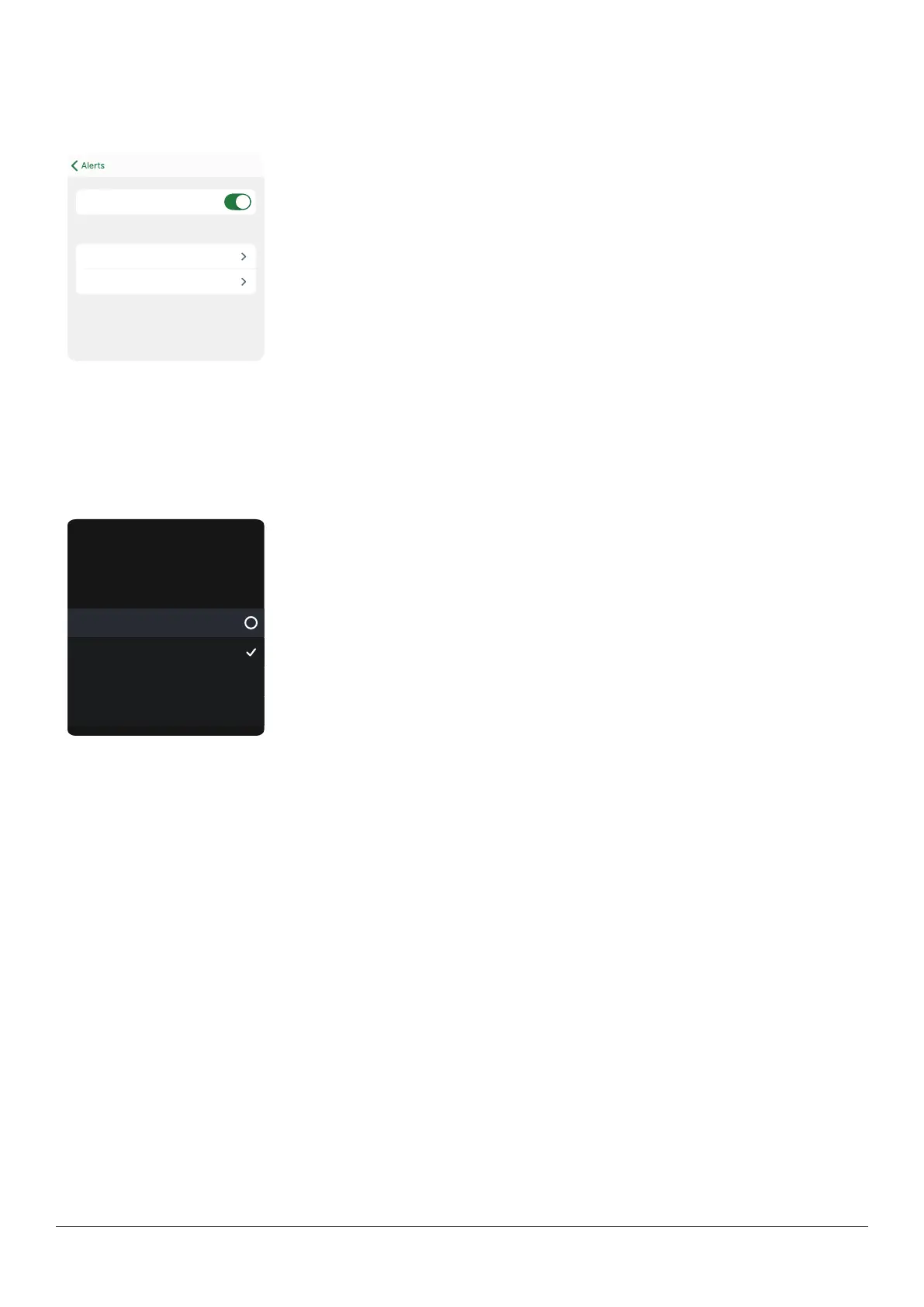
Tap Tone in an alert menu to choose a different sound for that alert.
Alerts you when your sensor reading is at or below
the set level. It’s the red line on the glucose graph.
Dexcom ONE+ alerts will not override your
You will NOT hear or feel alerts if your
Level 3.9 mmol/L
Tone Low (Default)
Low
Receiver
To choose different alert sounds on your receiver:
1. Go to Menu > Settings > Alert sounds.
2. Select a sound style, such as Soft tones.
3. If you select Vibrate only, you won't hear high or low glucose alerts.
Alert sounds
Vibrate only
Soft TonesSoft tones
Normal tones
Melodies
Choose how you want your
alerts to notify you. All alerts
will notify you this way.



 To Next Page