12 • Troubleshooting | Dexcom ONE+ User Guide
60
Issue
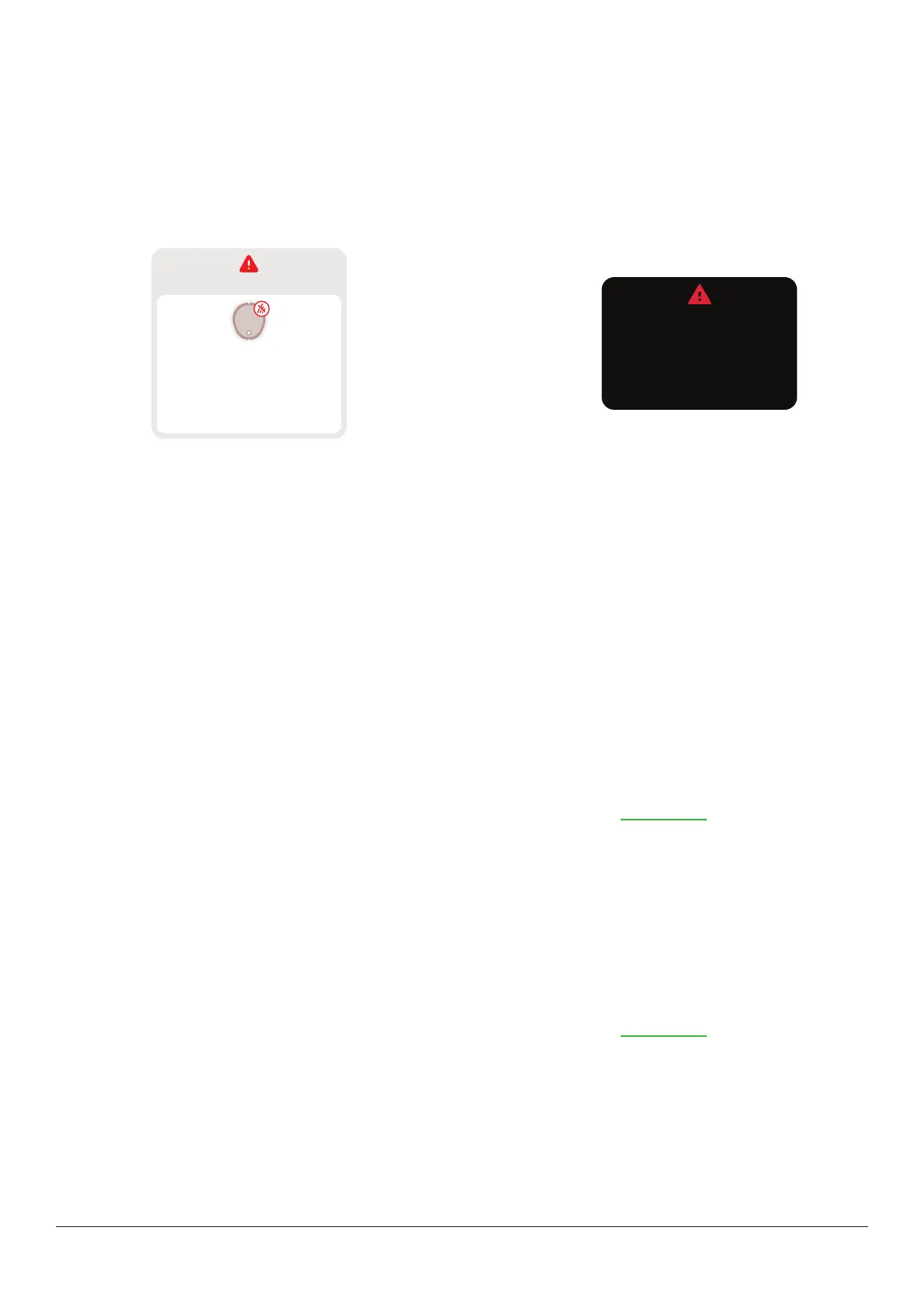
Signal Loss alert: Your display device has temporarily stopped getting sensor readings from your sensor over Bluetooth.
If your display device doesn’t get the sensor reading twice in a row, the Signal Loss banner displays.
After about 20 minutes of not getting sensor readings, the display device sounds or vibrates too. In the app, you can change
Signal Loss alert settings at Profile > Alerts > Signal Loss. In the receiver, go to Menu > Settings > Alerts.
You won’t get alerts or sensor readings until fixed. Use your BG meter for treatment decisions. When your sensor readings
resume, up to 24 hours of missed sensor readings can fill in on the trend graph.
App
No alerts
Signal Loss
Always keep phone within
6 meters of sensor.
Wait up to 30 minutes.
Help
Receiver
Always keep receiver
within 6 meters of sensor.
Wait up to 30 minutes.
Signal Loss
Solution
App
Troubleshooting tips:
(It will take up to 5 minutes for any of these to work.)
l
Turn Bluetooth off. Then turn it back on and leave it on.
l
Keep the app open and displayed on your screen. Don't swipe it closed.
l
Keep your display device within 6 meters of the sensor with nothing between them, including walls and water.
l
Keep your display device on the same side of your body as your sensor. Bluetooth works best when the sensor and display
device are in sight of each other.
l
If these solutions don’t work, restart your phone and open the app.
To help prevent:
l
Use recommended phone settings listed in the app at Profile > Settings.
l
Keep your phone battery charged to at least 20%.
If Signal Loss continues for more than 30 minutes, contact Dexcom Technical Support at dexcom.com or contact your local
Dexcom distributor.
Receiver
Troubleshooting tips:
(It will take up to 5 minutes for any of these to work.)
l
Keep the receiver within 6 meters of your sensor with nothing between them, including walls and water.
l
Keep your receiver on the same side of your body as the sensor so they are in sight of each other.
l
Press a receiver button to wake it up and start a new connection attempt.
If Signal Loss continues for more than 30 minutes, contact Dexcom Technical Support at dexcom.com or contact your local
Dexcom distributor.



 To Next Page