5 • Treatment decisions | Dexcom ONE+ User Guide
32
Situation: After breakfast
Thirty minutes after dosing to cover breakfast, you get a High alert. You see:
App
Receiver
Think about:
l
Insulin: You took insulin half an hour ago. It takes time to work.
What you should do:
l
Nothing. Watch and wait to avoid stacking insulin.
The insulin you took 30 minutes ago is probably just starting to work. Unless your healthcare provider told you differently,
track your glucose level for the next hour or two. The insulin you already took should decrease your glucose level in that
time.
Situation: An hour later
You watched and waited. You see:
App
Receiver
Think about:
l
Insulin: The insulin you took with breakfast has you back in range.
What you should do:
l
Nothing. No treatment needed.
Situation: Mid-morning
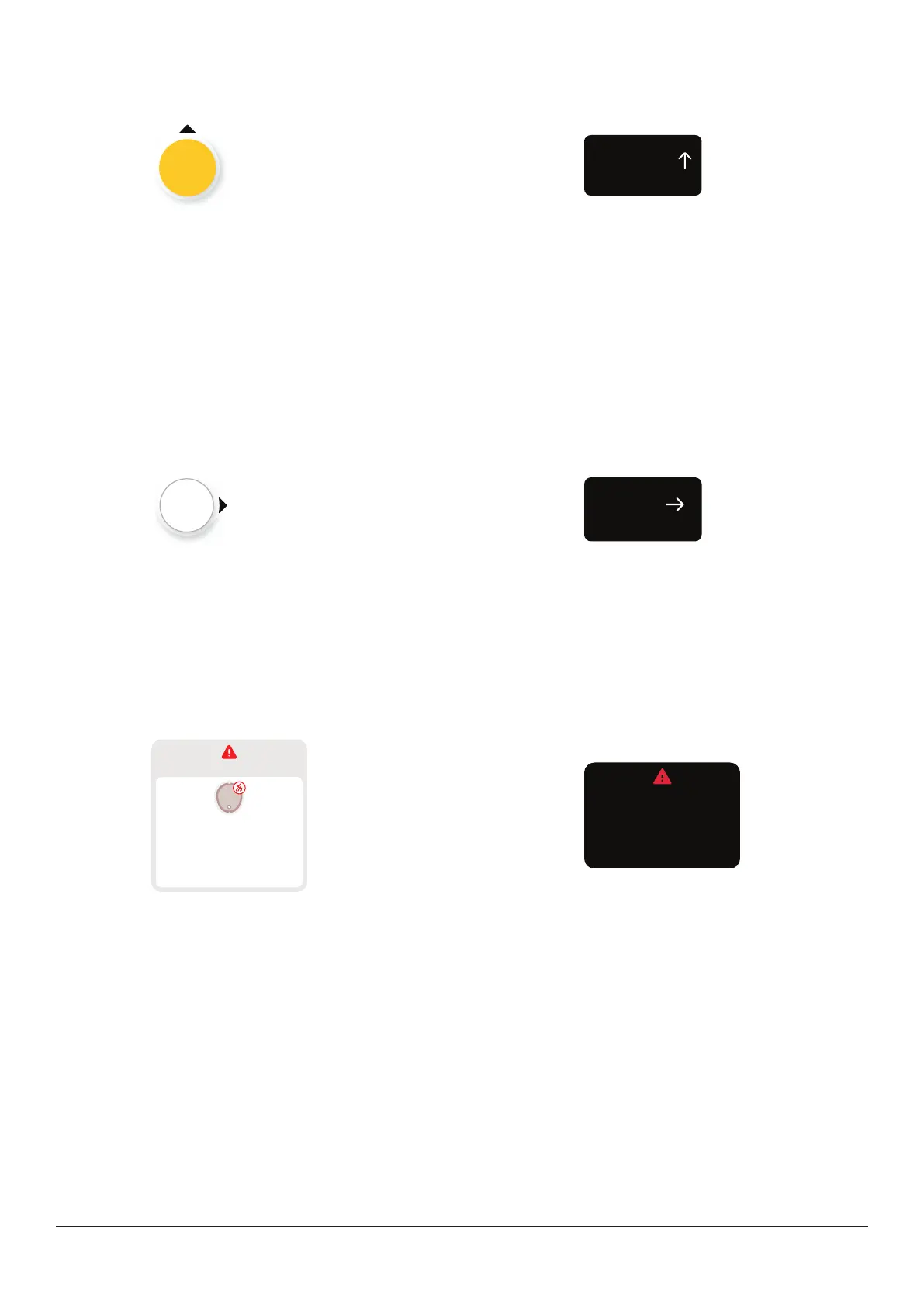
You're about to have a mid-morning snack. You see:
App
No alerts
Signal Loss
Always keep phone within
6 meters of sensor.
Wait up to 30 minutes.
Help
Receiver
Always keep receiver
within 6 meters of sensor.
Wait up to 30 minutes.
Signal Loss
Think about:
l
Number and arrow: You have neither.
l
Error message: You aren't getting sensor readings.
What you should do:
l
Use your BG meter for treatment decisions.
l
Keep your display device closer to your sensor.



 To Next Page