12 • Troubleshooting | Dexcom ONE+ User Guide
55
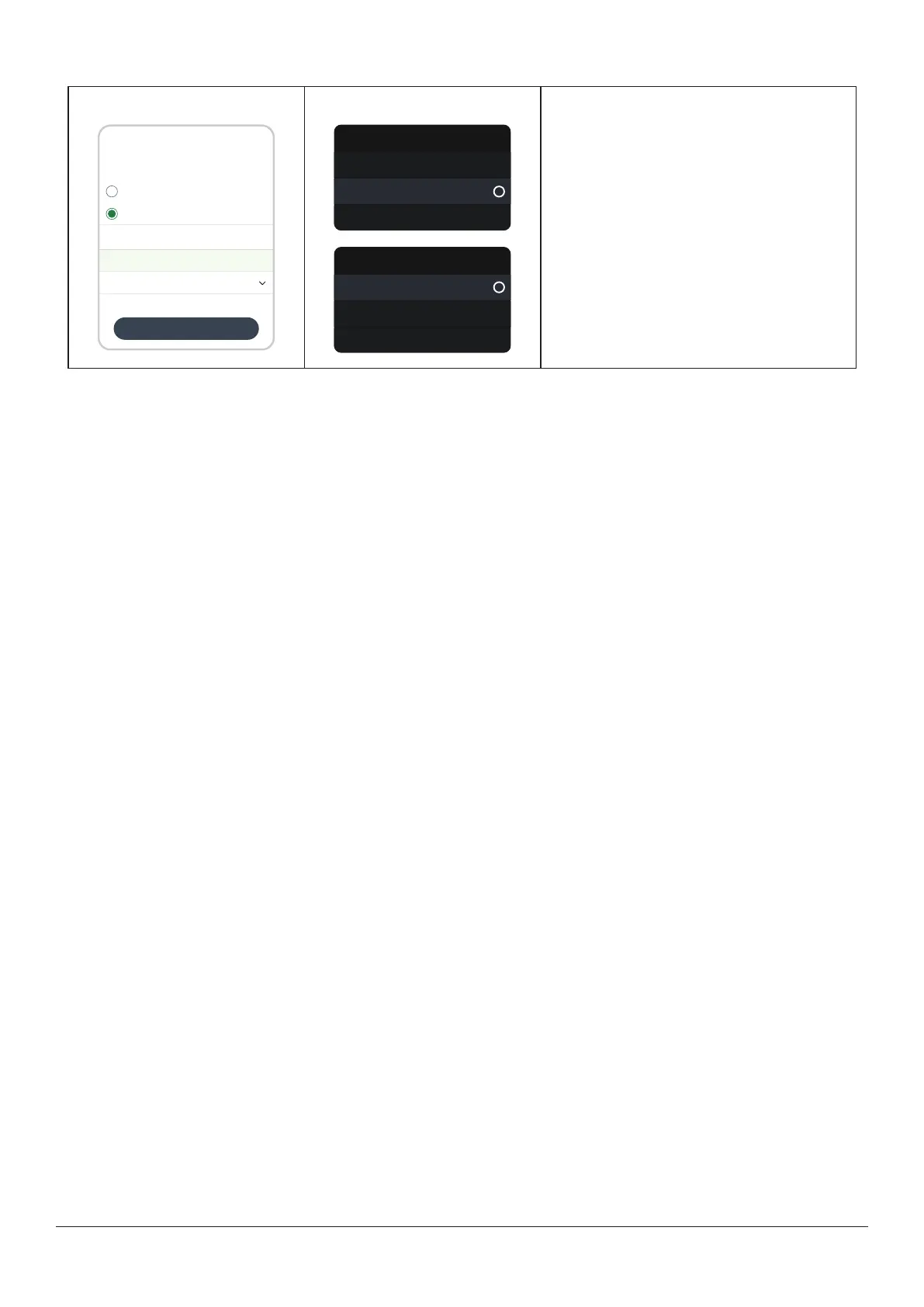
To calibrate your Dexcom ONE+ using your BG meter (optional):
App
Entry type
Save
Log blood glucose
Use as calibration
Calibration
BG meter value 11.7 mmol/L
Blood glucose
Date and time
Enter fingerstick within 5 minutes of taking it.
Use current date and time. You can’t edit saved calibrations.
Today, 9:41
Cancel
Receiver
Blood glucose
Log blood glucose
More info
Use as calibration
Sensor calibration
Calibrate
Last calibration
More info
In the app, tap the plus sign (+) in the Glucose
or History tabs.
In the receiver, go to Menu > Events > Blood
glucose > Use as calibration.
If Events isn't an option on your Dexcom ONE+
receiver menu, go to Menu > Calibrate
sensor.
Follow onscreen instructions.
When you calibrate your Dexcom ONE+ using your BG meter, remember:
l
Calibrate in one display device: Calibrate in one display device, even if you use both the app and receiver. The sensor
sends calibration information between them.
l
Meter values: Only calibrate with BG meter values from 2.2mmol/L to 22.2mmol/L.
l
Calibration Not Used alert: If you get a Calibration Not Used alert, take another fingerstick and calibrate again.



 To Next Page