SD12 - Getting Started
1-12
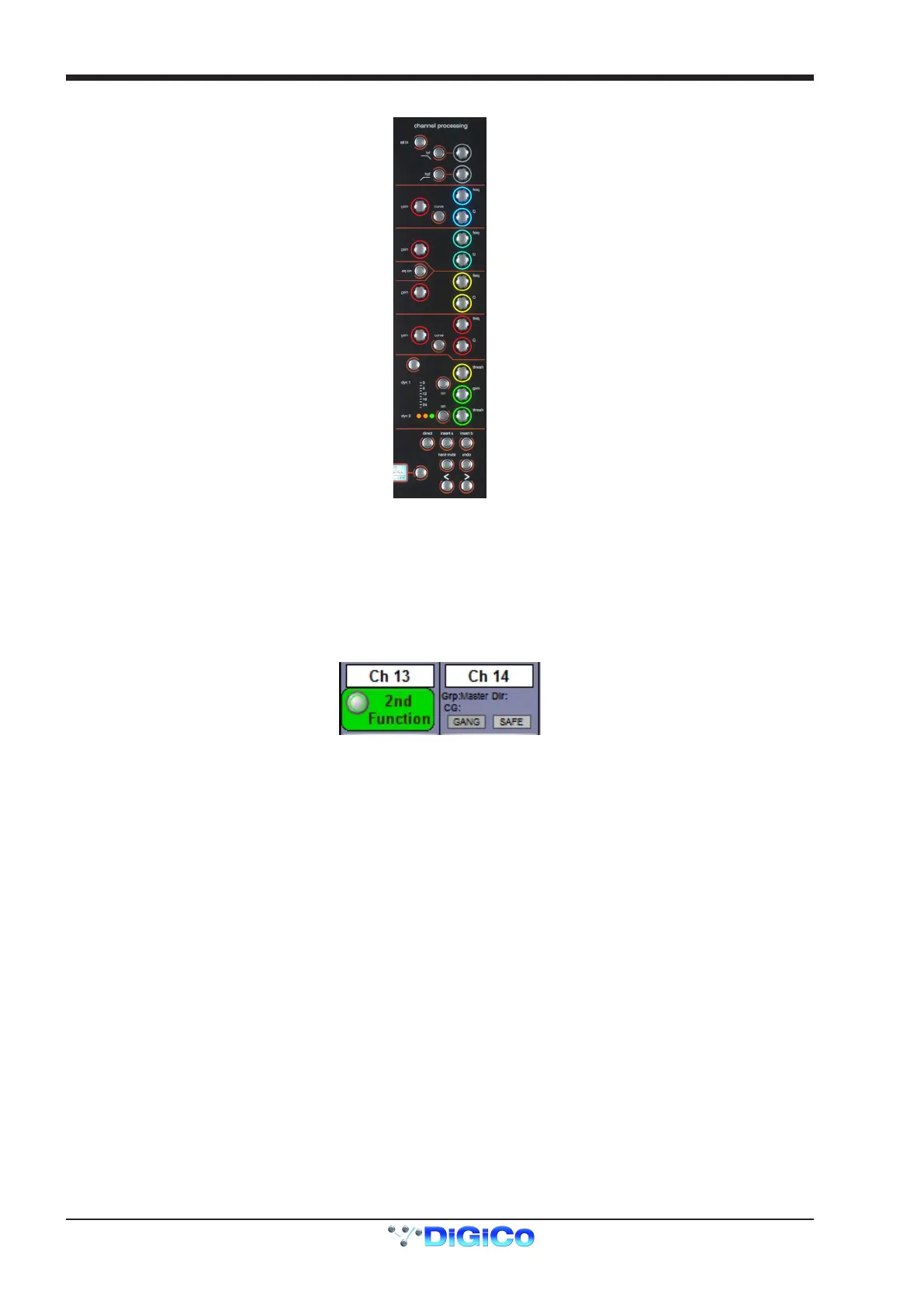
The controls to the right of the Channel Strip panel allow the Assigned channel to be adjusted:
The top half of the channel worksurface controls (down as far as the insert a, insert b and direct buttons, as shown above) control the
signal processing parameters which are displayed in the pop-ups accessed by touching in the appropriate section of the active channel.
The bottom half of the channel worksurface controls is concerned with output routing.
To the left of the screen are more channel controls: When pressed, the 2nd function button allows access to different parameters:
1) Stereo Aux Pan and Pre/Post switching
2) Hard Mute of a channel
3) Switching of LR or LCR panning
2nd function is indicated by a green 2nd Function display appearing in the bottom left-hand corner of the screen, as well as by the 2nd
function button lighting with a ring of green.
The Option/All button has 2 main functions:
1) When pressed and released, any channel that is a member of a gang or Multi will be temporarily isolated from that gang
or Multi.
2) When pressed and held, any parameter that is adjusted on a single channel will also be adjusted in the same way on all
of the channels in that bank



 To Next Page