AIR_Manual_506a_ENG_rev_1.pdf Page 22/96
● = Normal key pressure ● ● = Long key pressure (2 seconds)
Start Gate (Enter or Exit)
● ●
● ●
● Menu / Return
● ● MARK function
● Change Page fwd
● ● Clear Nav / Goto HOME
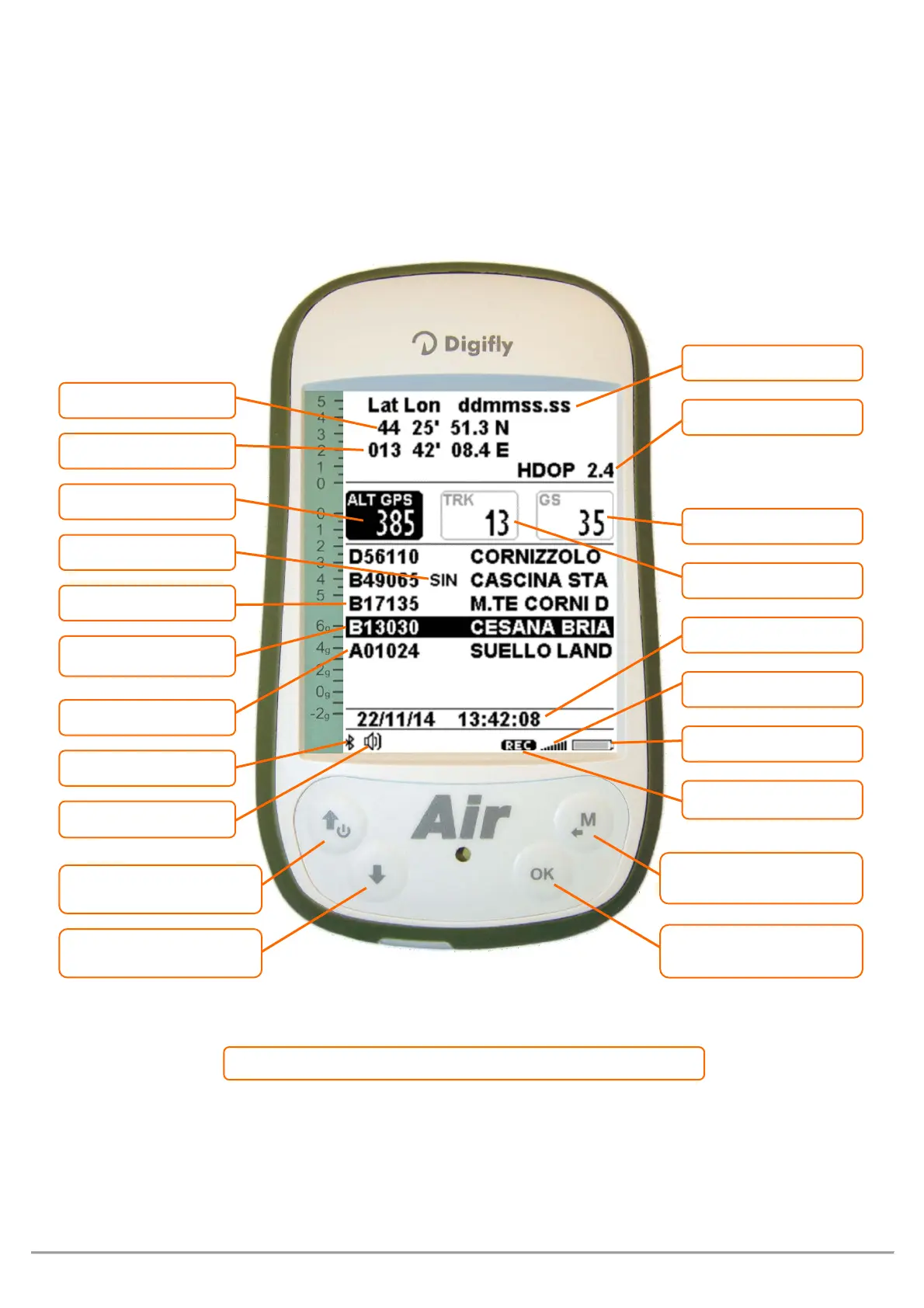
PAGE 13 MASTER INFO GPS PAGE
On the MASTER INFO GPS page, all values relative to your GPS position and navigation are visible. While on this
page only, you can access the following particular functions: “take me here” (GOTO HOME), “save current
position” (MARK), “cancel current navigation” (CLEAR NAV), real time navigation supervision "Real Time
Navigation Manager" of active route and “Skip Waypoint” through WPT.



 To Next Page