AIR_Manual_506a_ENG_rev_1.pdf Page 32/96
SPEED DIFFERENCE (WITH OPTIONAL PITOT TUBE)
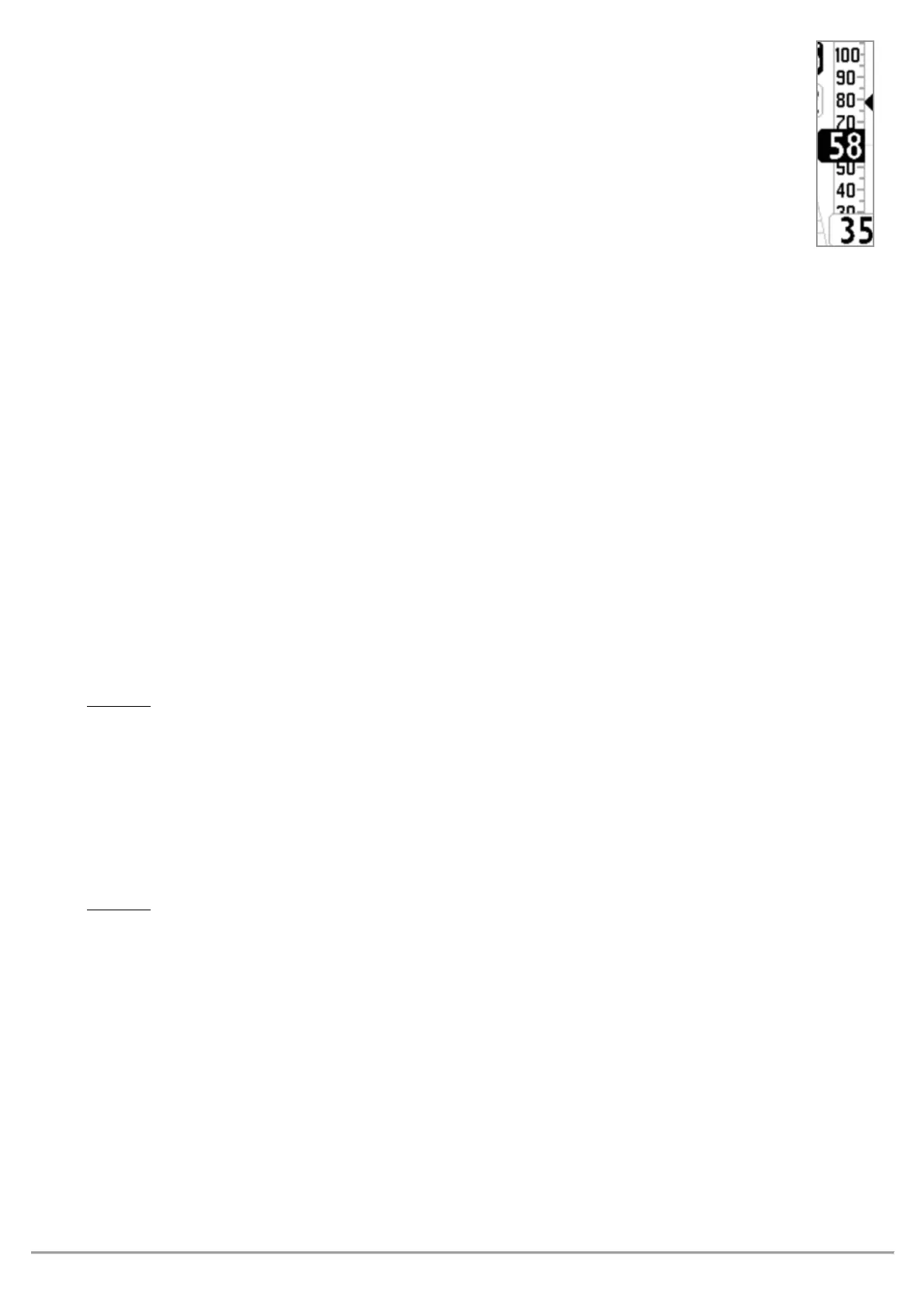
The “Speed Difference Enable” (
ADVANCED SETUP \ n. 2 SDIF
) parameter = ON displays the head
wind component (=Ground Speed – Anemometric Speed), on the digital indicator on the bottom of
the combined speed instrument, instead of the Ground Speed value. A negative value indicates
headwind.
STALL ALARM (WITH OPTIONAL PITOT TUBE)
The Stall Alarm is activated setting the parameter
with the desired speed.
It ranges from 0 to 150km/h (default setting: 0km/h). An alarm will sound as soon as you reach a speed below
the set speed. The default setting of 0km/h keeps the alarm off.
AIRSPEED CALIBRATION (WITH OPTIONAL PITOT TUBE)
•
Pitot tube sensor offset calibration
It is possible to calibrate the Pitot tube sensor offset corresponding to 0 km/h :
a) turn the instrument on, in a place where you don’t have any wind (preferably indoors).
b) write down the value of the sensor’s number visible on PAGE 11 (AHRS) beside the km IAS indicator.
c) use this number to set the
ADVANCED SETUP \ n. 3 OFSP
parameter.
This parameter can only be modified directly using the menu on the AIR instrument and not using the AirTools
software.
: If used incorrectly, this feature will render your airspeed indicator less accurate.
Pitot tube sensor span calibration
It is possible to perform a fine tuning of the airspeed full scale value using the
ADVANCED SETUP \ n. 4 KIAS
parameter that indicates the airspeed correction value (100%=no correction, 110%=increase, 90%=decrease).
This parameter can only be modified directly using the menu on the AIR instrument and not using the AirTools
software.
: If used incorrectly, this feature will render your airspeed indicator less accurate.



 To Next Page