AIR_Manual_506a_ENG_rev_1.pdf Page 42/96
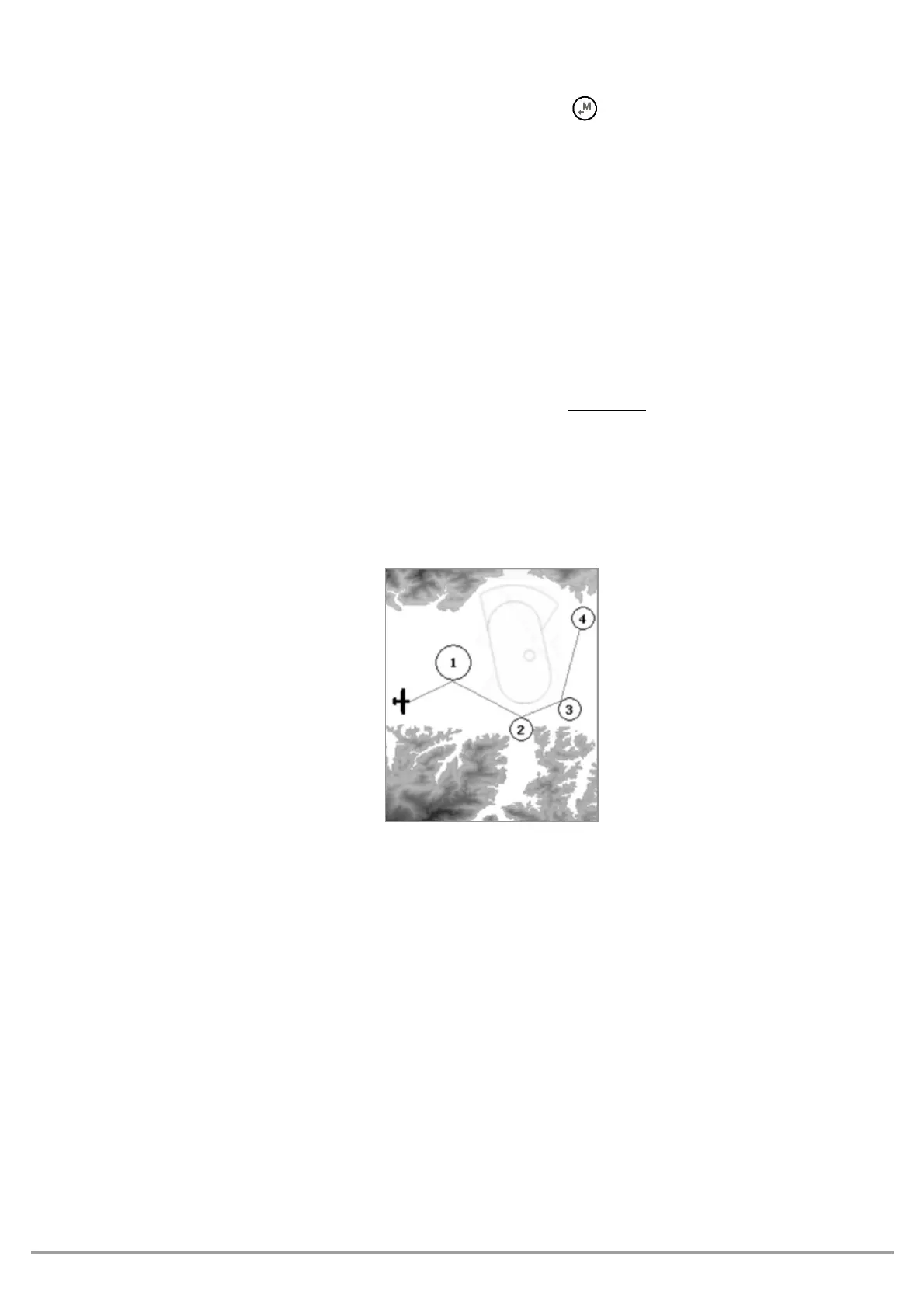
To display the NAV Layer (NAVIGATION) on your map, you need to have an active route or navigation to a waypoint.
NAV Layer has three different layouts, switchable by
the button, when looking at the Map tool:
"NAV ALL REMAINING WAYPOINTS"
(default) displays the remaining waypoints and your current position; the
map is built around the waypoints you still need to tag and your current position (plane icon).
"NAV CURRENT AND NEXT WAYPOINT"
displays the current waypoint, the one you are currently going to, the next
waypoint after that and your current position: the map is built around the current waypoint, the next one and
your current position (plane icon).
displays
the complete route, from take-off to goal, without your current position: the map is
built around all the route’s waypoints, including the start waypoint;
your current position (plane icon)
will
be visible.



 To Next Page