AIR_Manual_506a_ENG_rev_1.pdf Page 34/96
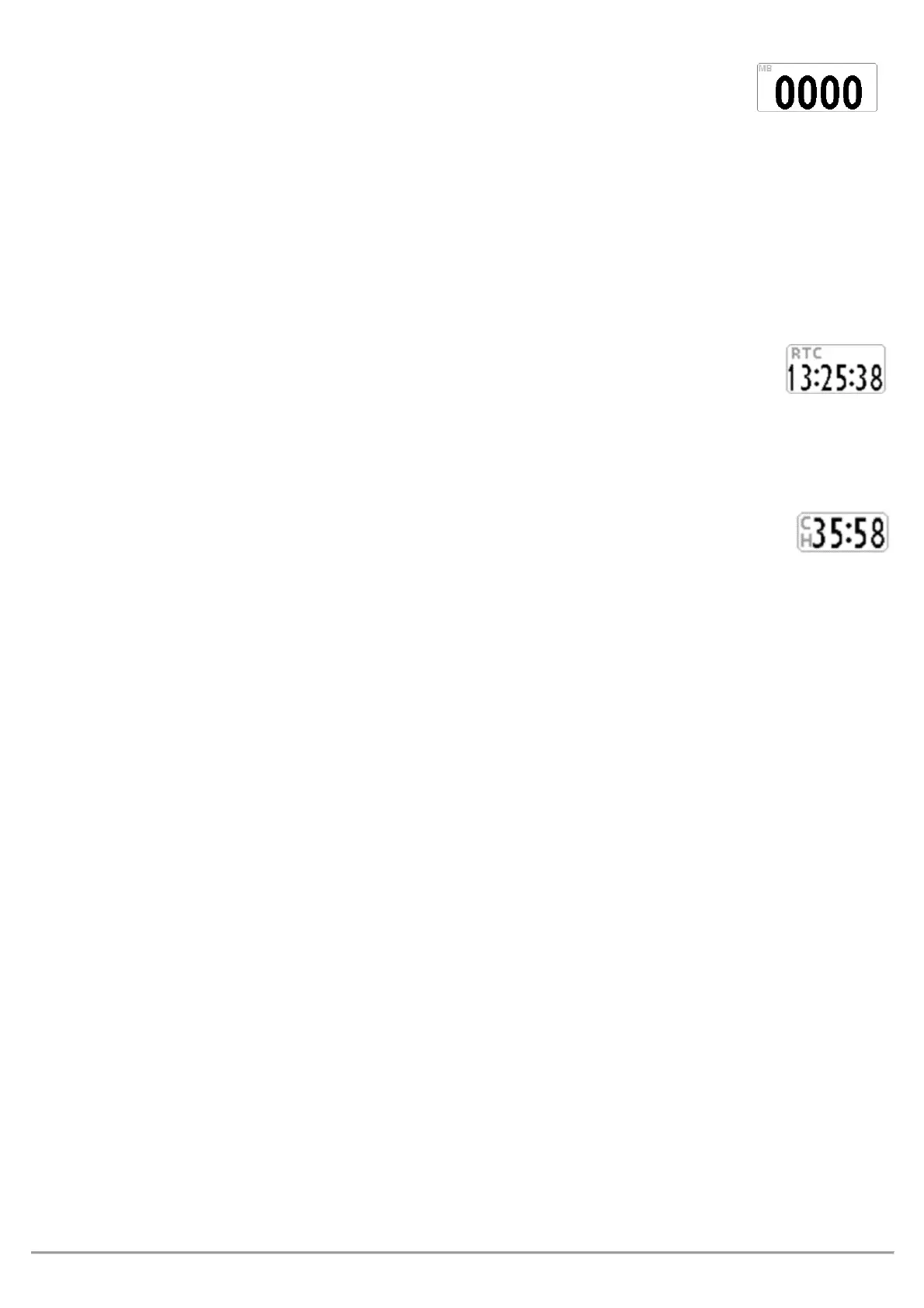
The barometer displays the atmospheric pressure in millibar.
It is possible to adjust its calibration with the
ADVANCED SETUP \ n. 5 KBAR
parameter.
This parameter can only be modified directly using the menu on the AIR instrument and not using the AirTools
software.
: when the recorder is activated or the instrument detects movements, it is not possible to change this
parameter.
: incorrect adjustment of this parameter will make the barometric altimeters less accurate
The current time (
or
)
is automatically synchronized with the GPS data when the instrument is turned on
and will continue to synchronize automatically throughout your flight.
To set the time zone you are in, go to:
.
The Chronograph
(
) is automatically reset to zero when the instrument is turned ON. It will remain at
00:00 until the flight begins and will stop when you land, but it will not immediately go back to 00:00. So, if you
were to take off again, without turning your instrument OFF and back ON, the chronometer would continue from
where it stopped, without resetting.
PILOT’S NAME & GLIDER’S INFO
To set the pilot name, glider type and glider ID, go to:
,
and
.



 To Next Page