AIR_Manual_506a_ENG_rev_1.pdf Page 52/96
side
Waiting side
MODIFY A WAYPOINT IN A ROUTE (PARAMETER CHANGE)
If you want a waypoint to be your "start waypoint/gate" its type must be changed (
) and you may even
need to adjust :
,
,
,
,
Press the , keys to set the cursor on the desired waypoint’s line that you want to modify.
Press the key to open the drop down menu containing the possible actions, then select “EDIT – VIEW” and
confirm with the key.
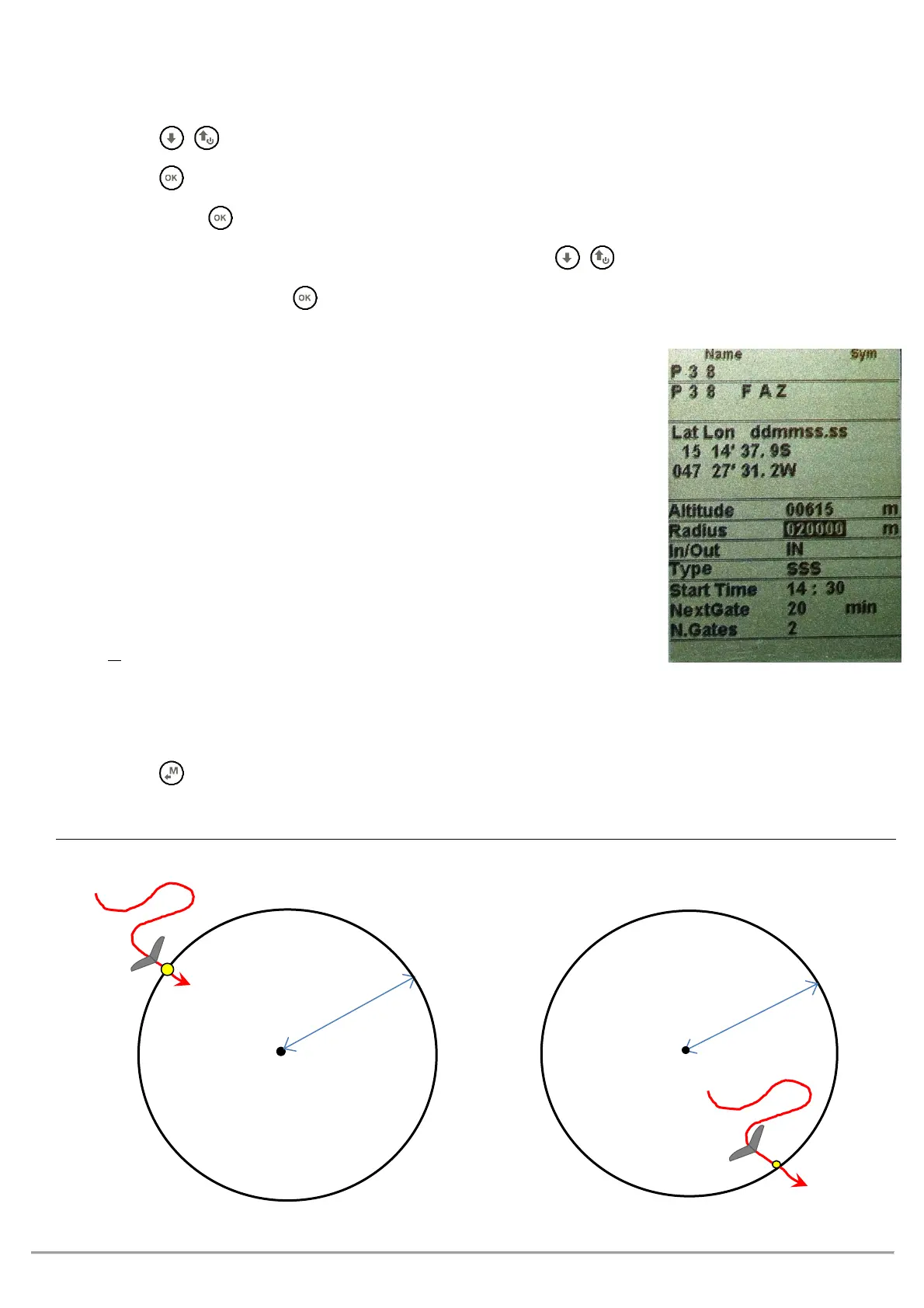
You’ll see a page with all the Waypoint’s info, use the arrow keys , to navigate to the field you want to
modify and confirm with the key (described in chapters 2.6.1 and 2.6.2).
The waypoint fields that are generally EDITED in a route are:
o
: altitude above sea level in meters
o
: radius (in meters) of the turn point cylinder
o
whether it is an “Entry” or “Exit” type waypoint
o
(defines the waypoint’s functions) :
= Take Off
= TurnPoint
= Start of Speed Section
= End of Speed Section
= Goal Line
= Goal Cylinder
o
IF editing an “SSS” type, you need to edit the following:
: time of the first start (hours:min)
: time interval (in minutes) between start gates
: total number of start gates
Press the key to go back to the route’s page
ENTRY START GATE (IN): EXIT START GATE (OUT):



 To Next Page