FRONT PANEL KEYS AND INDICATORS
21
5.5 KEYBOARD LOCK
It is possible to disable the keyboard functions in order to avoid accidental pressing of the keys.
It’s possible to lock the keyboard in two different ways:
a) Enabling in SETUP ( ) the function of automatic keyboard lock, after 15 seconds of inactivity of
the keyboard in weighing, the keyboard is automatically locked (the message “” is
displayed).
During the block you can:
- turn off the instrument by pressing the C button for about 10 seconds and turn on the instrument.
- temporarily unlock the keyboard, press the ZERO key and ENTER / PRINT in succession the
message “” is displayed).
If you press a different key, the message“” is displayed; when you press
the ZERO key, the message “”, is displayed.
b) enabling in SETUP ( ) the key lock function via an optional input, the keyboard is locked on
closing the input and only enabled when it reopened.
In this case, when you enable or disable buttons, no messages appears on the display and by
pressing a button the display shows “” for a while.
5.6 LED’S SIGNAL
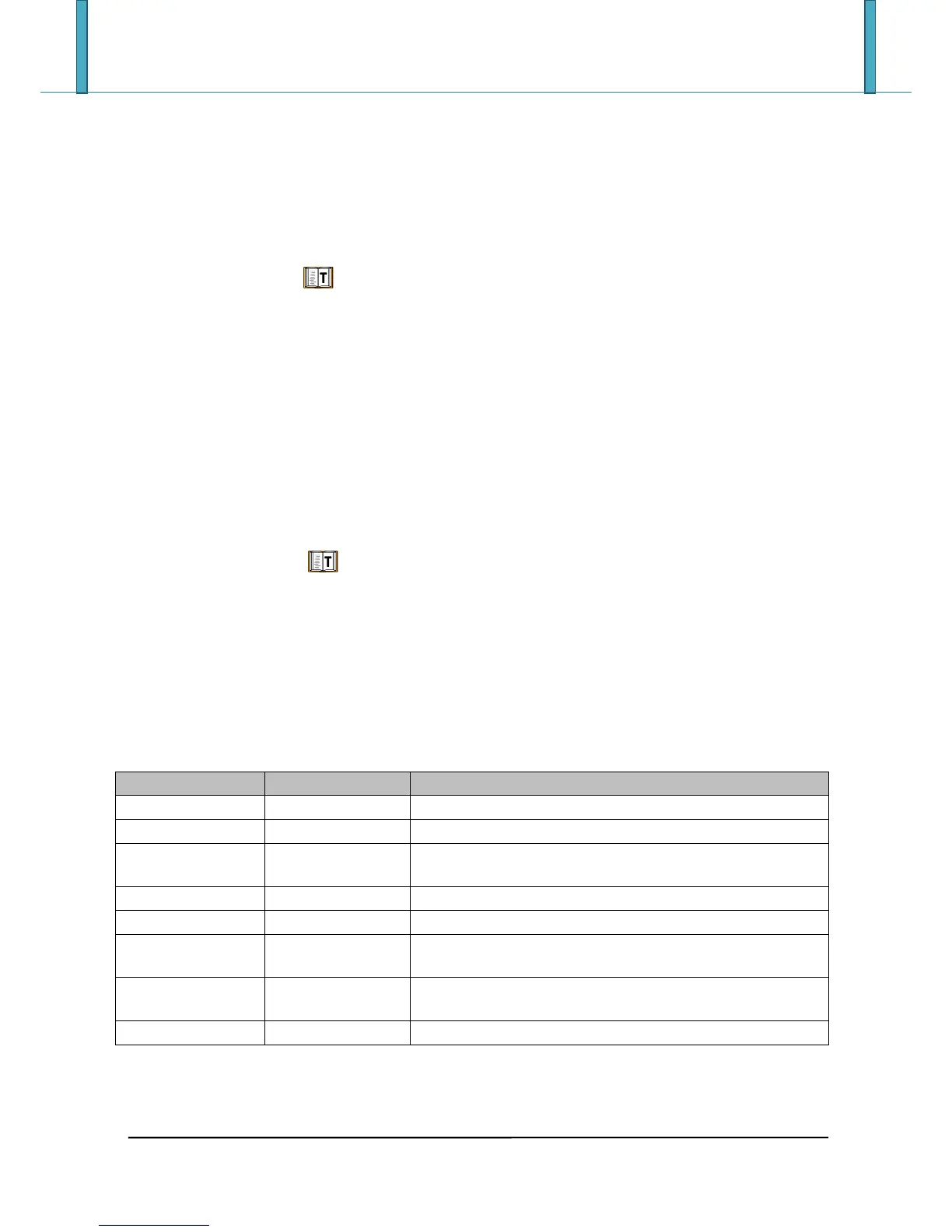
The display can be equipped with a LED indicator that indicates the operating status of the indicator; below
the description for each LED, for correspondence refer to the figures of the preceding paragraphs:





 To Next Page