FRONT PANEL KEYS AND INDICATORS
24
5.9 INTENSITY BACKLIGHT / LED
The brightness of the backlight (LCD display) or LED (red LED display) is customizable from setup. In the
“Crane” series, a long pressure of the Zero button will launch a menu in which intensity can be set. In other
indicators, except the wheel weighing ones, a long pressure of the F button will launch that menu.
The backlight in the case of the LCD display, it is normally active when operating the scale, but if necessary
can be turned on or off permanently.
In the DFWLID series’ indicators you can customize the color of the backlight of seven different shades.
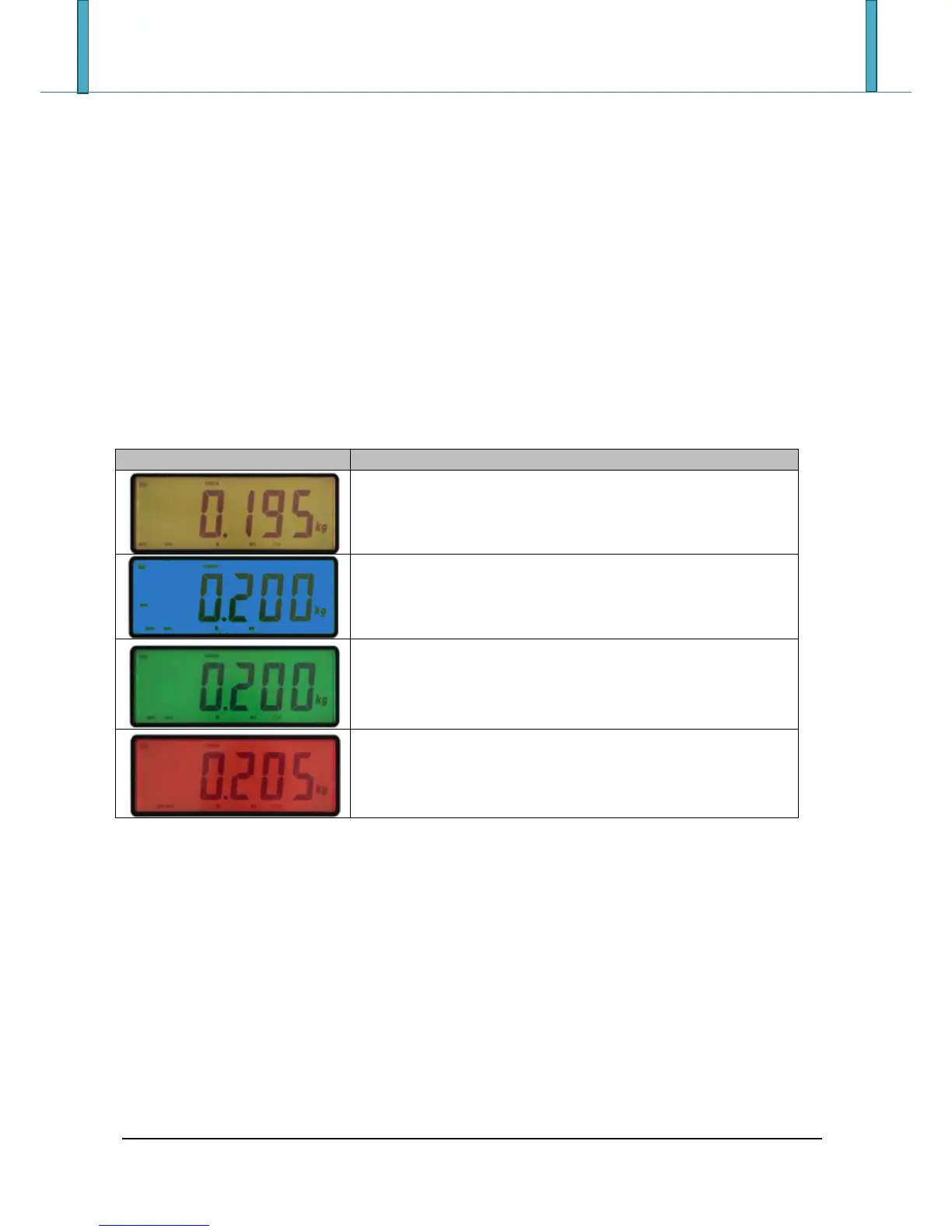
In addition, in the operating of control tolerance, the backlight will automatically change depending on the
weight and color set in SETUP, the standard operation is described in the following table and in paragraph
“CONTROL CONTROL OF TOLERANCE + / - ()”:
The net weight is greater or equal to the activation threshold, but
below the minimum threshold.
The net weight is greater or equal to the minimum threshold, but
below the maximum threshold and is in motion.
The net weight is greater or equal to the minimum threshold, but
below the maximum threshold and is stable







 To Next Page