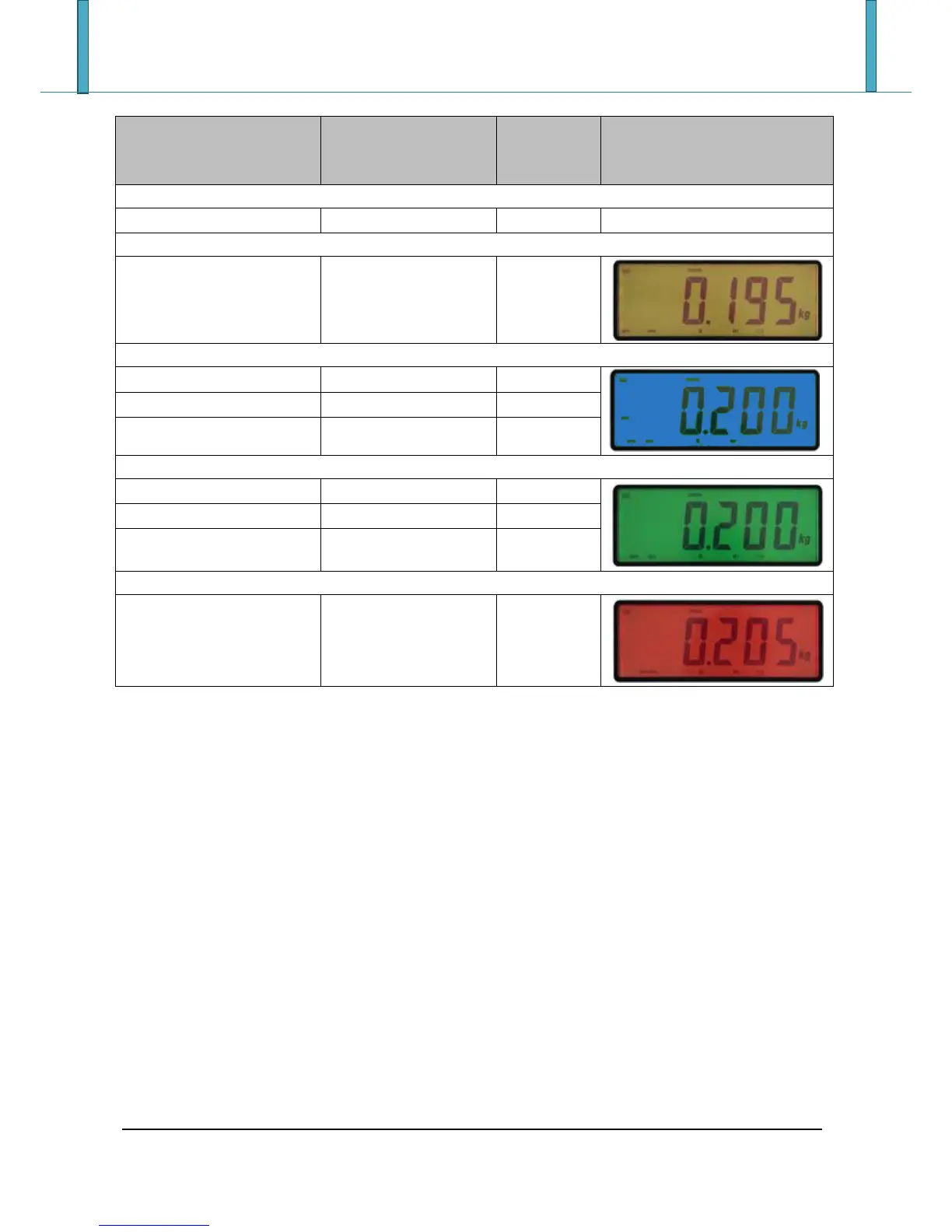
X is the difference (1 figure) between the weight on the scale and the target.
8.6.2 ACOUSTIC SIGNAL
It is possible to enable an acoustic signal (beep) for the control of tolerance in two different mode.
Pressing “F” and “6” in sequence (in the 17-key indicators) or pressing long the “MODE” key (in the 5-key
indicators) it is possible to choose one of the following ways:
- : that is emitted when the weight is greater than the enabling threshold; the frequency with
which the acoustic signal is emitted increases when the weight approaches the target and vice versa.
When the weight reaches the target, the indicator emits a different acoustic signal.
- : that is emitted when the weight is less than Target-t.Min or greater than Target+t.MAX.
- : acoustic signal disable
For each selection, the display shows the enabled mode and “” indicating the save.
8.6.3 PRINT
If it has configured a printer and it has set a target greater than 0, at the execution of the weigh through
the ENTER / PRINT key, it will run a print showing also the target, tolerances and the outcome of control.







 To Next Page