Page 25
AIM 2 Operation Manual
Navigation
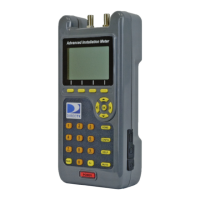
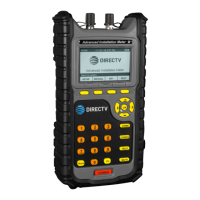
Keep in mind the following guidelines when using the meter buttons to navigate through the
AIM’s features:
• To select a softkey option, press the button below that option.
• To highlight an option in a list, do one of the following:
– Use the arrow buttons to highlight the option.
– Use the alphanumeric keypad to enter the number for the option.
• To select a highlighted option in a list, do one of the following:
– Press the NEXT or SELECT softkey (based on the screen)
– Press the OK button
• To return to the HOME screen, do one of the following:
– Press the DONE softkey (if available)
– Press the HOME button
• To return to the previous screen, do one of the following:
– Press the BACK softkey (if available)
– Press the BACK button


 To Next Page