AiStarter User Guide 5User Operation
IssueV1.0.3(2018-09-01) AiStarter User Guide Copyright © Yuejiang Technology Co., Ltd
12
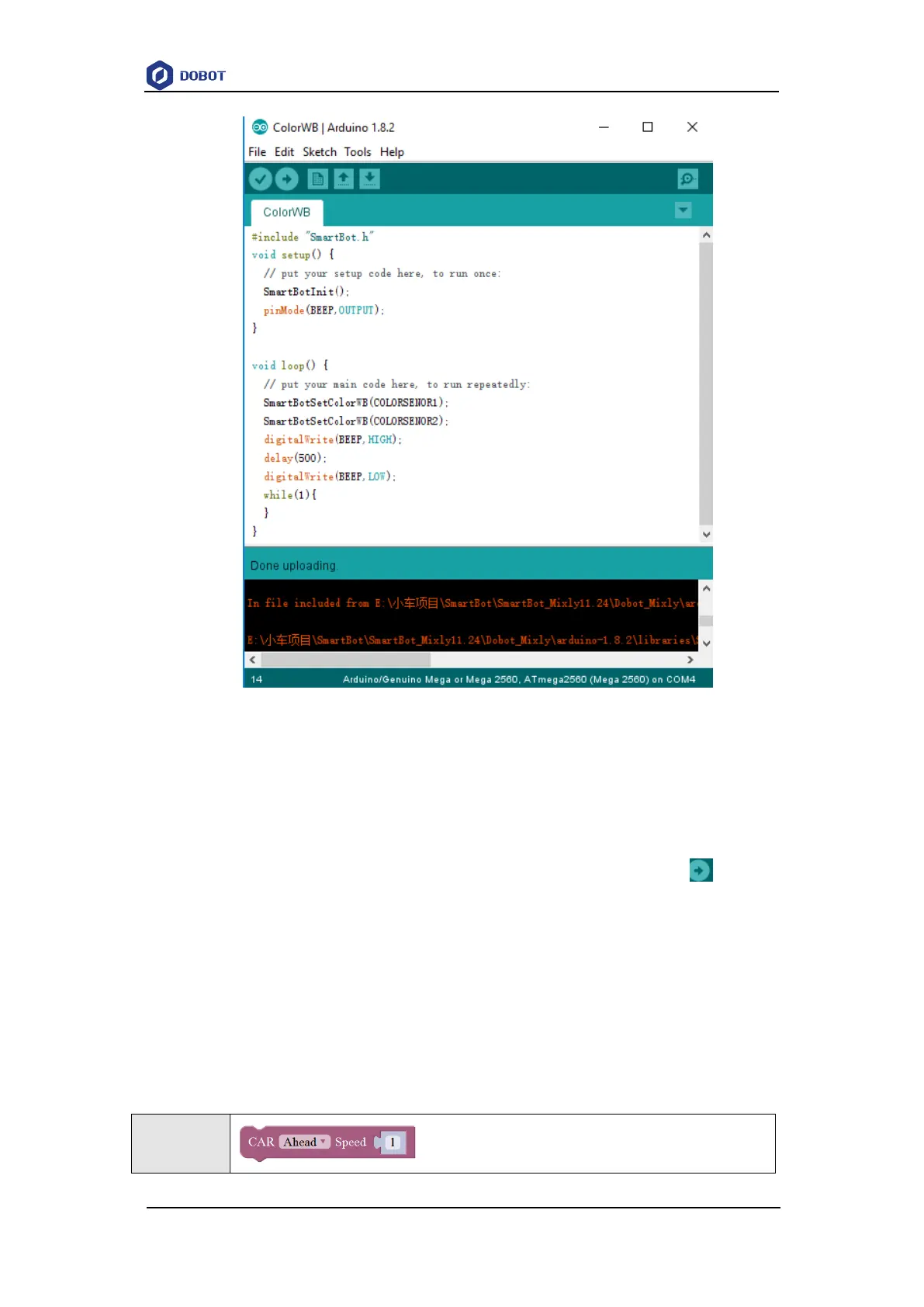
Figure 5.2 The page of Arduino IDE
After opening Arduino IDE, select Arduino/Genuino Mega or Mega 2560 on the Tools >
Borad page, select ATmega2560 (Mega 2560) in Tools > Processor path, select the
corresponding serial port in Tools > Port path.
User can select example on the File > Examples > AiStarter page, click to upload
example to AiStarter, which will make AiStarter work according to the example. You can also refer
to API Function to upload program to AiStarter by calling API function, which will make AiStarter
work according to the program.
5.3 Blockly Description
5.3.1 Setting Direction and Speed
Table 5.1 Set direction and speed



 To Next Page