AiStarter User Guide 5User Operation
IssueV1.0.3(2018-09-01) AiStarter User Guide Copyright © Yuejiang Technology Co., Ltd
17
Color:
Red
Green
Blue
Return RGB value. Value range: 0 - 255
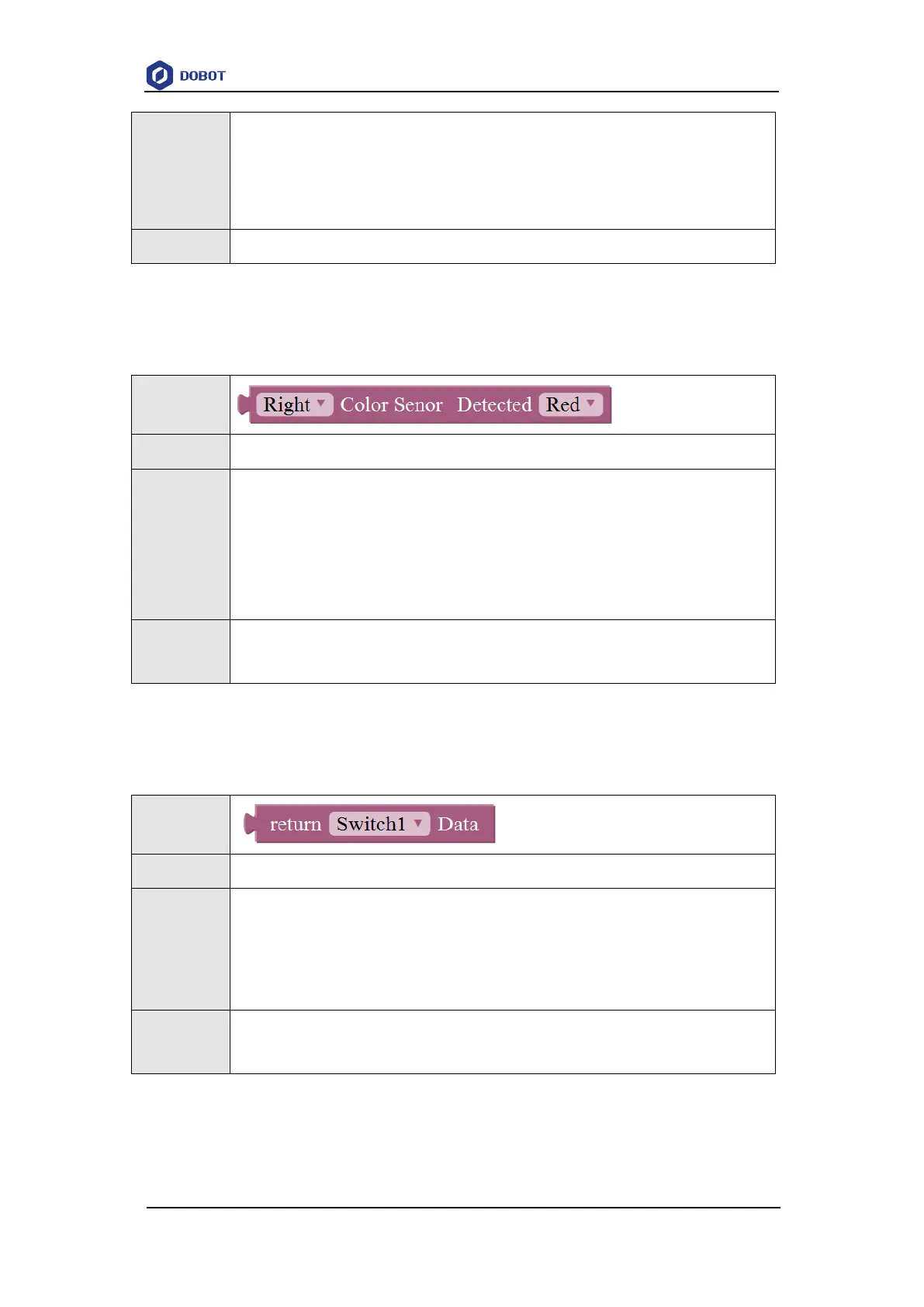
5.3.13 Detecting Color
Table 5.13 Detect color
This module is used to detect color
Color sensor: Select the left color sensor or the right color sensor
Color:
Red
Green
Blue
Return 1: There is a color
Return 0: There is no color
5.3.14 Getting Switch Status
Table 5.14 Get switch status
This module is used to get switch status
Switch:
Switch1
Switch2
Switch3
Retuen 1: Press
Return 0: Release
5.3.15 Detecting Switch Status



 To Next Page