158 Instructions for use Isolette 8000 plus SW 5.n
Service
13.5.1.13 Oxygen sensor cell replacement
WARNING
Risk of death or serious injury
Use of incorrect oxygen sensor cells can result in inaccurate readings that could
cause patient injury.
► Use only the oxygen sensor cell kit specified in the Accessories on page 181.
The incubator uses 2 independent oxygen sensors to provide redundancy and
cross-checking. For this reason, the oxygen sensor cells must be replaced at the
same time, and are therefore provided as a pair.
1 Open the 2 bags containing the new oxygen sensors, and expose the sensors to
air. Note the time.
The individual oxygen sensor cells are packaged in airtight bags. After
packaging, the sensor slowly consumes all the oxygen in the bag, and then
enters a “sleep” state. When the bag is opened, the sensor must “wake up”
before its operation can stabilize. Therefore, the sensor should be exposed to
room temperature air for at least 30 min before attempting calibration. If
possible, open the bags 24 hours before installation.
If the oxygen sensor has been exposed to extreme temperatures (e.g., >50 °C
(122 °F) or <0 °C (32 °F)), it might require up to 24 hours to return to normal
operation.
2 Switch off the incubator on/off switch.
3 Unplug the sensor module cable from the shell.
4 If present, unplug the scale cable and any skin temperature probe cables from
the sensor module.
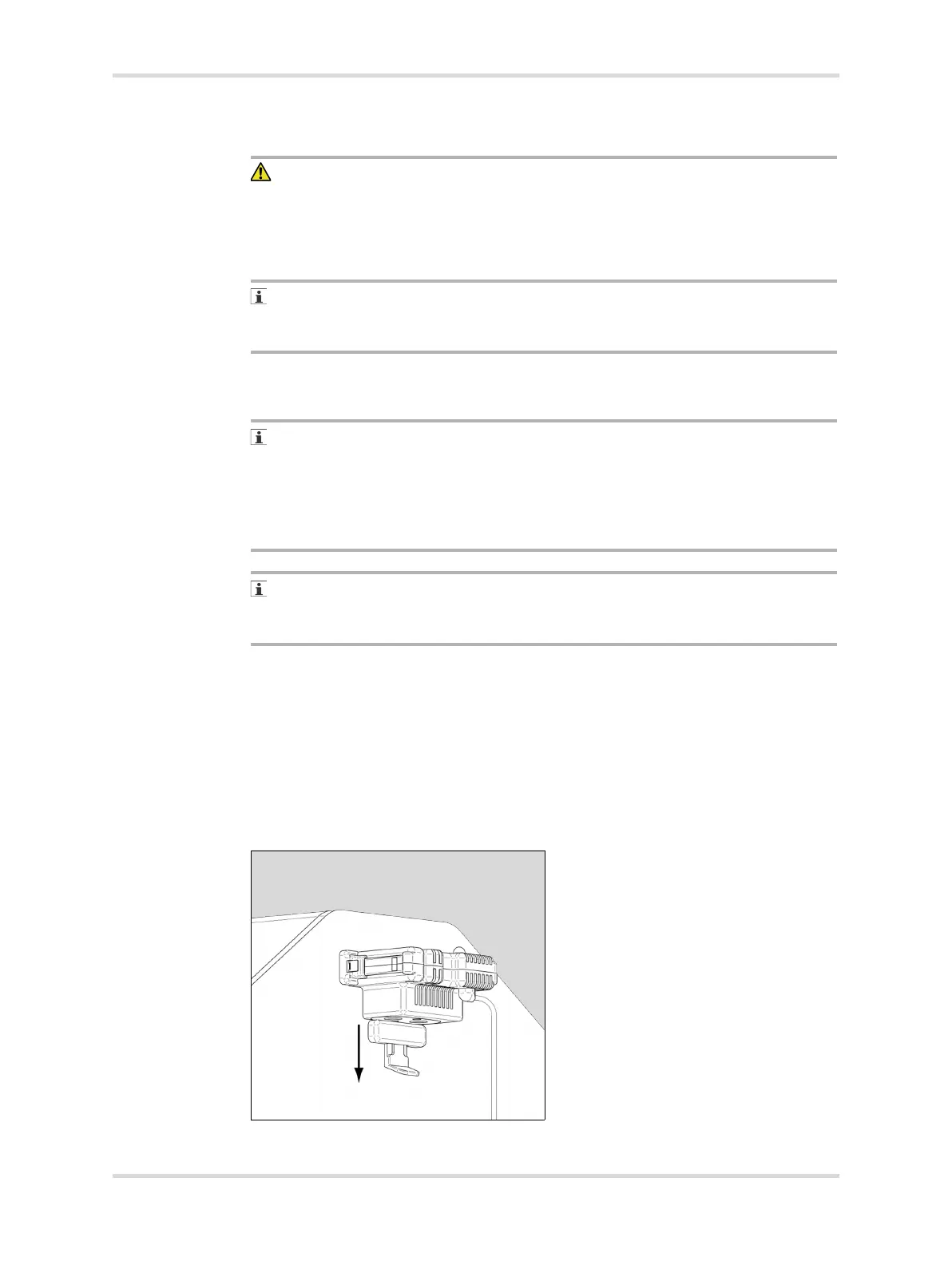
5 Pull down the lock (A) on the sensor module (B) and slide the module out from
the hood until it stops.
6 Pull out the clip (C) on the left side of the sensor module and remove the module
from the hood completely.
006














 To Next Page