162 Instructions for use Isolette 8000 plus SW 5.n
Service
13.7.1.2 Oxygen sensor calibration to 100% oxygen
To perform the 100% oxygen calibration procedure:
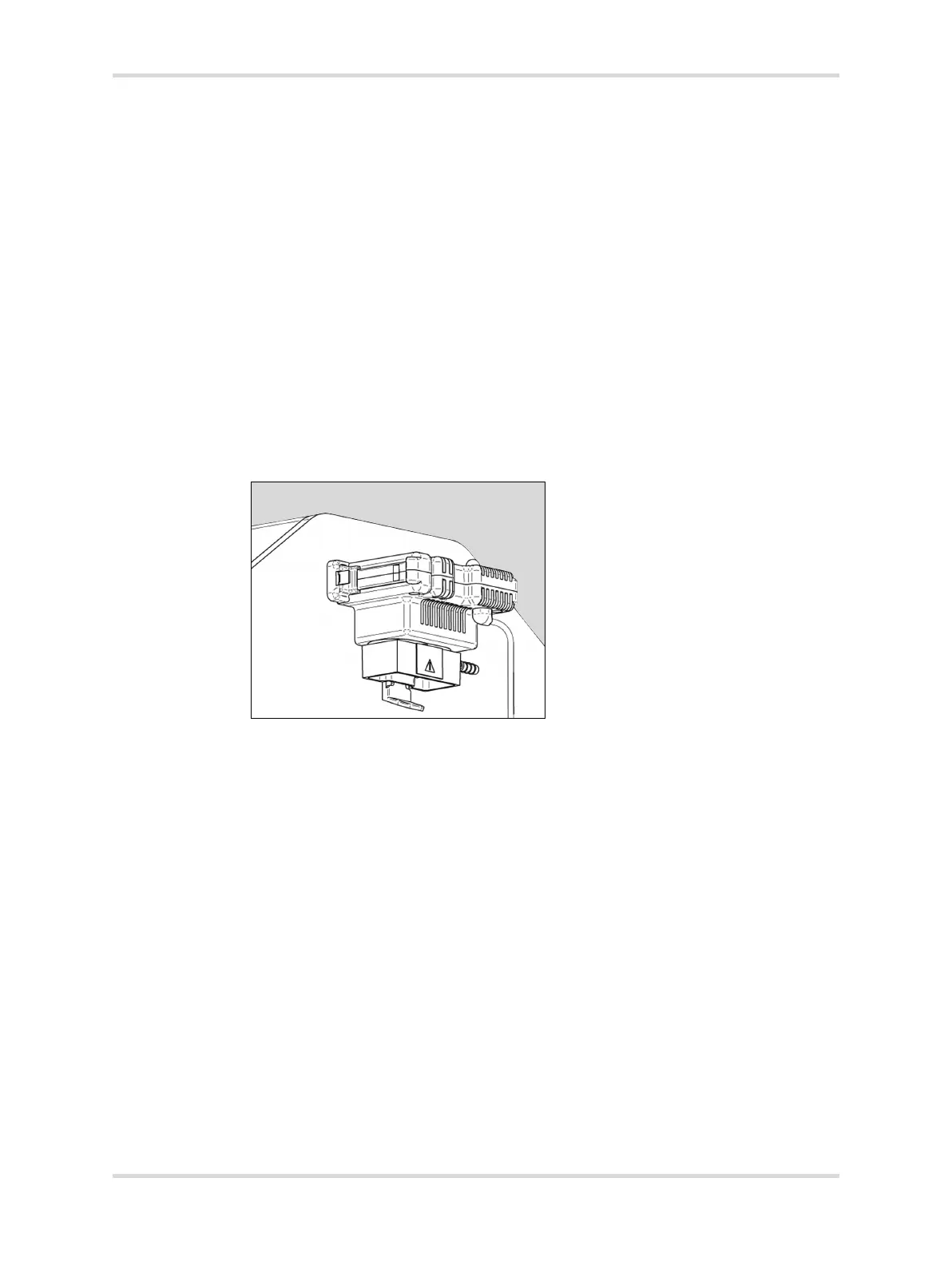
1 Install the 100% oxygen calibration fixture on the hood (see Installing the 100%
oxygen calibration fixture (optional) on page 57).
2 Verify the oxygen calibration level setting (21% or 100%) at the system
configuration menu (Refer to System configuration menu on page 113).
3 If necessary, configure the oxygen calibration level setting for 100%.
4 Connect an oxygen hose to a 100% medical-grade oxygen source at 3 L/min to
5 L/min and to the barb fitting on the calibration fixture.
5 Turn on the oxygen.
6 At display 1, press the Oxygen button.
7 Press the On button, and then the Cal button.
8 Within 5 seconds, withdraw the sensor module from the hood to prevent a
Cal Fail message. To withdraw the module, pull down the lock (A) and slide out
the module (B) from the hood until it stops.
When calibration is complete, the message Cal Pass is displayed in the
oxygen window.
9 Remove the oxygen source.
10 Slide the sensor module inside the hood.
11 Press the On button.
12 If the message Cal Fail is displayed, refer to In case of calibration failure on
page 162.
13 If the calibration procedure is unsuccessful a second time, refer the device to
service personnel.
13.7.1.3 In case of calibration failure
These measures are independent troubleshooting measures that do not need to be
performed in sequence.
043














 To Next Page