68 Instructions for use Isolette 8000 plus SW 5.n
Getting started
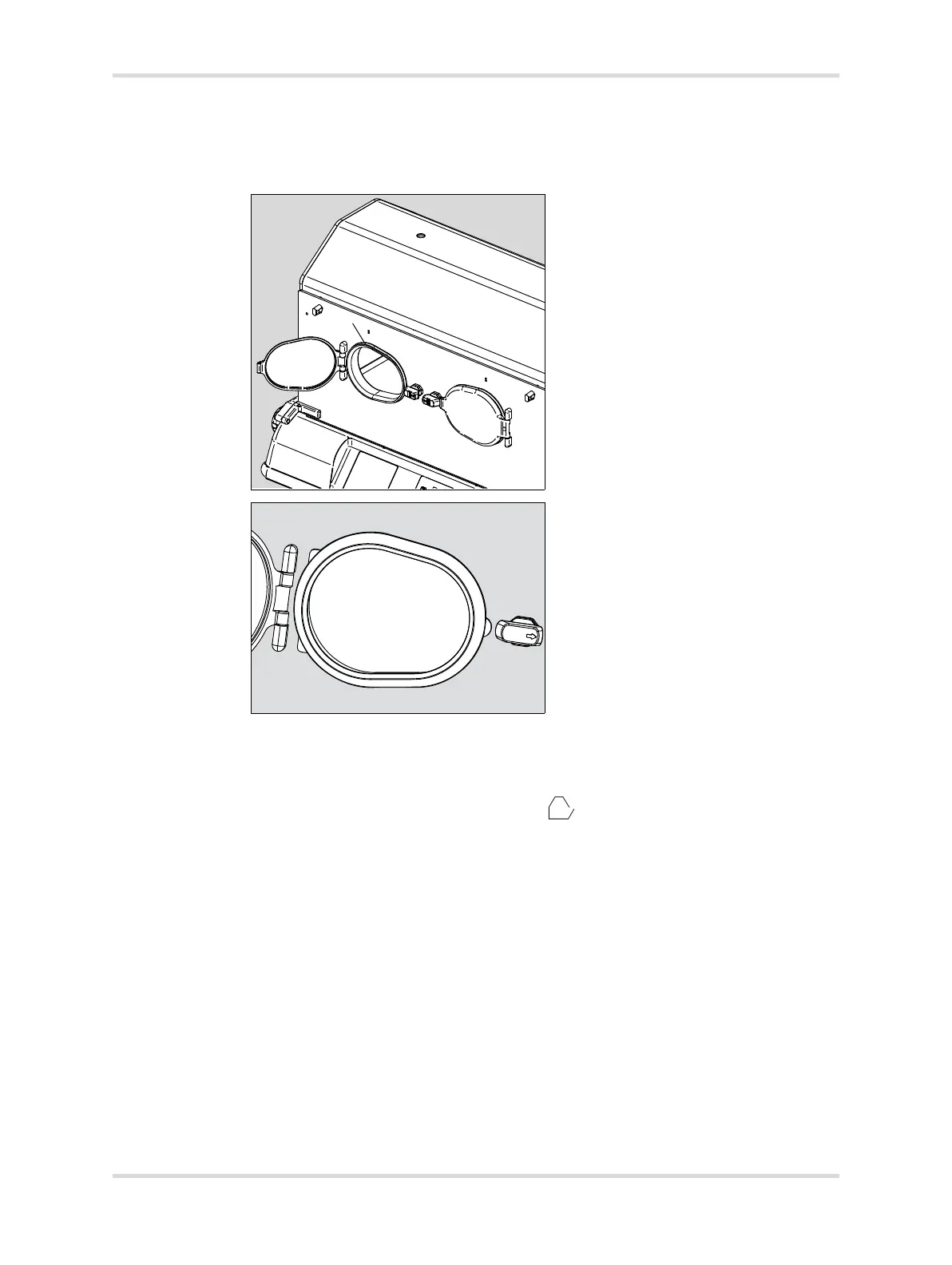
2 Check that the gaskets (C) are properly installed in the openings.
The 2 tabs on each gasket are on the hinge side of the door opening (D),
and the single tab is on the latch side of the door opening (E).
3 Close the doors, and check for proper latching and quietness.
5 Check that the inner double walls are properly latched:
1 Open the front access panel.
The access panel open symbol ( ) appears on the controller screen.
2 Check that the front inner double wall is properly latched.
3 Close the front access panel.
The access panel open symbol on the controller screen turns off.
4 Repeat steps 1 through 3 for the rear access panel and rear inner double
wall.
6 Check the bed elevators:
1 Rotate the right bed-tilt knob (A) counterclockwise until it stops.
The bed is in the full “up” position (B).
030090














 To Next Page