Instructions for use Isolette 8000 plus SW 5.n 71
Getting started
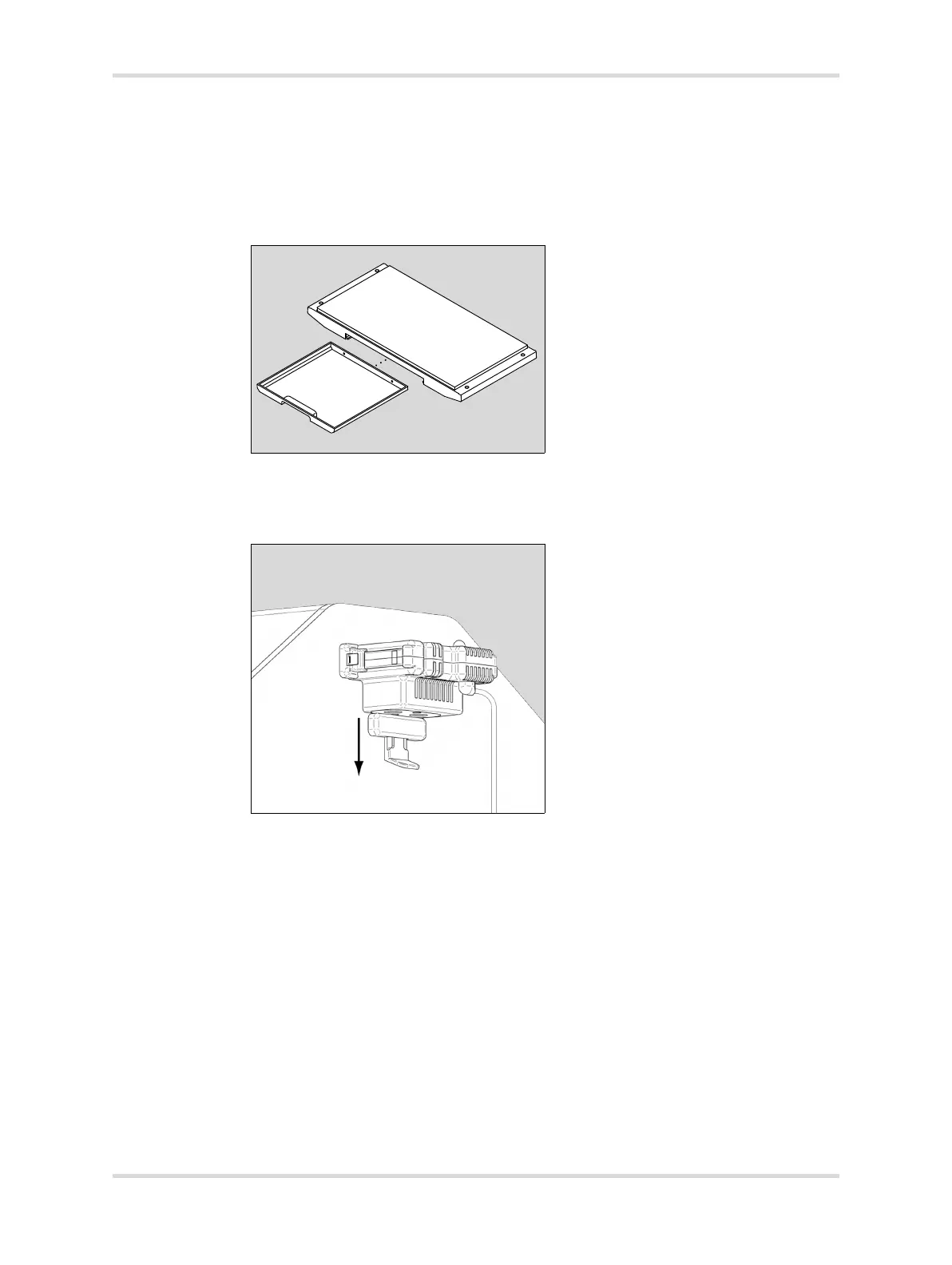
4 Check the tray for any defects.
5 Ensure the tray slides smoothly in and out of the opening.
6 Return the X-ray tray.
7 Close the front access panel, and rotate both latches until they are fully
engaged.
11 Check the sensor module lock.
1 Pull down the sensor module lock (B).
The sensor module slides in and out of the hood.
035006














 To Next Page