92
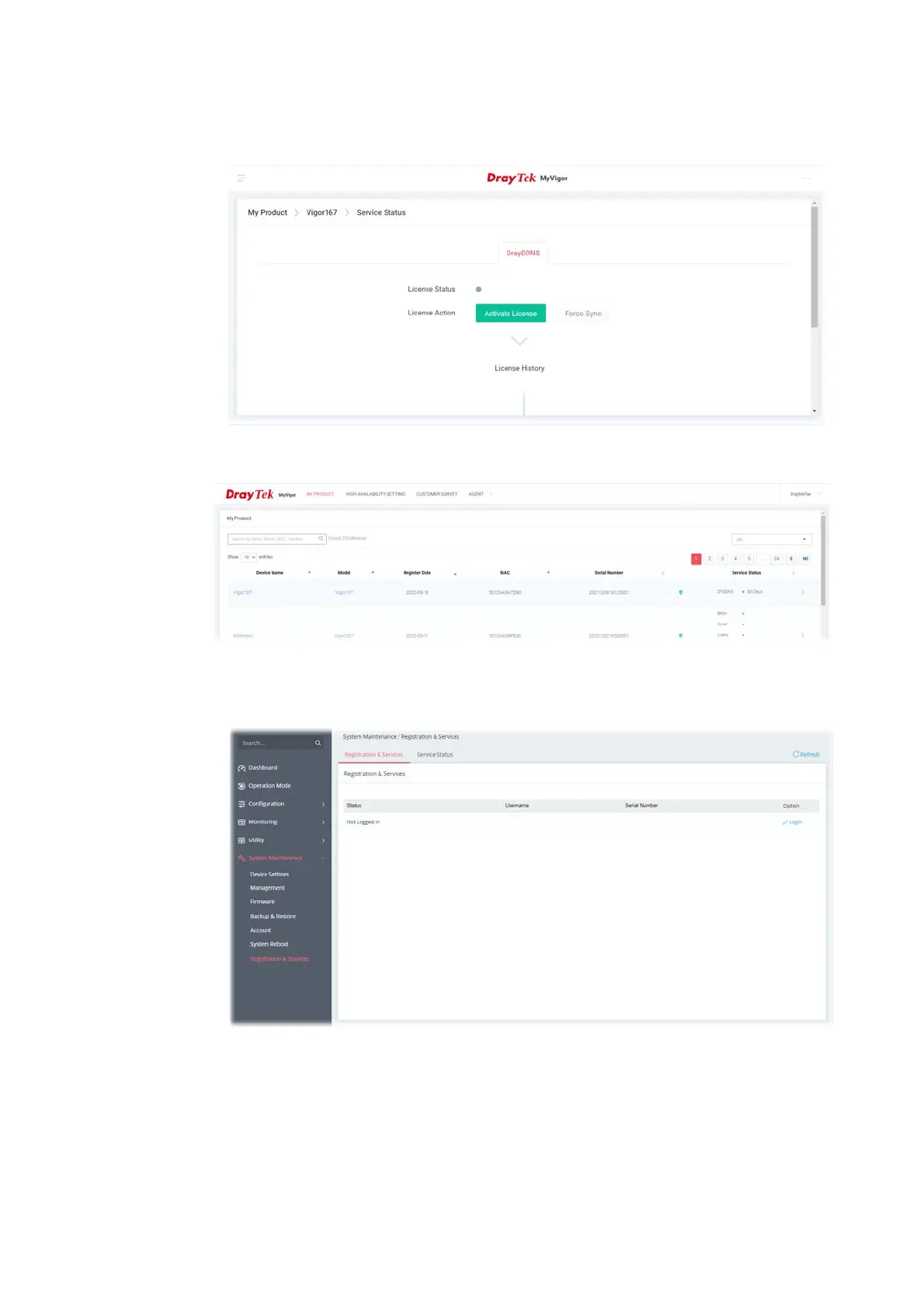
5. When the following page appears, your router has been registered to myvigor website
successfully. However, the DrayDDNS service has not been activated yet.
6. Clicking MY PRODUCT for viewing the general information of the registered router on MyVigor
website.
7. Return to the System Maintenance >> Registration & Service page. Click the Login link
under the Option to load the registration information.



 To Next Page