20
Note:
Switch these two icons by click the mouse cursor on them.
- means “Enable”.
- means “Disable”.
II-1-3 LAN
Local Area Network (LAN) is a group of subnets regulated and ruled by modem.
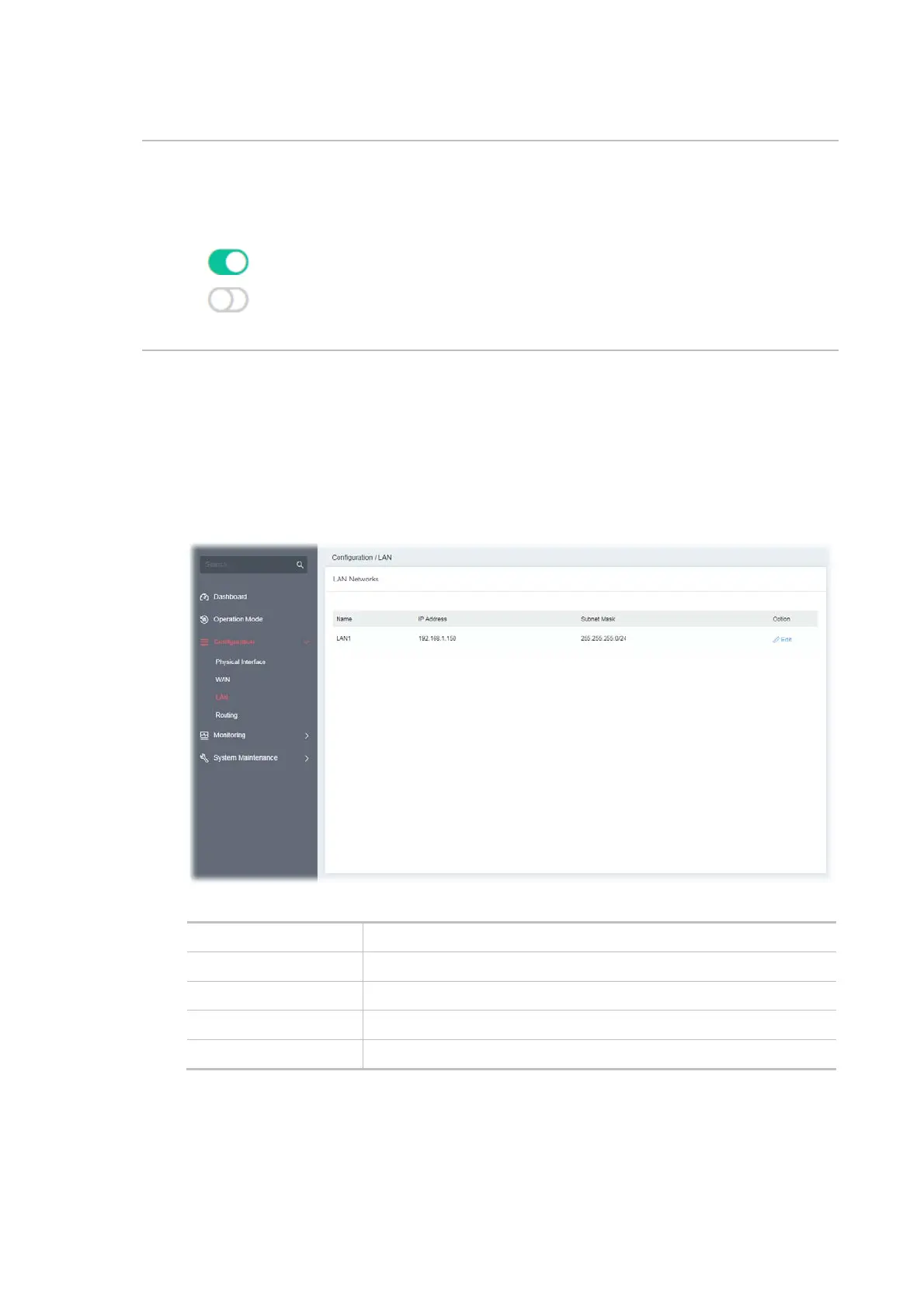
Open Configuration>>LAN to open the following page.
Available settings are explained as follows:
Item Description
Name Displays the number of LAN interface.
IP Address Displays the IP address of the LAN interface.
Subnet Mask Displays the subnet mask of the LAN interface.
Option Edit - Click to modify the name, IP address, and subnet mask settings.
To configure the detailed settings for the selected WAN interface, click the Edit link to the right side
of the LAN interface.



 To Next Page