21
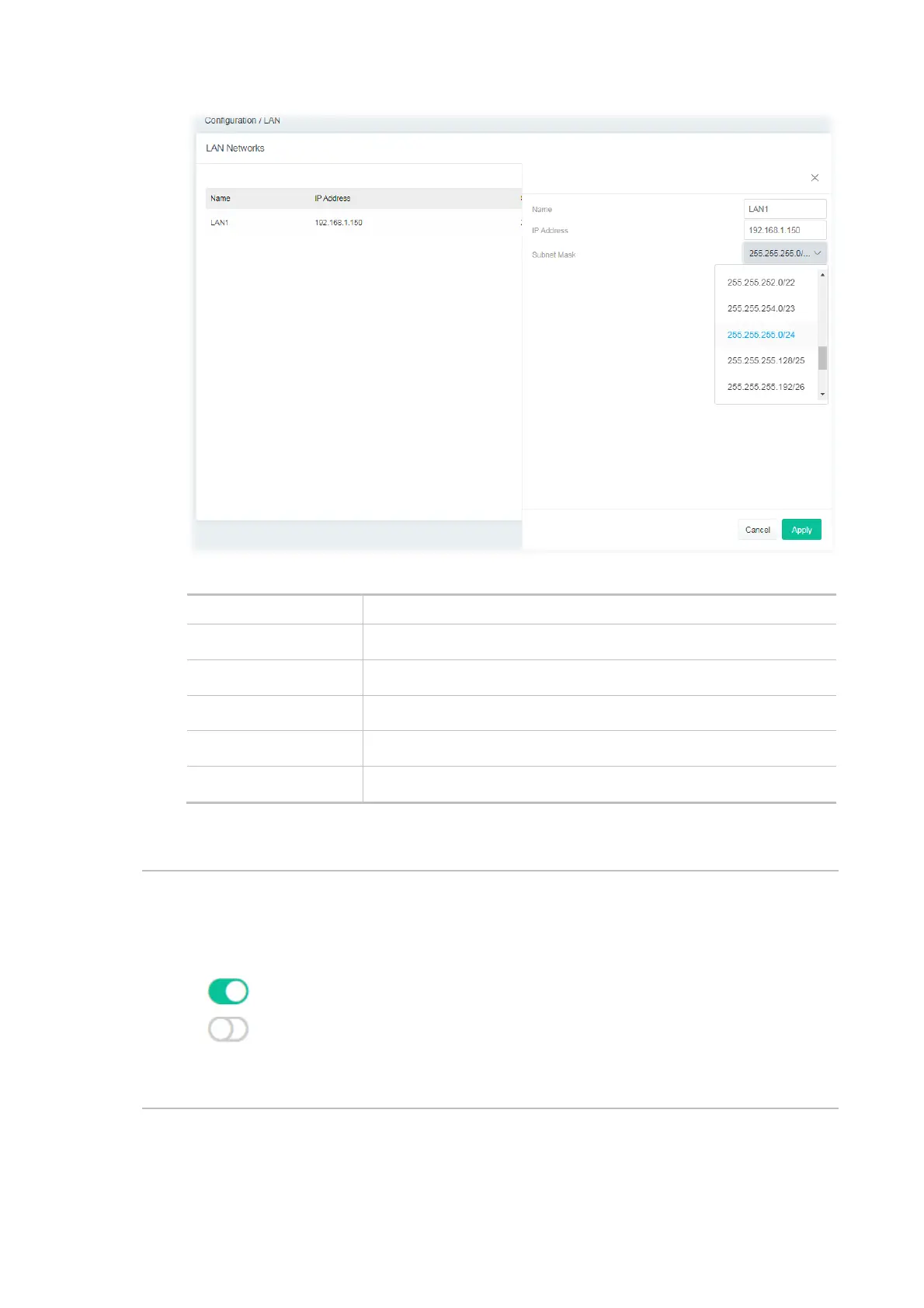
Available settings are explained as follows:
Item Description
Name Enter a brief comment for the LAN interface.
IP Address Enter the IP address of the LAN interface.
Subnet Mask Select a subnet mask of the LAN interface.
Cancel Discard current settings and return to the previous page.
Apply Save the current settings and exit the page.
After finishing this web page configuration, please click Apply to save the settings.
Note:
Switch these two icons by click the mouse cursor on them.
- means “Enable”.
- means “Disable”.



 To Next Page